EasyManua.ls Logo

Microtest CT-8750 - III.1.C R;L;C Setup

Default Icon
51 pages
Print Icon
To Next Page IconTo Next Page
To Previous Page IconTo Previous Page
Loading...
CT-8750 User’s Guide
P 36
III.1.C
R/L/C Setup
Operation Procedure
(a) Press [RLC]
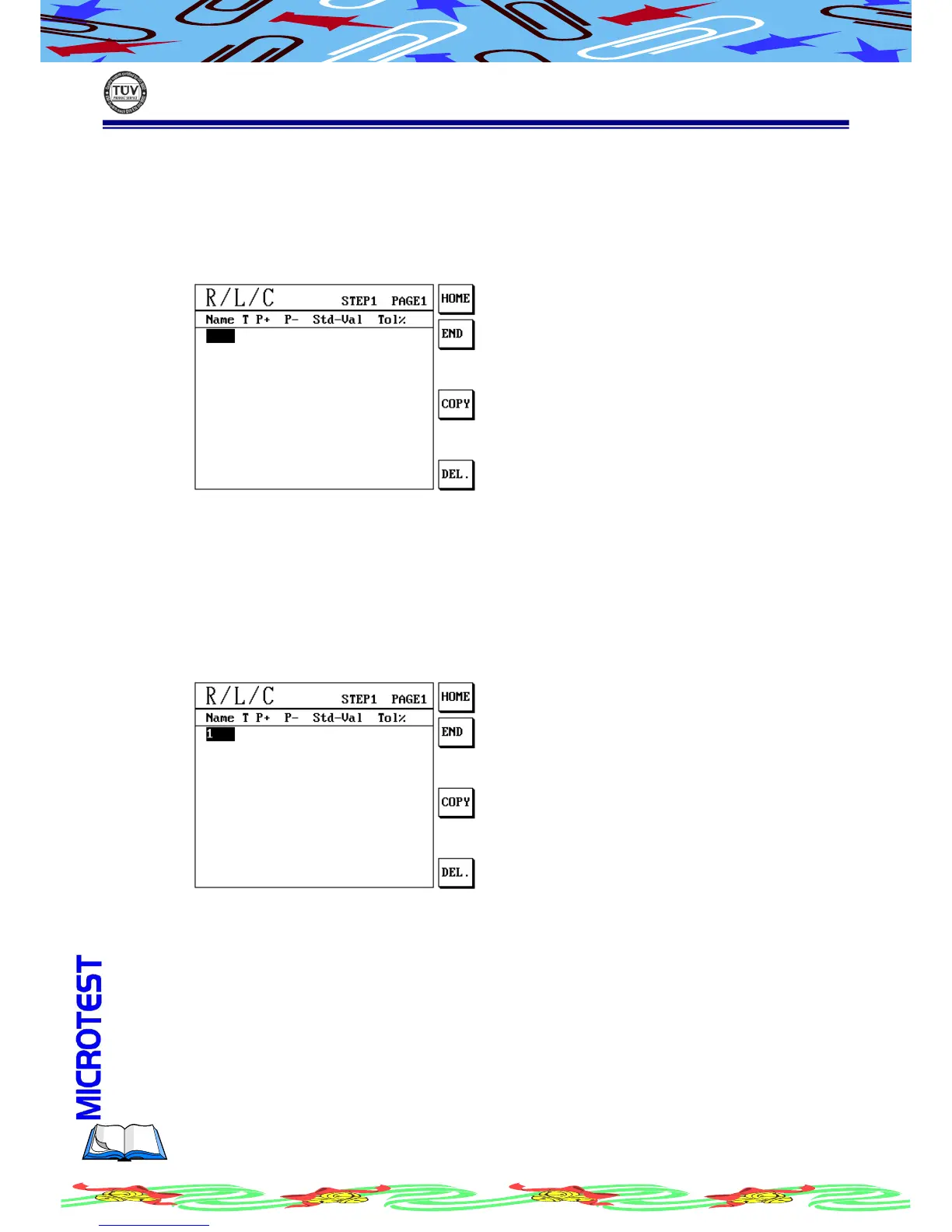
(b) LCD display as following
(c) Use S1 [HOME] move cursor to the first of R/L/C setup data.
(d) Press S2 [END] move cursor to the end of R/L/C setup data
(e) Press S4 [COPY] to copy a data from last row
(f) Press S6 [DEL.] to delete a data which you seleced
(g) Use alphanumeric keys to enter a name for the file. For example, enter 1
for the first data

(h) Press [Enter] to confirm

Table of Contents

Related product manuals