CT-8750 User’s Guide
P 32
When run into the Open/Short whether to detect pins or not. If setup is NO that
speed would be faster, but do not detect the O/S end.
Press S1[PROG] to change setup to be YES/NO
Press S1[PROG] to change setup to be AUTO/TIMER
AUTO:The system is repeatedly testing until the DUT cables completely take off
then stop automatically.
TIMER:To follow the test time doing test
Use alphanumeric to key in Int. O/S timer, but if mode setup is AUTO and this
setting will not work
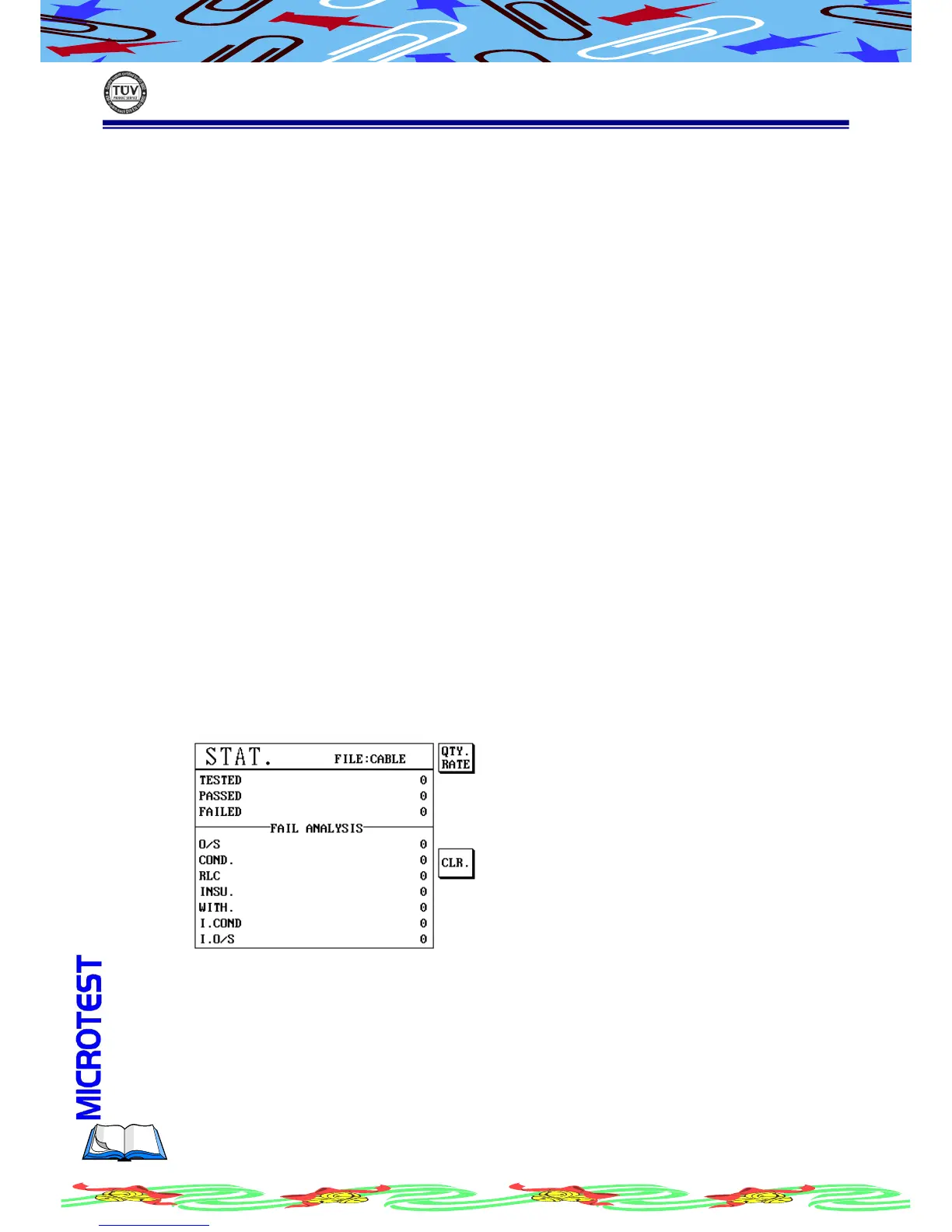
You can view the statistics report by just press [Stat] key. The report includes
total test amounts, pass/fail amount and fail analysis in quantity/percentage.
(a) Press [Stat], LCD display as following
(b) Press S1[QTY.RATE] to display in percentage mode



 To Next Page