CT-8750 User’s Guide
P 28
The function is to activate/deactivate the display under the sequence test. When
you select, the display function of test data will be set simultaneously.
ALL Both PASS/FAIL auto print on
FAIL FAIL auto print process only
The function is to change the printer Data Report whether Auto or not.
AUTO The Printer Data Report auto print on
MANUAL The Printer Data Report auto print off, you have to setup
by yourself.
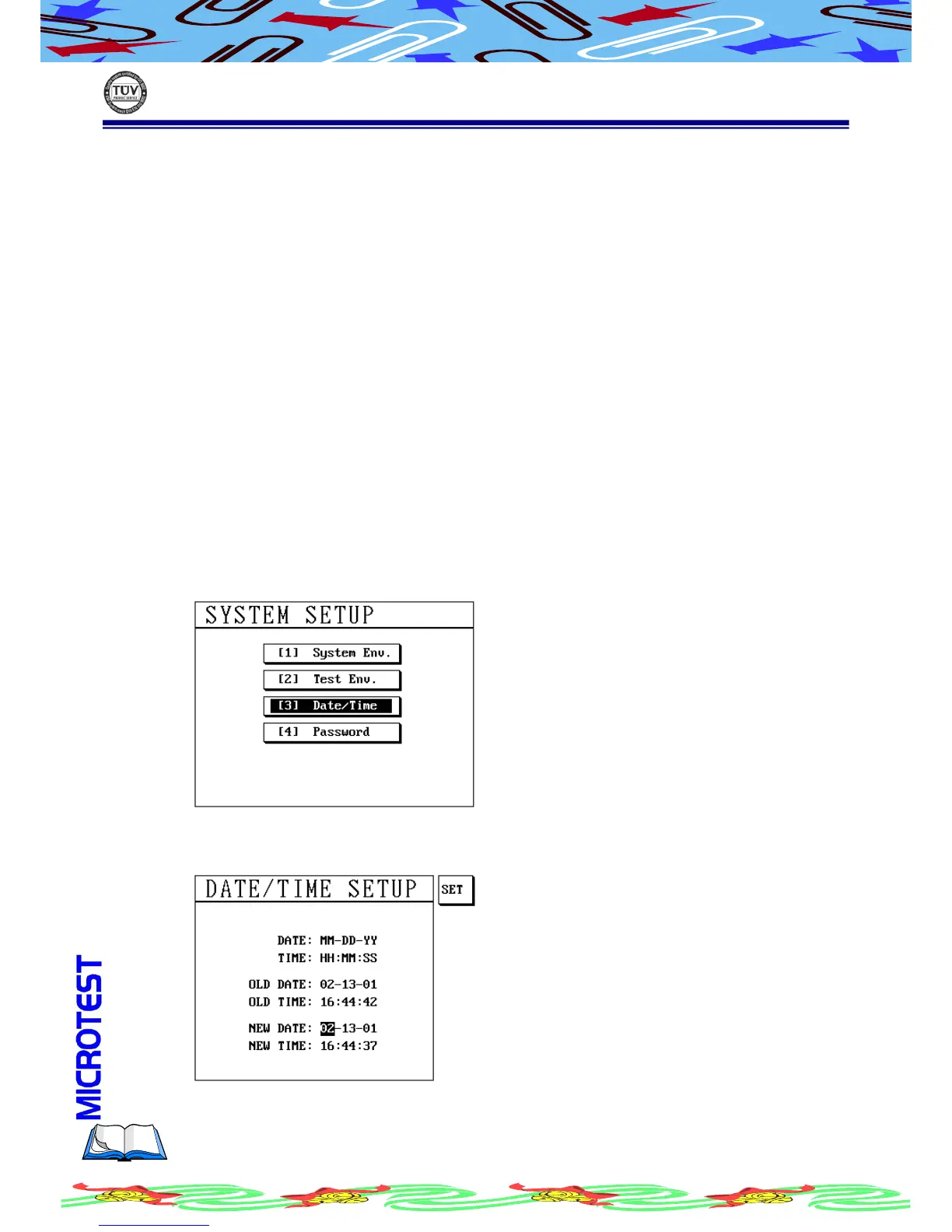
(a) Press [Sys] and use [↑] or [↓] to select item
(b) LCD display as following
(c) Press [Enter], LCD display as following



 To Next Page