CHAPTER II System Function and Configuration
P 29
(d) Press S1[SET]
(e) Key in a exact date and time
(f) Complete it then press [Enter] to leave
Hour is 24-hours mode setting
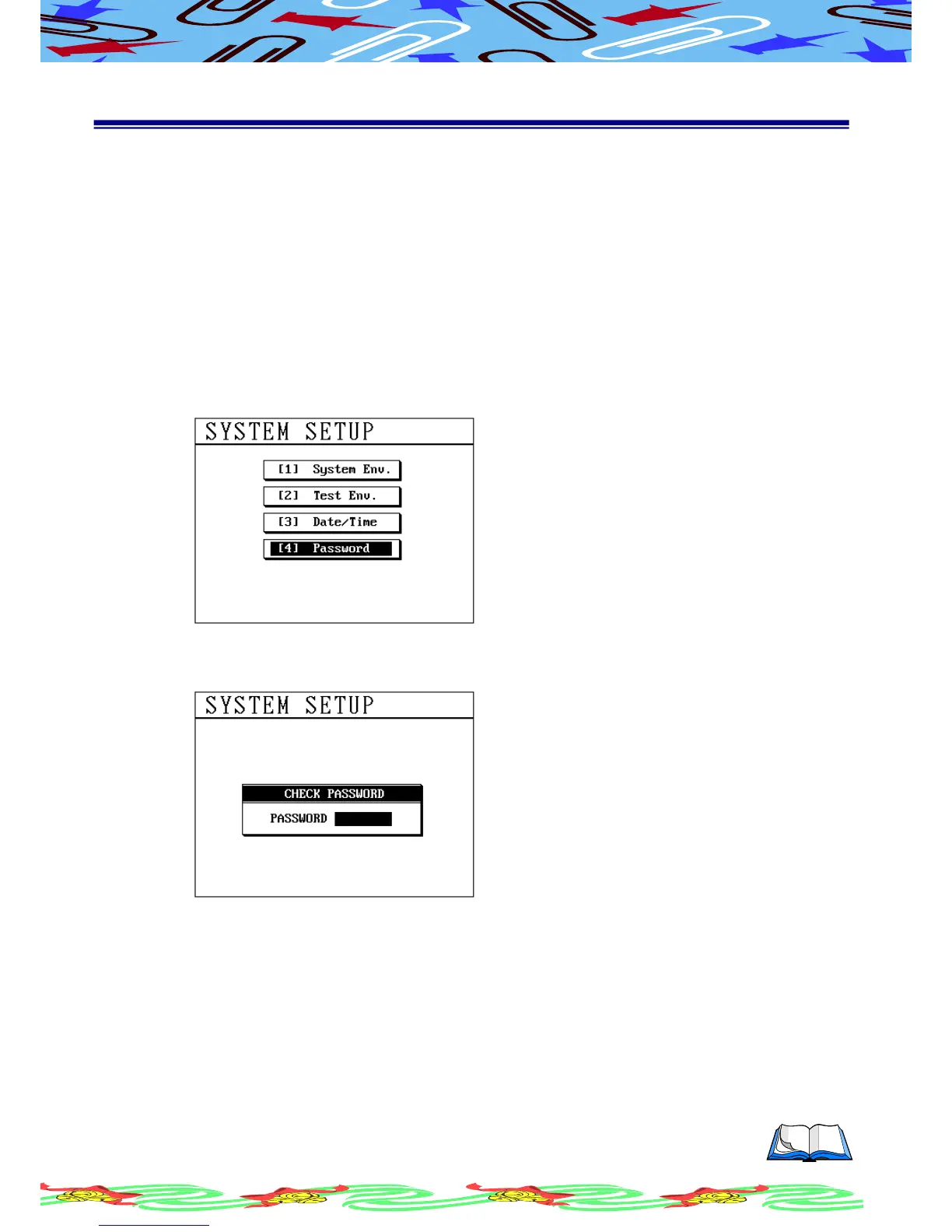
You can set a system password to protect setting from revision.
(a) Press [Sys] and using [↑] or [↓] to select this item
(b) LCD display as following
(c) Press [Enter], LCD display as following
(d) Key in a initial password and press [Enter]
(e) Key in a new password and press [Enter]
(f) Key in new password again and press [Enter] to confirm, the screen will
display {success}
(g) When new password setup has been done the screen will return to the
selection menu
(h) Repeat (c)-(f) steps and input the proper password to protect data



 To Next Page