CT-8750 User’s Guide
P 26
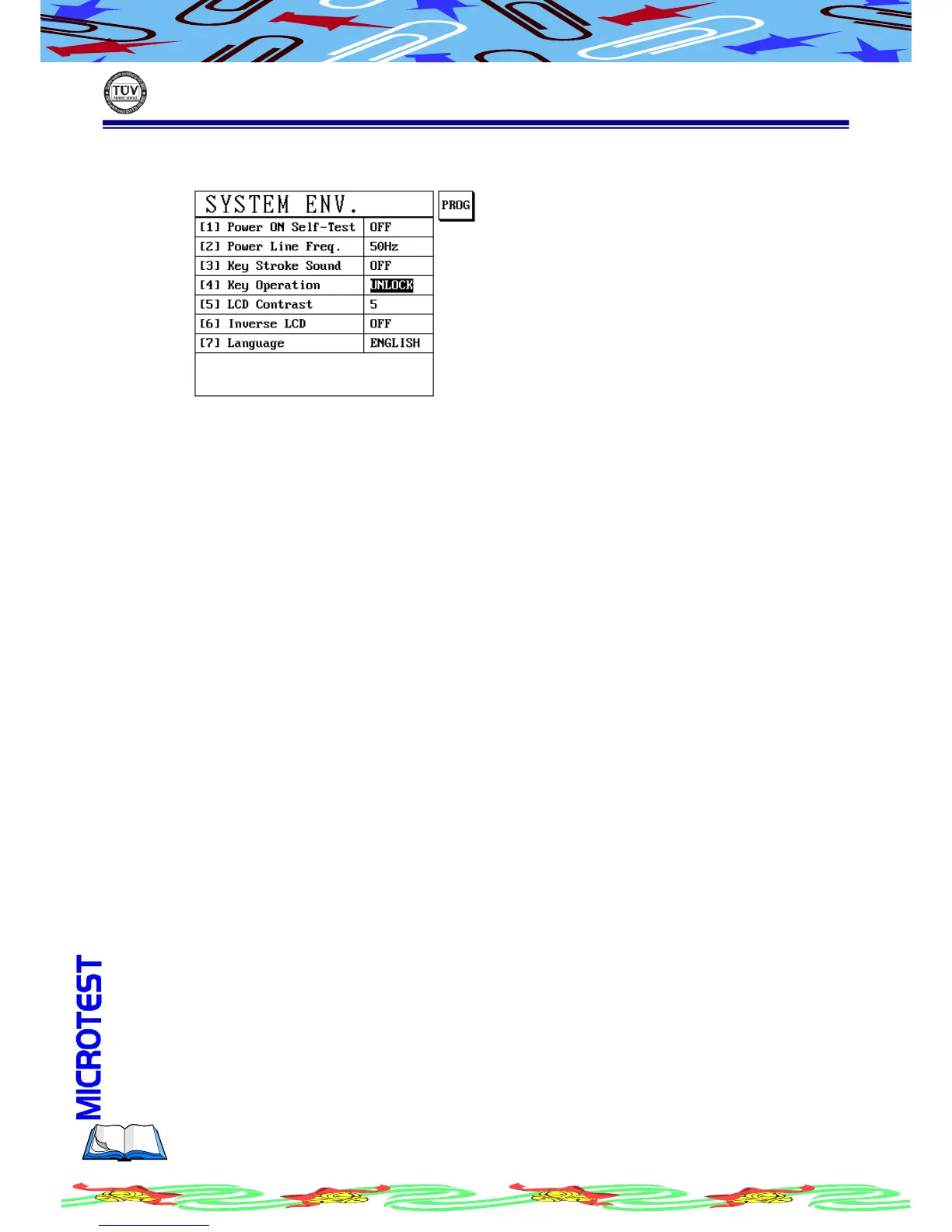
(e) Press [Enter], LCD display as following
(f) Now the key protective has been removed and data can be modified, the
key operation setup from |LOCK | transform to|UNLOCK|.
Remove the protection mode if forgotten the passwords, in the display
screen {enter old passwords} and press [Shift]+[BS] the original will be
shown, if want to change the passwords, please read above operation
procedure.
This function provide LCD bright level control, There are 1~8 steps totally.
1~8 Press S1[PROG] to adjust screen contrast, screen will follow
number to shift brighter or darker.
Press S1[PROG] to change LCD inverse to be ON/OFF, screen will follows to shift
inverse or normal.
ON LCD shows inverse screen
OFF LCD shows normal screen
Press S1 [PROG] to change language to be Chinese or English



 To Next Page