13
Control Panel
OPERATION INSTRUCTIONS
NOTICE:
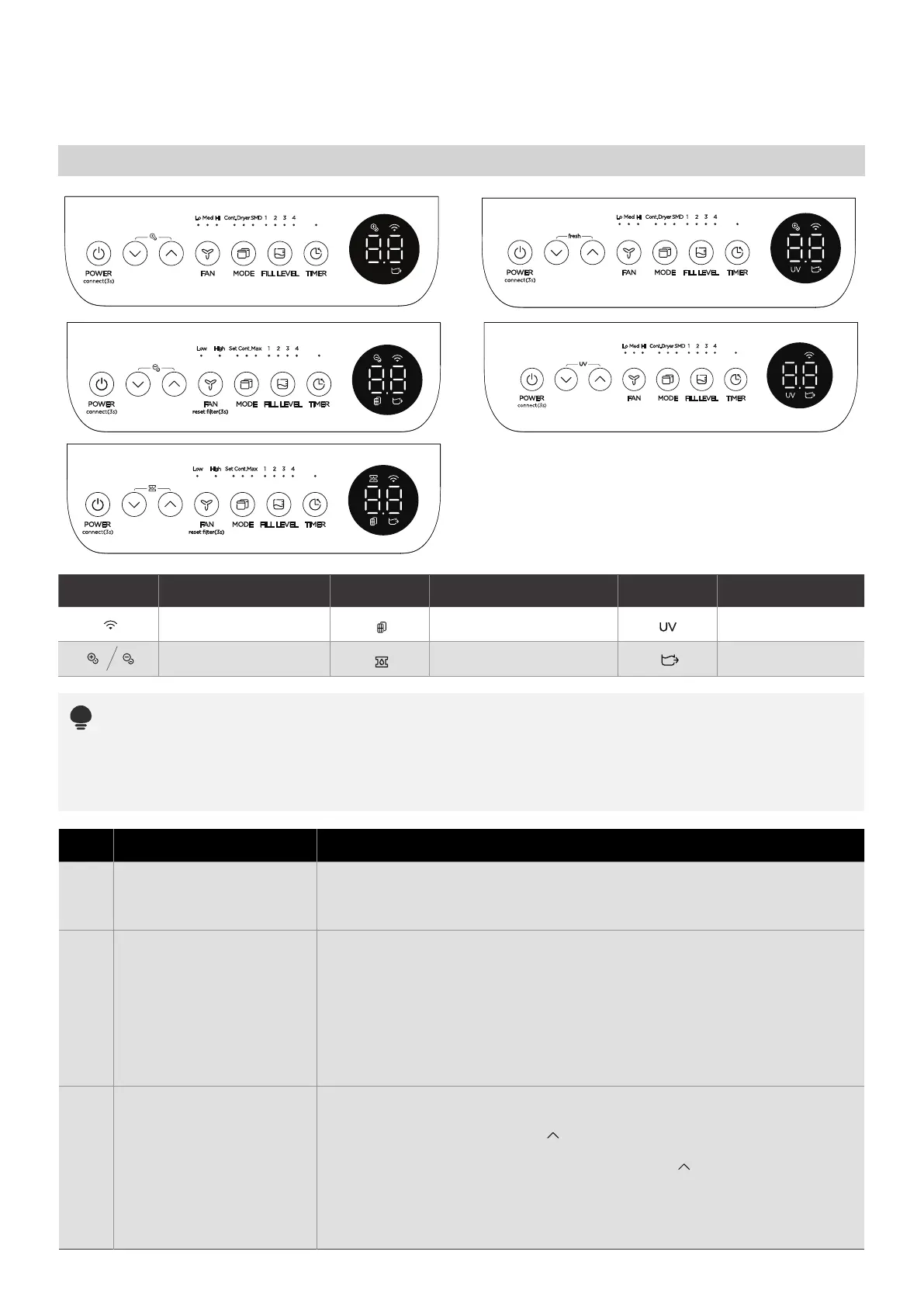
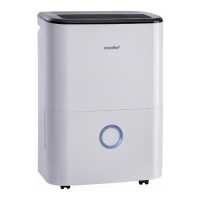
The appearance of the control panel on your unit may vary slightly. Functions will be similar.
When you push the button to change operation modes, the unit will make a beep sound to indicate
that it is changing modes.
Indicator Function Indicator Function
Bucketless Mode
Wireless light
UV light
Fresh light
Filter clean light
Pump light
Indicator Function
Description
1
3
2
Power Button
Press to turn the dehumidifier on and o.
NOTE: When the compressor startups or stops running, the unit may
make a loud voice, it is normal.
Mode button
Bucketless mode
(on some models)
· Press to select the desired operation mode from Continuous
dehumidifying,Dryer/Max(model dependent), Smart dehumidifying
(on some models) and Setting dehumidifying.
· In Setting dehumidifying mode, on some models the set indicator
light illuminates. On some models, the unit without setting
dehumidifying indicator light. When the Continuous, DRY, Smart
indicator lights turn dark, the unit is at the setting dehumidifying mode.
NOTE: In Continuous dehumidifying, Dryer and Smart dehumidifying
modes, the humidity setting can‘t be adjusted.
· The dehumidifier can be used without bucket. For the first time
connect to the power, the LED DISPLAY shows”Eb”. Press and hold
FILL LEVEL button and UP ( )button for 3 seconds to clear “Eb”
malfunction in 3 minutes, and the bucketless mode indicator light
illuminates. Press FILL LEVEL button and UP ( )button to exit
Bucketless mode, the bucketless mode indicator light turns dark.
NOTE: In Bucketless mode, the unit should operate with a hose to
drain away water. In Bucketless mode, the bucket capacity can’t be
selected and the unit can’t turn on PUMP feature.



 To Next Page