16
Quick glance light(On some models)
When the humidity is more than 70%, the quick
glance light will emit red light. When the humidity
range is at 45% to 70%, the quick glance light will
emit yellow light. When the humidity is lower than
45%, the quick glance light will emit green light.
The light can be activated or deactivated by pressing
and holding the Fan button and UP botton
simultaneously for 2 seconds.
Setting dehumidifying mode
At setting dehumidifying mode, the unit can be
adjusted in a range 35%~85%, and the humidity
setting can be adjusted (increase/decreasing) in 5%.
Press MODE button to exit setting
dehumidifying mode.
Dryer mode(On some models)
The unit can make the MAX dehumidification
function when it is under Dryer mode. The fan speed
can’t be adjusted.
MAX mode(On some models)
The unit can make the MAX dehumidification
function when it is under MAX mode. The fan speed
is fixed at high fan speed.
NOTE:
1. The Dryer/MAX(model dependent) mode must be
operated in a close room, do not open the door and
window.
2. To make the best eective dehumidification,
please first dehydrate the wet clothes.
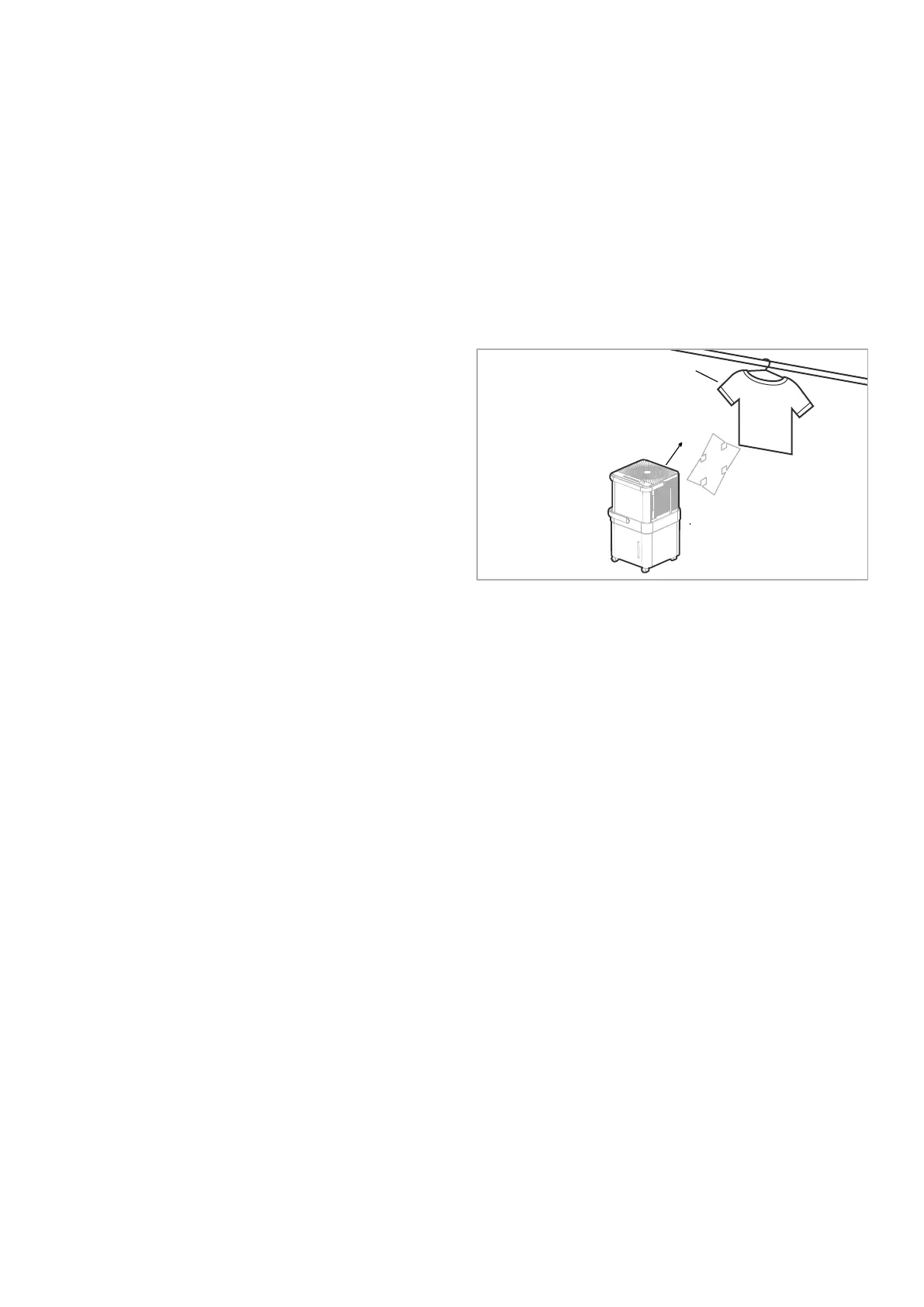
3. Make sure to direct airflow at the wet clothes.
4. For thick and heavy wet clothes may not get the
best eective dehumidification.
30~50cm
Wet clothes
30~50cm
Airflow
Allow 30~50cm of distance
on the top and right side of
the unit to the wet clothes.



 To Next Page