Preparing beverages
33
DoubleShot can be activated for all
drinks apart from “Ristretto” and
“Long black”.
Making a DoubleShot of coffee
Tap the sensor button
immediately before or after you start
making a drink.
Dispensing starts and the sensor
button lights up. 2portions of coffee
beans will be ground and brewed.
Making2portions (sensor
button)
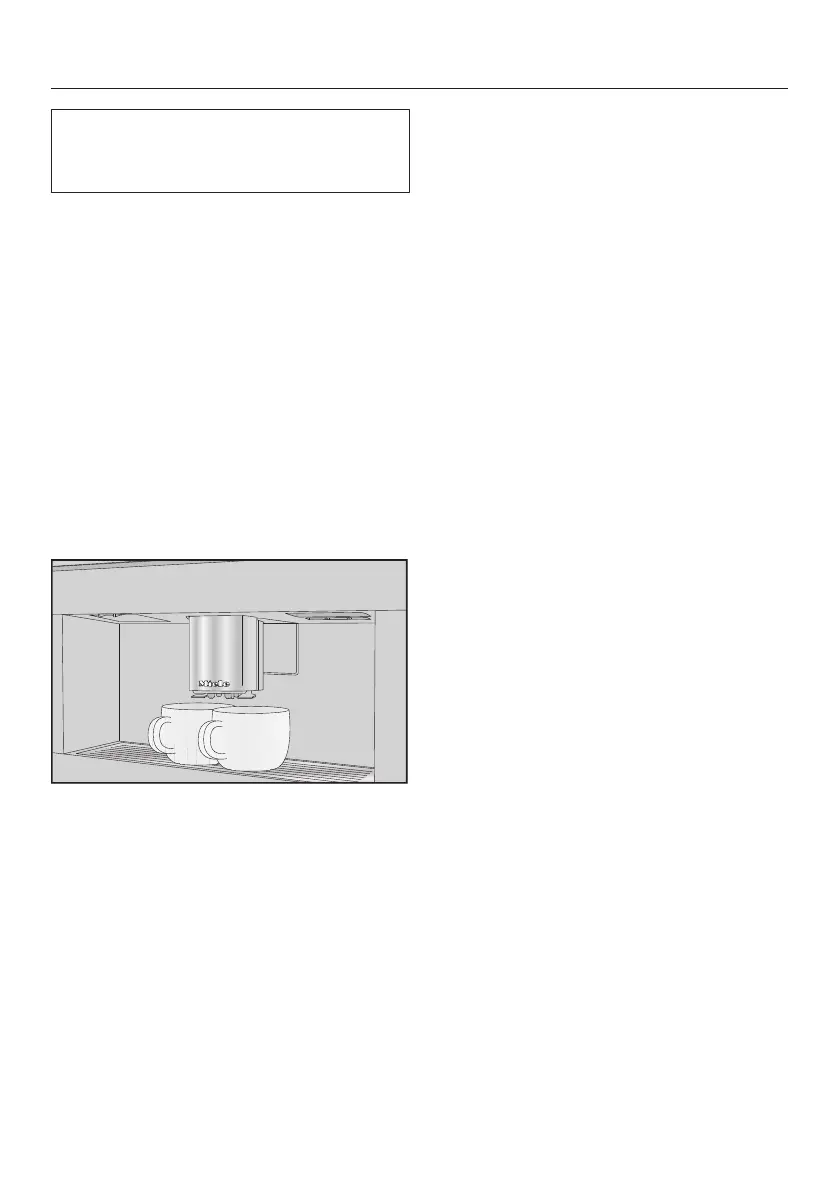
You can dispense 2portions of a drink
into 1large cup or into 2cups at the
same time.
Place a cup under each of the main
coffee dispenser spouts.
Tap the sensor button immediately
before or after you start making a
drink.
The sensor button lights up.
The dispensing starts and 2portions of
the desired drink will be dispensed.
Coffee pot
You can make several cups of coffee
one after the other automatically with
the Coffee Pot function (maximum
of1liter).
The drinks menu is displayed.
Tip: Make sure that the bean and water
containers have enough beans and
water inside them before starting the
Coffee Pot function.
Place a sufficiently large container
under the main dispenser.
Tap the sensor control.
Select Coffee Pot and confirm
withOK.
Select the number of cups you want
(3to8).
Each portion of coffee will be ground,
brewed, and dispensed individually. You
can follow the process on the display.
Canceling a drink
Tap the sensor control.



 To Next Page