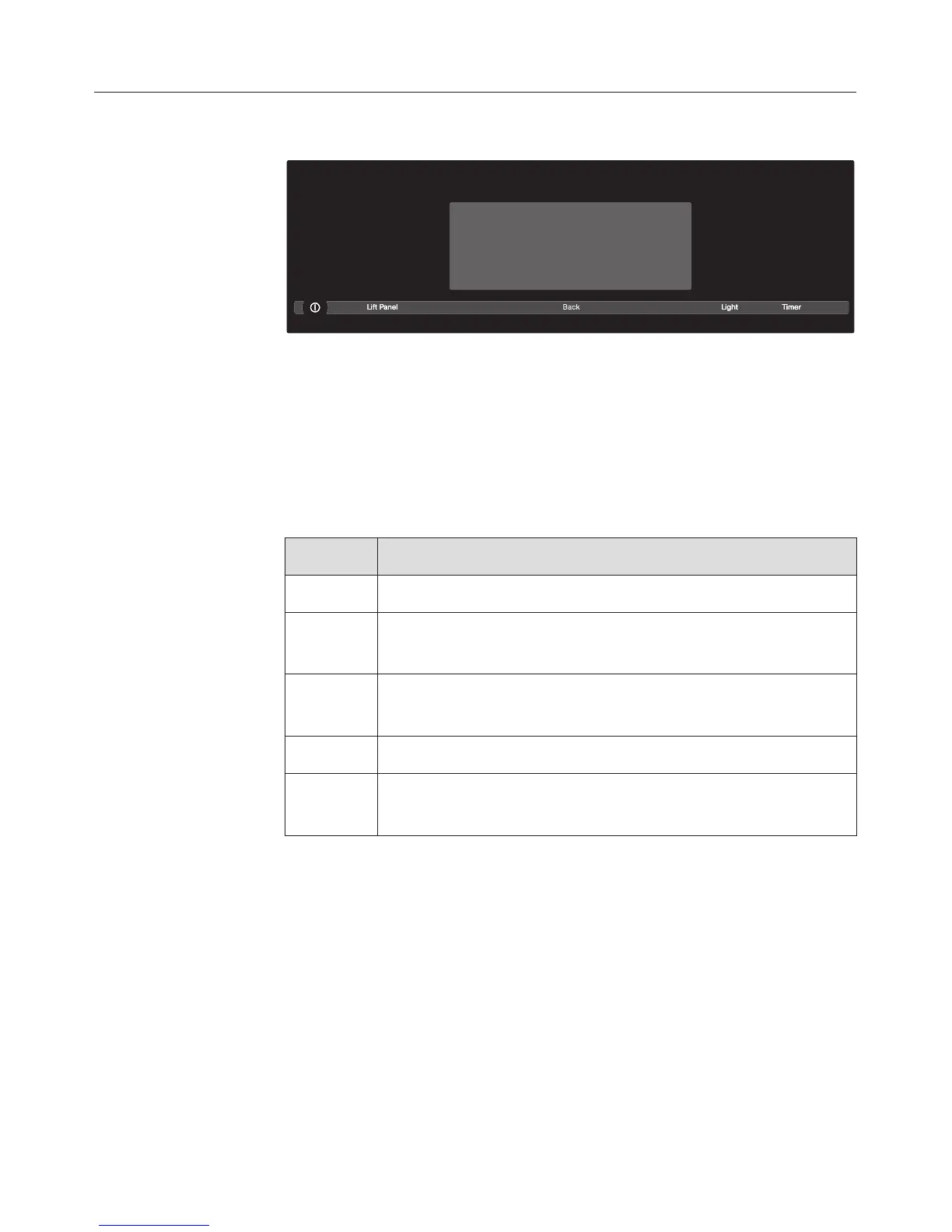
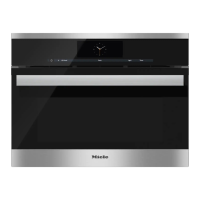
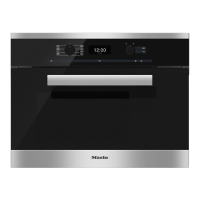
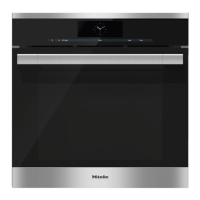
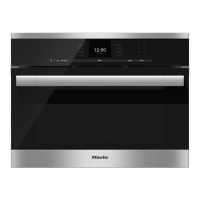
Control panel
Sensor buttons
The sensors respond to finger contact. An audible tone will
sound each time a sensor is touched.
You can adjust the volume of the tone in the Settings menu
(see "Settings / Volume").
Button Function
On / Off For turning the appliance on and off
Back To return to the previous level.
Clear the last entry.
Lift
Panel
To open and close the control panel
Light Lighting
Timer Turns the timer and alarm on and off.
Timer / alarm selection.
Functional description
18


 To Next Page