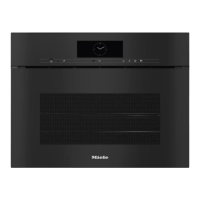
Controls
18
On/Off sensor
The On/Off sensor is recessed and
reacts to touch.
Use this sensor to switch the steam
combination oven on and off.
Display
The display is used for showing the
time of day or information about
functions, temperatures, cooking
durations, Automatic programmes and
settings.
After switching the oven on with the
On/Off sensor, Select functionwill
appear in the main menu.
Sensor controls
The sensors react to touch. Every touch
of the sensors is confirmed by a keypad
tone. You can switch off this keypad
tone using Other| Settings| Volume|
Keypad tone.
If you want the sensors to respond
even when the steam combination
oven is switched off, select the
Display| QuickTouch| Onsetting.
Sensor controls above the display
For information on the oven functions
and further functions, see “Main and
sub-menus”, “Settings”, “Automatic
programmes” and “Other applications”.




 To Next Page