Settings
75
Language
The language set will be used in the display.
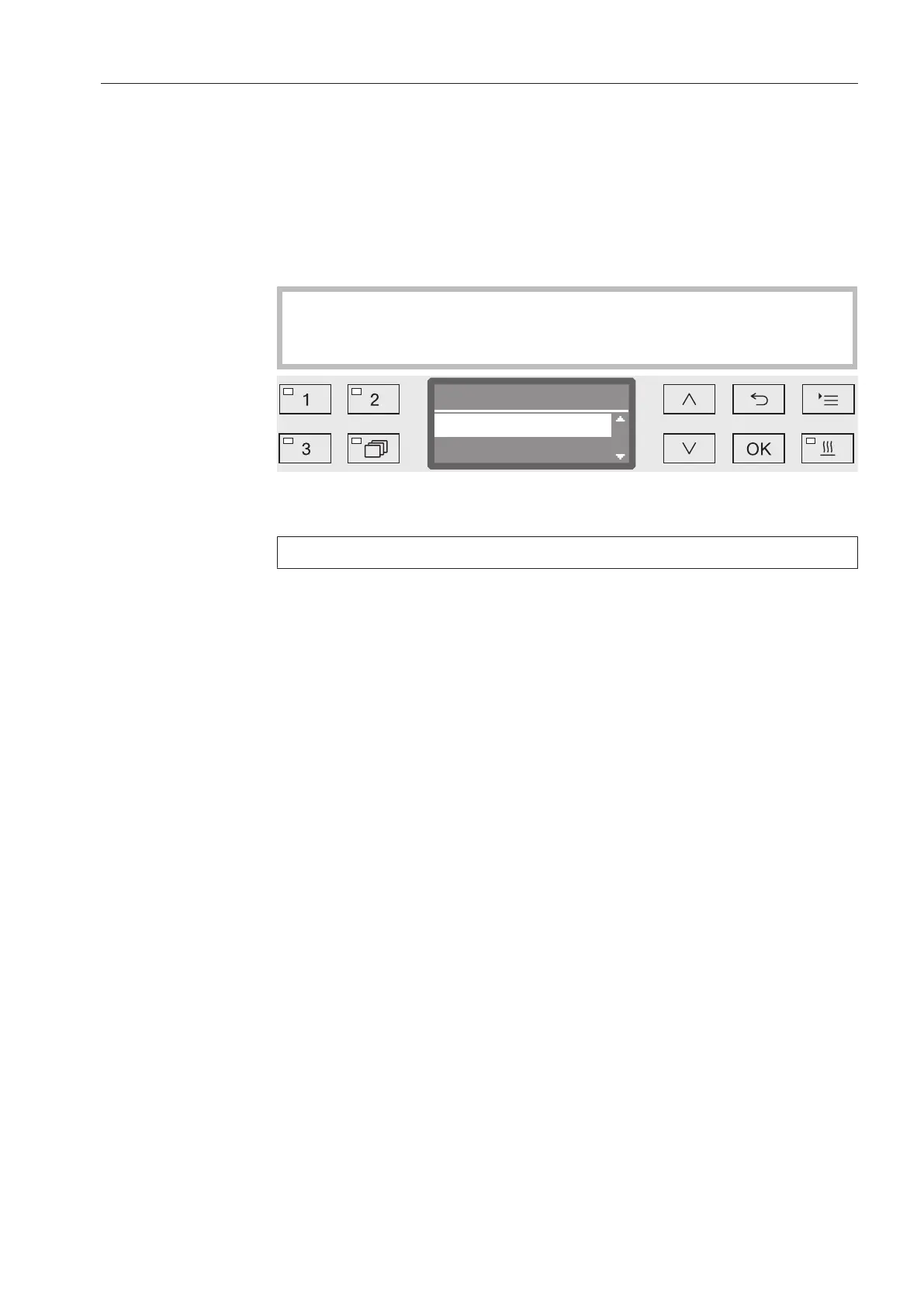
Open the menu as follows:
button
Settings
Language
The flag symbol after the Settings and Language menu
options acts as a guide if a language which you do not understand
has already been set.
Language
english (GB)
english (USA)
(
A list of all the available languages will be displayed. The language
currently selected is marked with a tick.
The factory default language is set as German.
Use the and arrow buttons to select the language you want.
Press OK to save the setting.
The display will change immediately to the language selected.



 To Next Page