Switching on
31
Selecting the ironing temperat-
ure
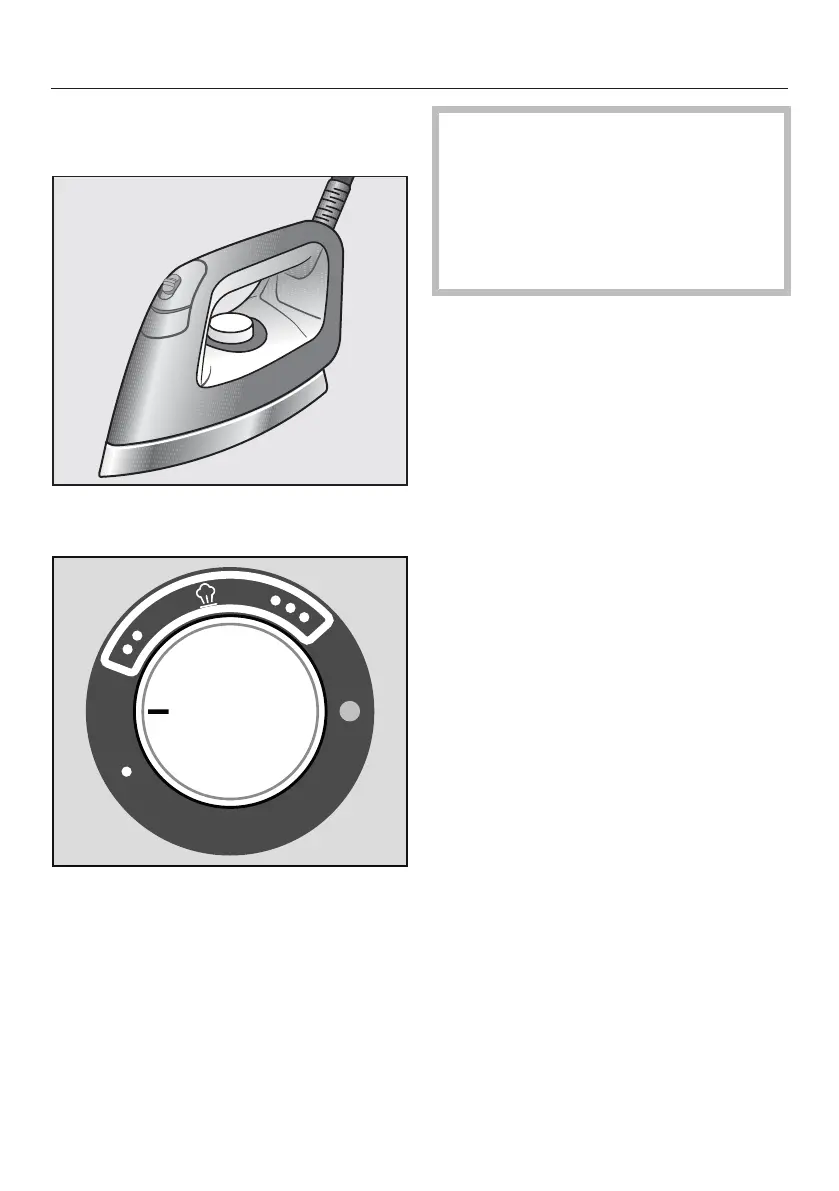
Use the temperature selector on the
iron to set the ironing temperature.
The temperature settings are indicated
by dots around the selector. These dots
correspond to the international care
symbols used for ironing.
At temperature levels and you
can use steam when ironing.
With temperature level the sole-
plate temperature is too low for iron-
ing with steam. If you use this tem-
perature level, do not use the
steam button.
If you do, water will escape from the
steam jets.
Tip: Sort your laundry according to the
heat sensitivity of the fabric. This allows
you to iron faster: First, iron your laun-
dry that is made of heat-sensitive fabric
(e.g., synthetics) at temperature level .
Then, iron all laundry made of wool or
silk, using the temperature level . Fi-
nally, iron all laundry made of cotton
and linen, using temperature level .
Set the temperature selector to the
required temperature setting.
The indicator light on the temperature
selector will light up yellow whilst the
iron is heating up. It will go out once the
set temperature has been reached.
The iron is then ready for use.


 To Next Page
 Loading...