Fill in the TCP/UDP server address (IP/domain name).
Fill in the TCP/UDP server port. Range: 1-65535.
Fill in MQTT broker address to receive data.
Fill in MQTT broker port to receive data.
Client ID is the unique identity of the client to the server, it must be unique
when all clients are connected to the same server.
The username used for connecting to MQTT broker.
The password used for connecting to MQTT broker.
Enable the TLS encryption in MQTT communication.
Import the client certificate.
4.4 Advanced Settings
4.4.1 Calibration Settings
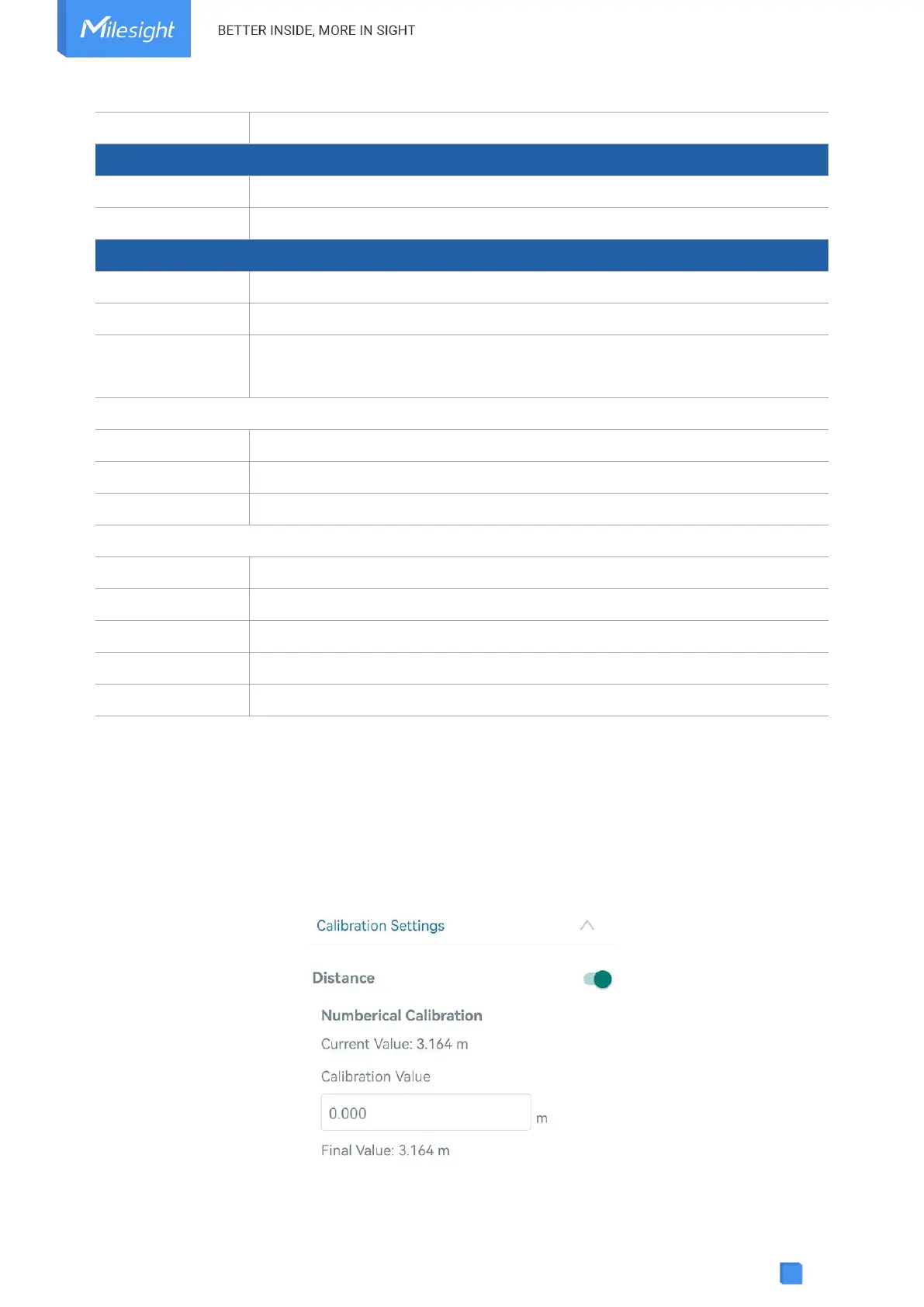
Go to Device > Setting > Calibration Settings to enable calibration. EM400-MUD supports two
calibration types.
Numerical Calibration: users can define calibration value to correct every distance.
Measure Outlier Calibration: users can define either outlier range or value When the device



 To Next Page