Note:
1) Ensure the location of smartphone NFC area and it’s recommended to take off phone case.
2) If the smartphone fails to read/write configurations via NFC, keep the phone away and back
to try again.
3) EM400-MUD can also be configured by dedicated NFC reader provided by Milesight IoT.
4.2 Basic Settings
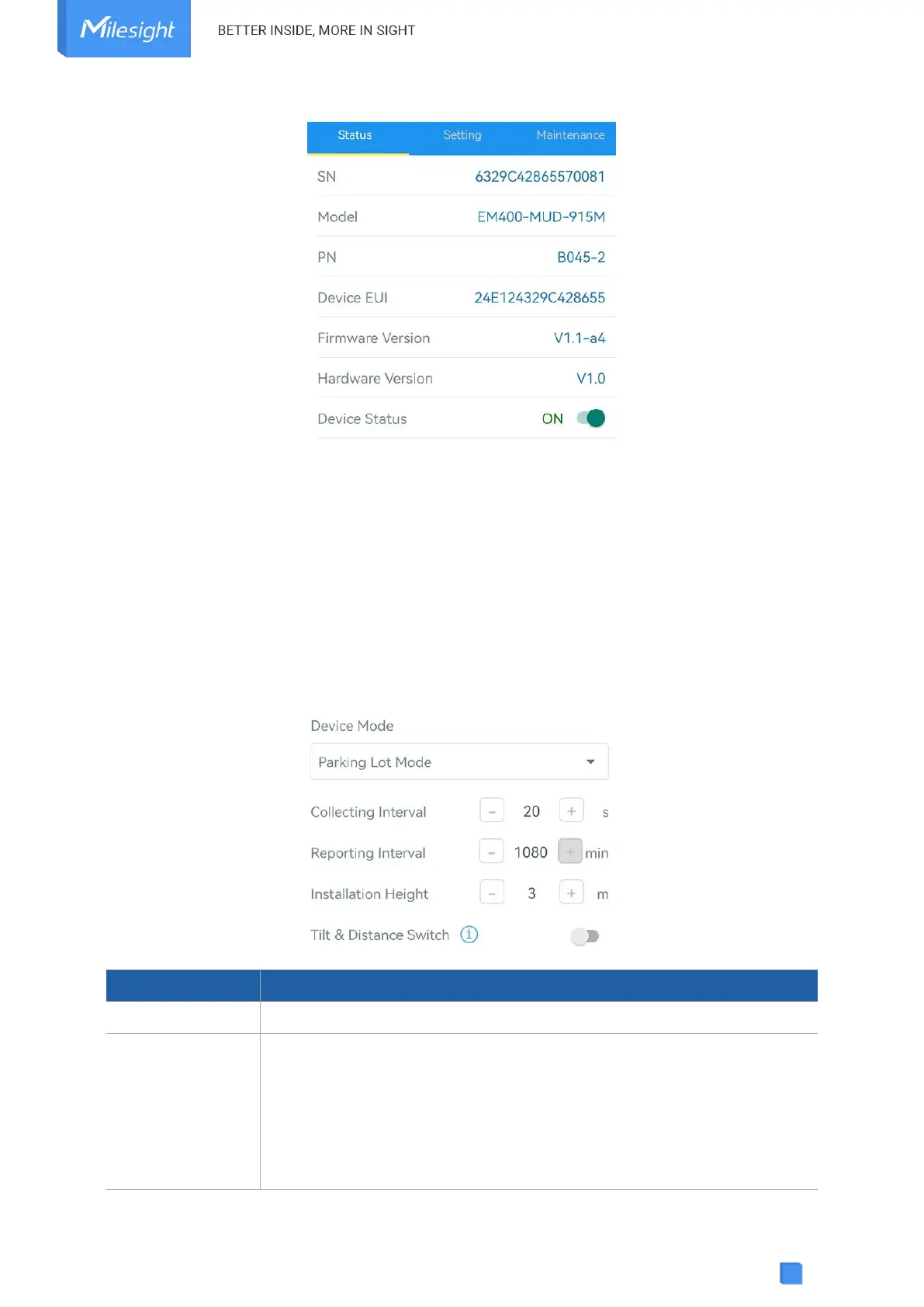
Go to Device > Setting > General Settings of ToolBox App to change the reporting interval, etc.
Select from Standard Mode, Bin Mode or Parking Lot Mode.
Reporting interval of transmitting data to server.
LoRaWAN
®
Version:
Standard Mode: 10 minutes as default, range: 1~1080 minutes;
Bin mode: 20 minutes as default, range: 1~1080 minutes;
Parking Lot Mode: 1080 minutes as default. If the sensor detects the



 To Next Page