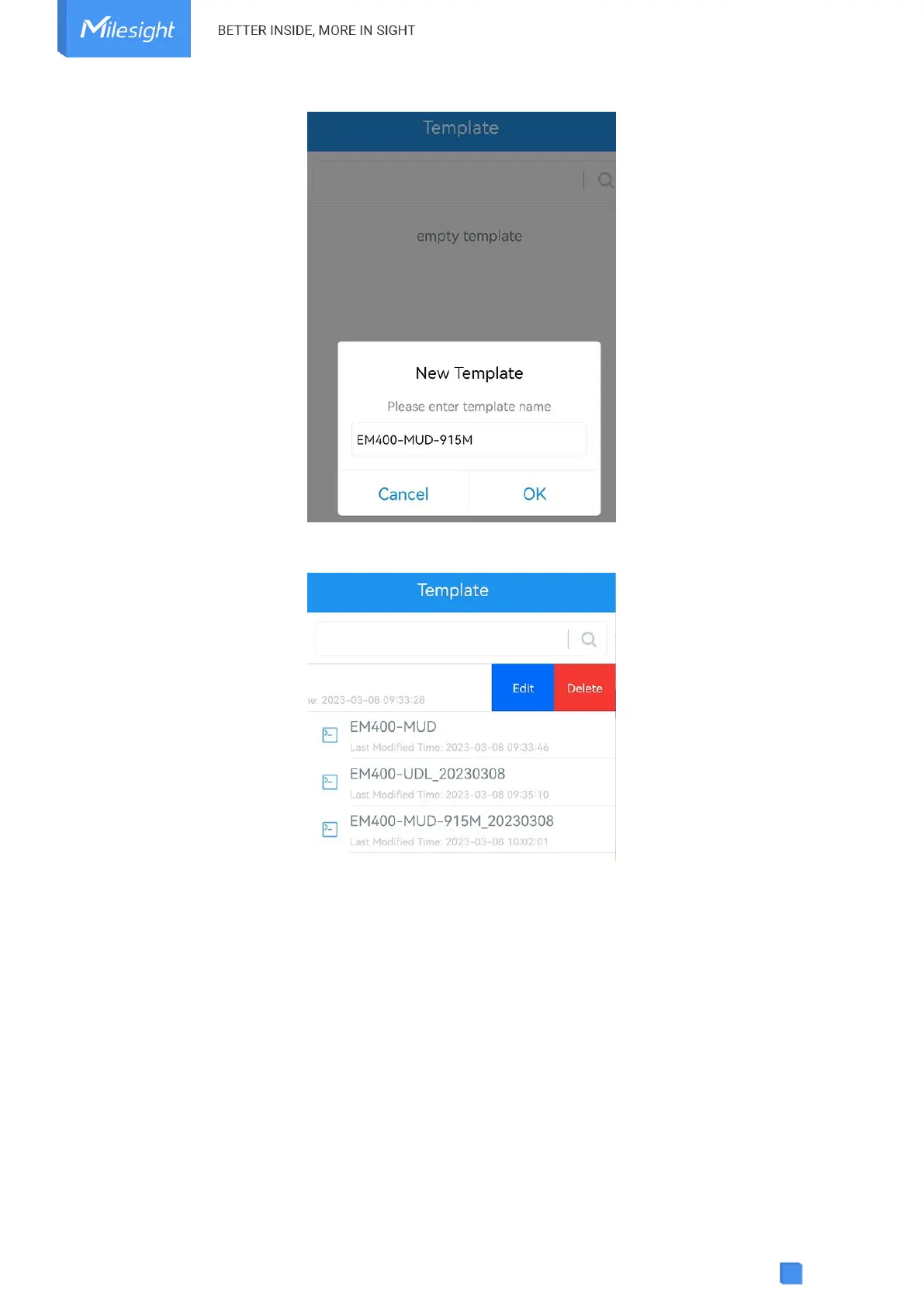
Note: Slide the template item left to edit or delete the template. Click the template to edit the
configurations.
4.5.3 Reset to Factory Default
Please select one of following methods to reset device:
Via Hardware: Hold on power button (internal) for more than 10s.
Via ToolBox App: Go to Device > Maintenance to click Reset, then attach smartphone with NFC
area to device to complete reset.



 To Next Page