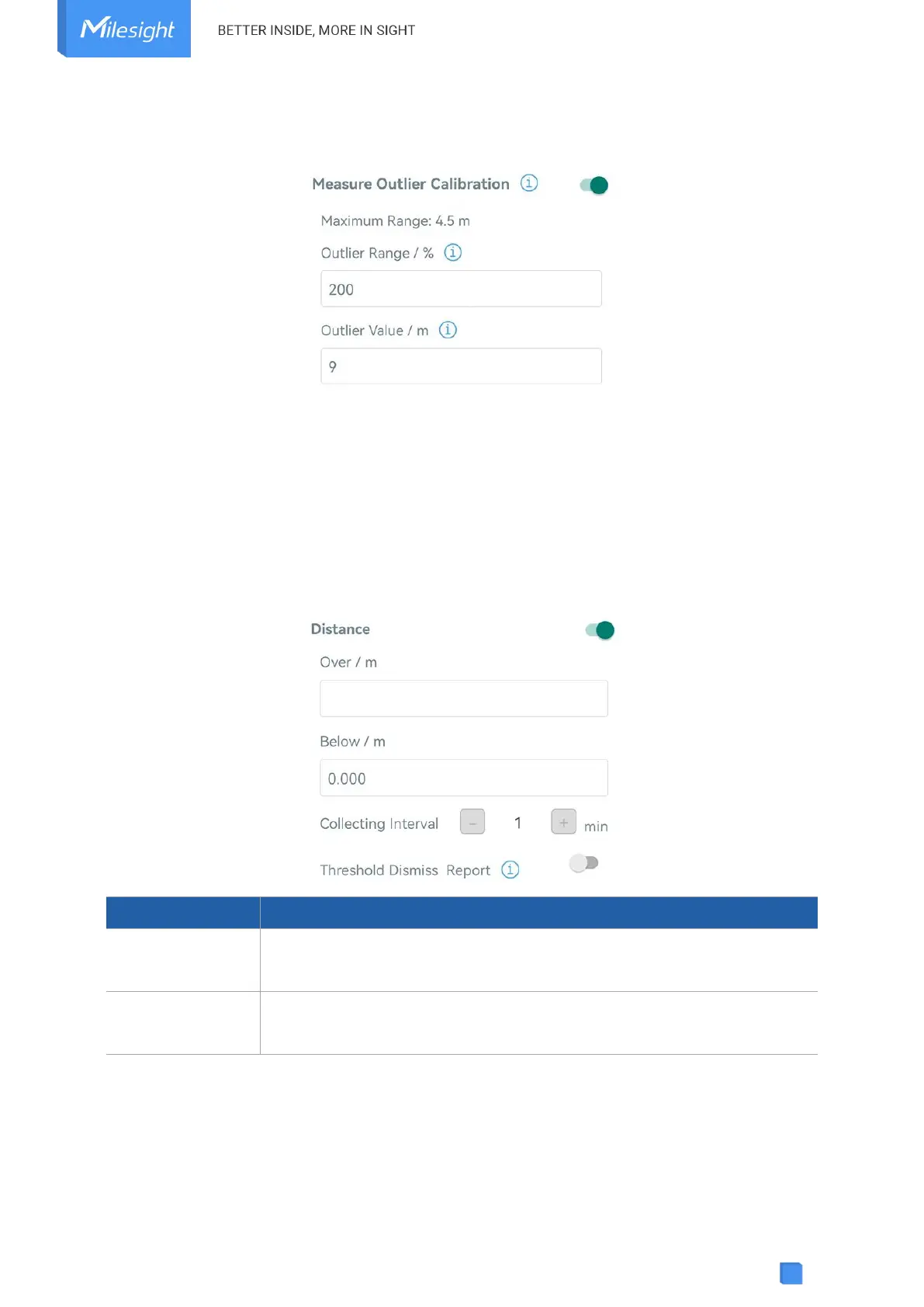
distance value exceeds the outlier range (or range) comparing to last value, the device will
measure the distance again.
4.4.2 Threshold Settings
Go to Device > Setting > Threshold Settings to enable the threshold settings and input the
distance threshold. EM400-MUD will detect whether the distance reaches the threshold
according to collecting interval. If threshold is triggered, it uploads the current data once
instantly.
Note: threshold setting is only for bin mode and standard mode.
Collecting interval to detect distance, this should be smaller than or equal
to reporting interval.
When the collected value changes from outside the threshold to within the
threshold, a threshold release packet will be reported.
4.5 Maintenance
4.5.1 Upgrade
1. Download firmware from Milesight website to your smartphone.



 To Next Page