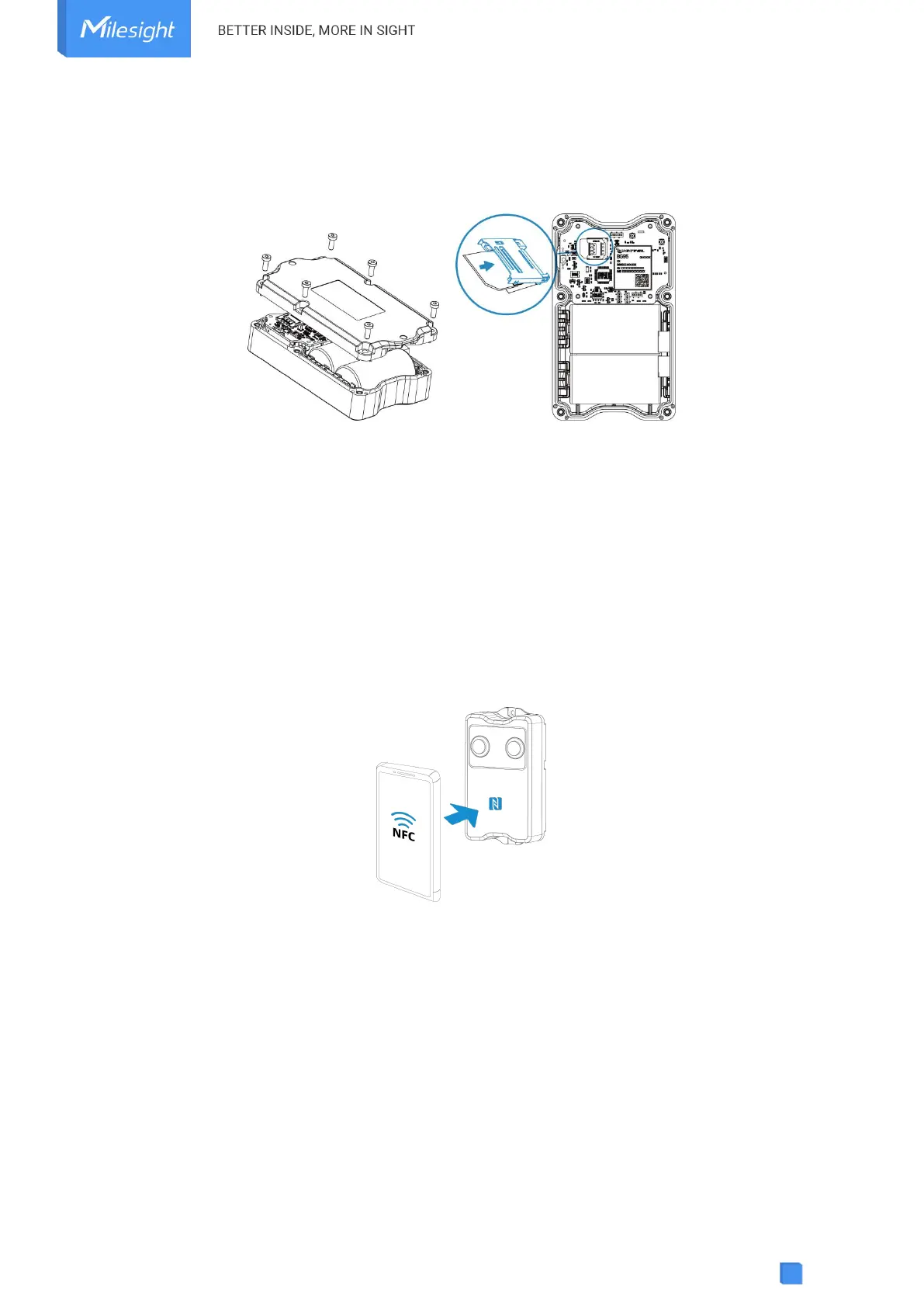
3) When a new SIM card is inserted to the device for the first time, it will take about 2 minutes to
register to network; next time the registration time will be shorten to 30s.
4) When the device does not send data, the device will go to sleep mode and the network status
will be unregistered.
4. Operation Guide
4.1 NFC Configuration
EM400-MUD can be configured via NFC.
1. Download and install “Milesight ToolBox” App from Google Play or App Store.
2. Enable NFC on the smartphone and open “Milesight ToolBox” App.
3. Attach the smartphone with NFC area to the device to read the basic information.
4. Basic information and settings of devices will be shown on ToolBox if it’s recognized
successfully. You can switch on/off, read and write the device by tapping the button on the Apps.
In order to protect the security of devices, password validation is required when configuring via
unused phone. Default password is 123456.



 To Next Page