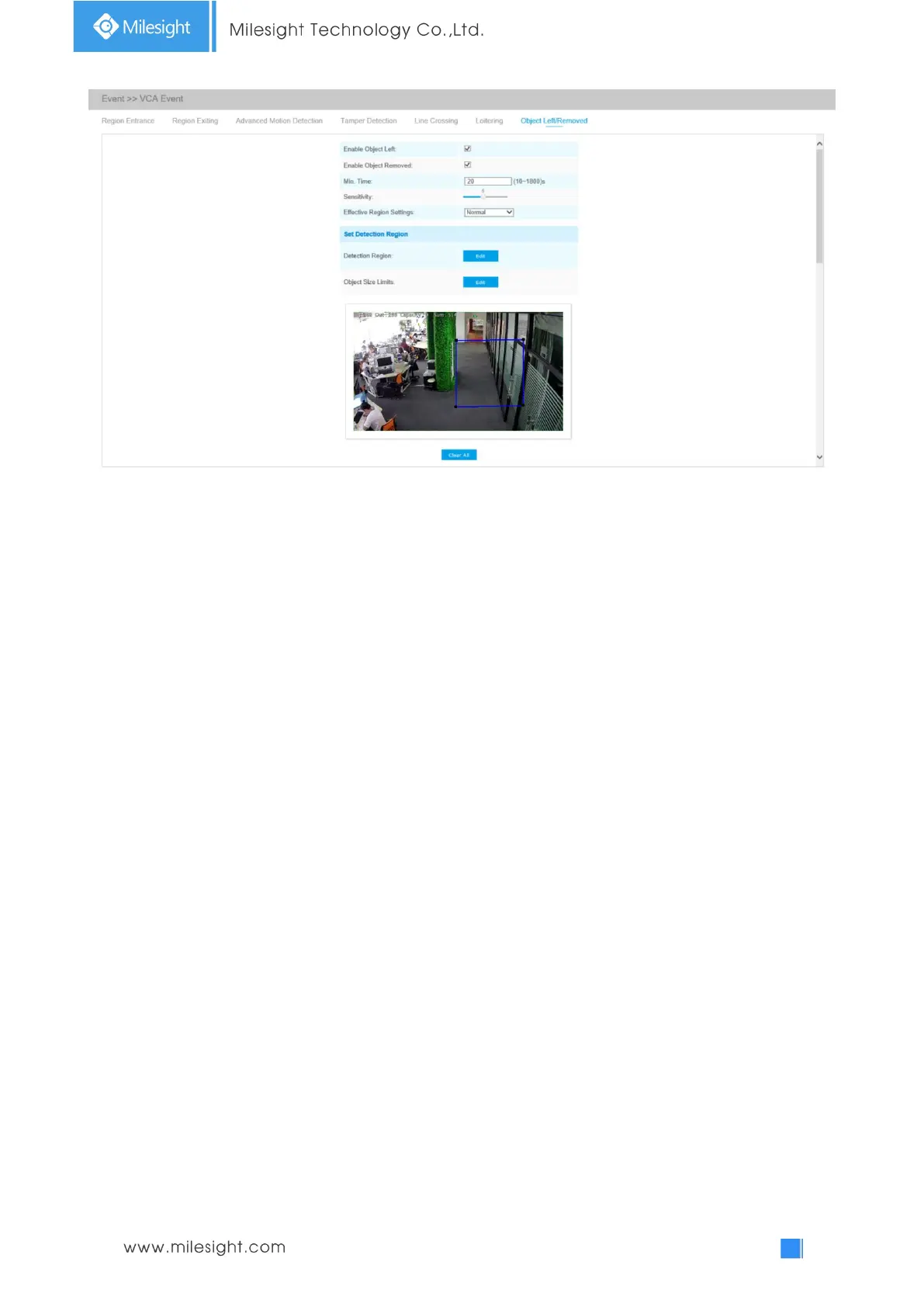
Object Left/Removed Interface(for AI cameras)
Step1: Enable Object Left or Object Removed (Or you can enable both features at the same time);
Step2: Set minimum time;
Step3: Set detecting sensitivity;
Step4: Set detection region. If you choose Normal Mode, it supports configuring the
detection region for the current area. If you choose Advanced Mode (Only for PTZ series), it
supports configuring the detection region for different PTZ presets (Only support Preset 1~4 so
far).
Step5: Set object size limits. The object size limits can refer to Table 4-6-5;
Step6: Set detection schedule;
Step7: Set alarm action. When enabling PTZ Auto Tracking, camera will automatically track objects
and trigger an alarm if an object is left or removed in a defined area;











 To Next Page