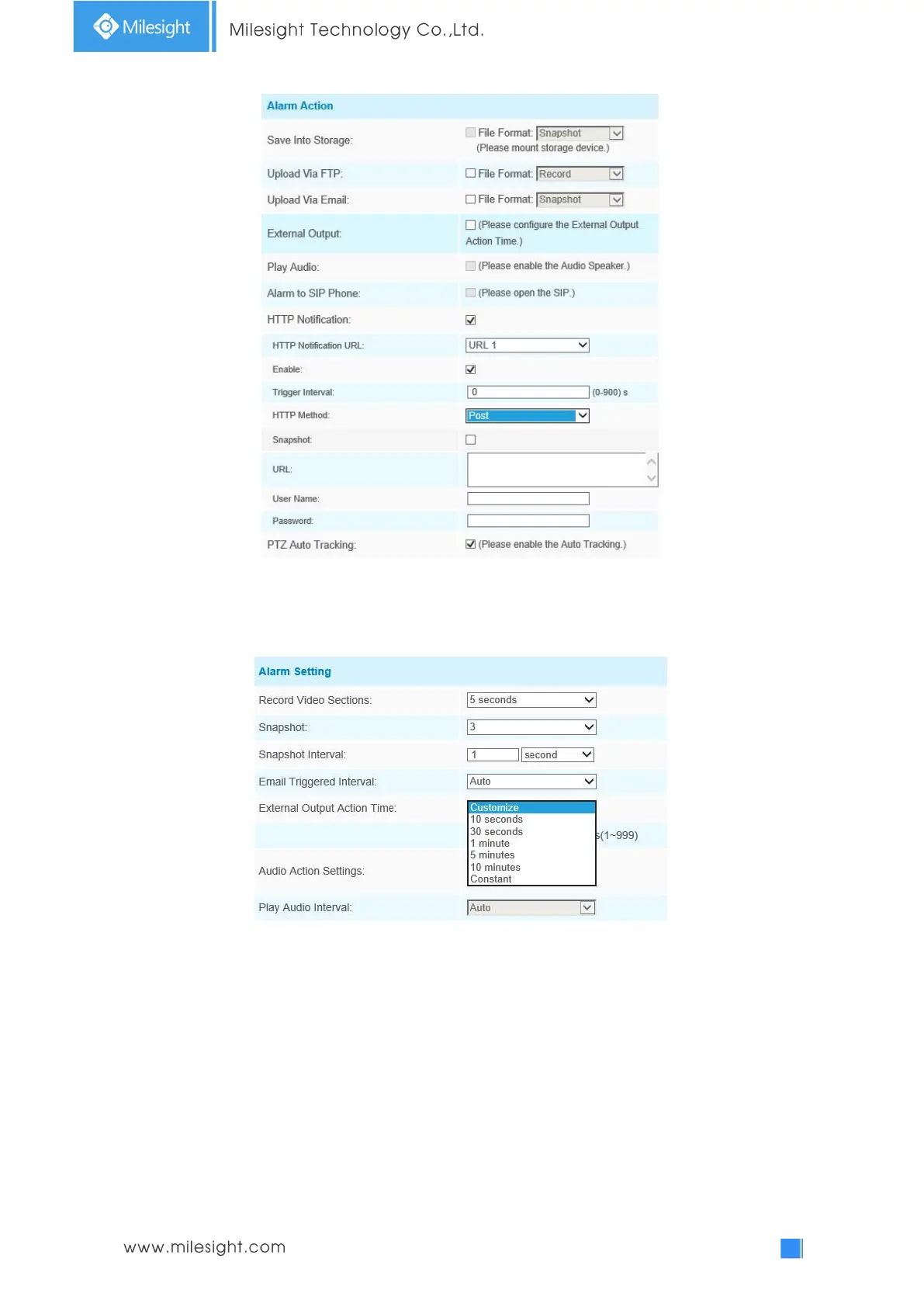
Step8: Set alarm settings. If you enable External Output and choose Constant External Output
Action Time, when an object is left/removed from the selected regions, External Output Action
alarm time will be always constant till the alarm is released.
Note:
1) After setting minimum time from 3s to 1800s, any objects are left in the selected area or
removed from the selected area over the minimum time will trigger the alarm.
2) When Object Left/Removed is triggered, the frame of target object will turn red.


 To Next Page
 Loading...







