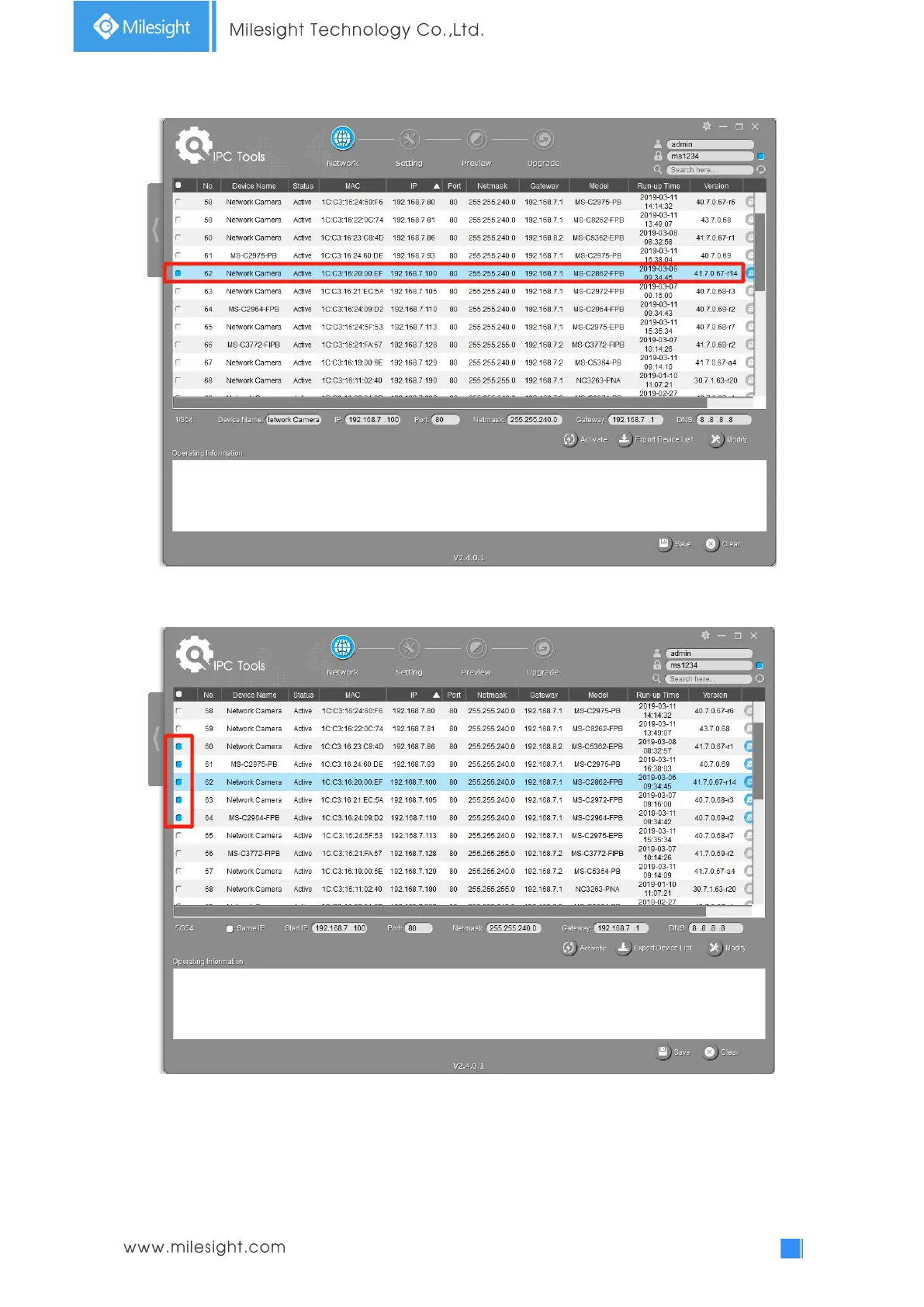
Step3: Select a camera or multiple cameras according to the MAC addresses;
Select single camera
Select multiple cameras
Step4: If the selected camera shows "Active" in the status bar, you can directly type the User Name
and Password (Camera with version lower than 4x.7.0.69 is using admin/ms1234 by default),
change the IP address or other network values, and then click “Modify” button;











 To Next Page