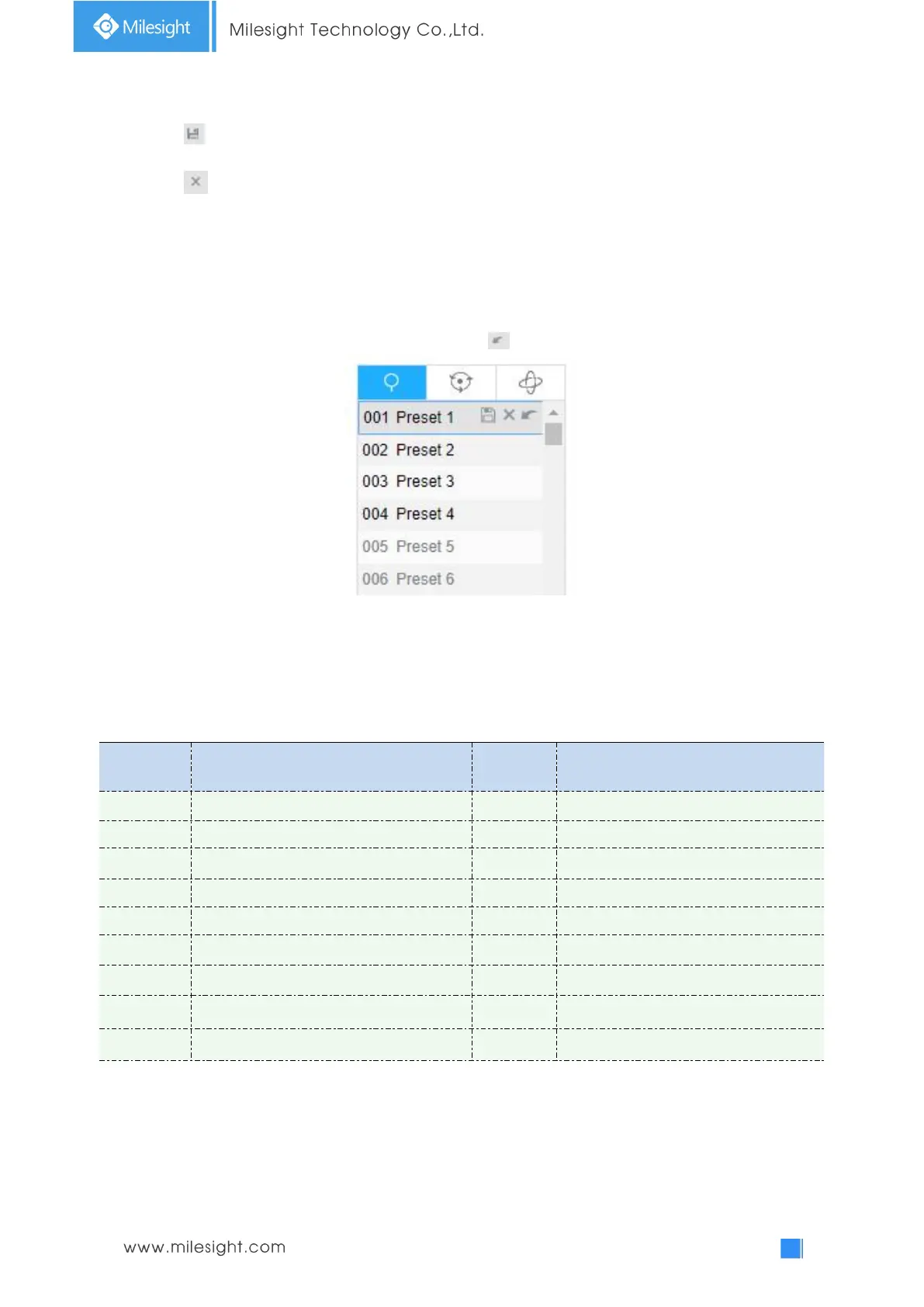
Step2: Use the PTZ control buttons to move the lens to the interested position;
Step3: Click to save the setting of the current preset;
Step4: Click to delete the chosen preset.
Note:
Up to 300 presets can be configured.
Calling a preset:
Select a defined preset form the preset list and click to call the preset.
Note:
The following presets are predefined with special commands. You can only call them but can’t
configure them. For example, preset 037 is the “Self Check”. If you call the preset number 037, the
PTZ camera will start self check function at once.
Table 4-1-2 Special Presets
Auto Flip(Speed Dome only)











 To Next Page