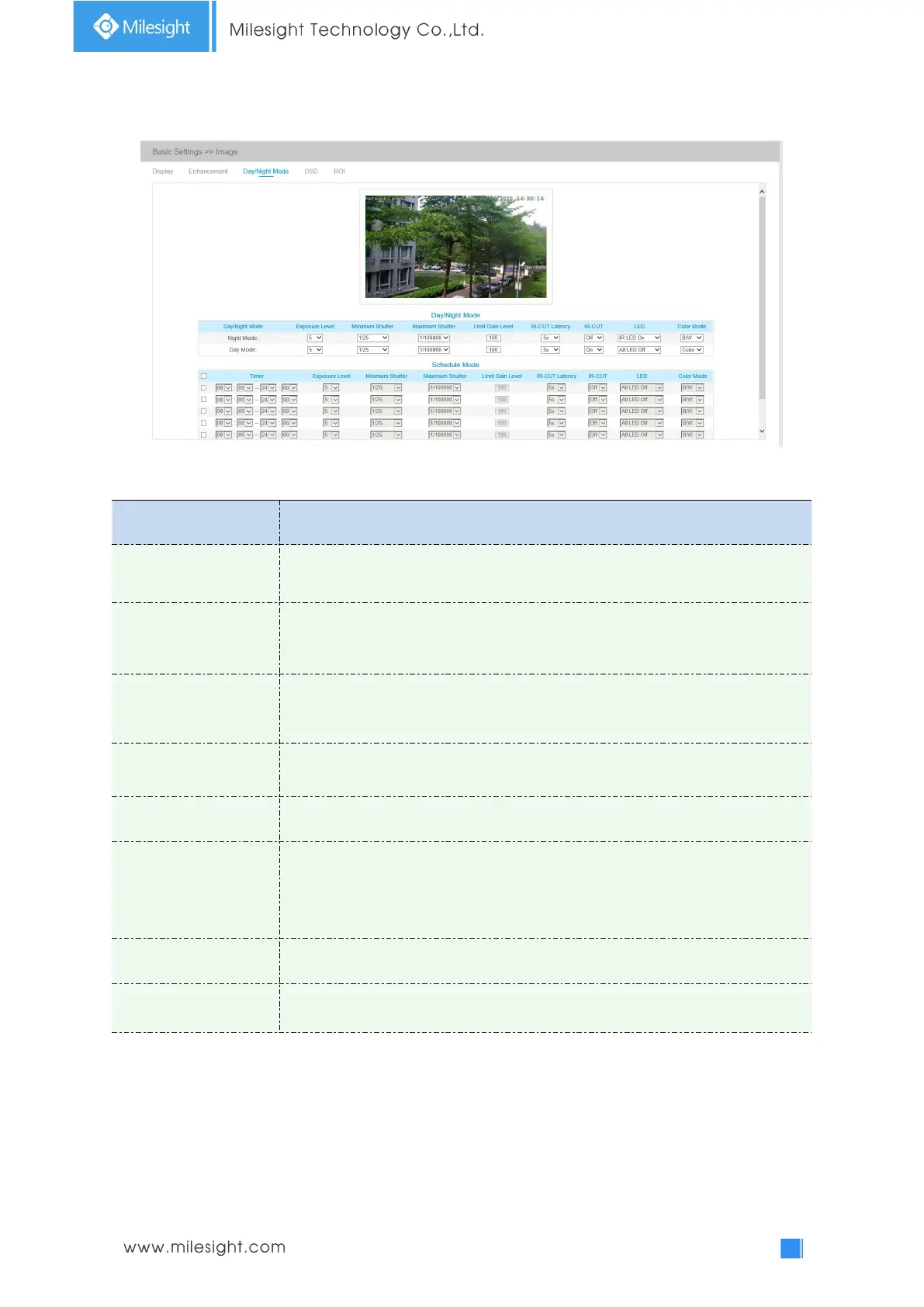
Day/Night Mode
Table 4-4-4 Description of the buttons
Level 0~10 are available to meet your need.
Minimum Shutter is the same as Maximum Exposure Time. Set the minimum
Shutter to 1~1/100000s
Maximum Shutter is the same as Minimum Exposure Time. Set the maximum
Shutter to 1~1/100000s
The interval time of switching one mode to another.
Turn on or turn off IR-CUT.
Choose to turn on or turn off under this mode.
LED off: Turn off all the LEDs on the device;
IR LED on: Turn on the IR LED;
White LED on: Turn on the White LED (Only for Mini PTZ Bullet).
Select B/W or Color mode under Day/Night mode.
By this you can customize your special demands for different time, then the Day
mode and Night mode will switch automatically according to your settings.











 To Next Page