EasyManua.ls Logo

Milesight MS-C5341-X30PC - Page 46

Milesight MS-C5341-X30PC
139 pages
Print Icon
To Next Page IconTo Next Page
To Previous Page IconTo Previous Page
Loading...
40
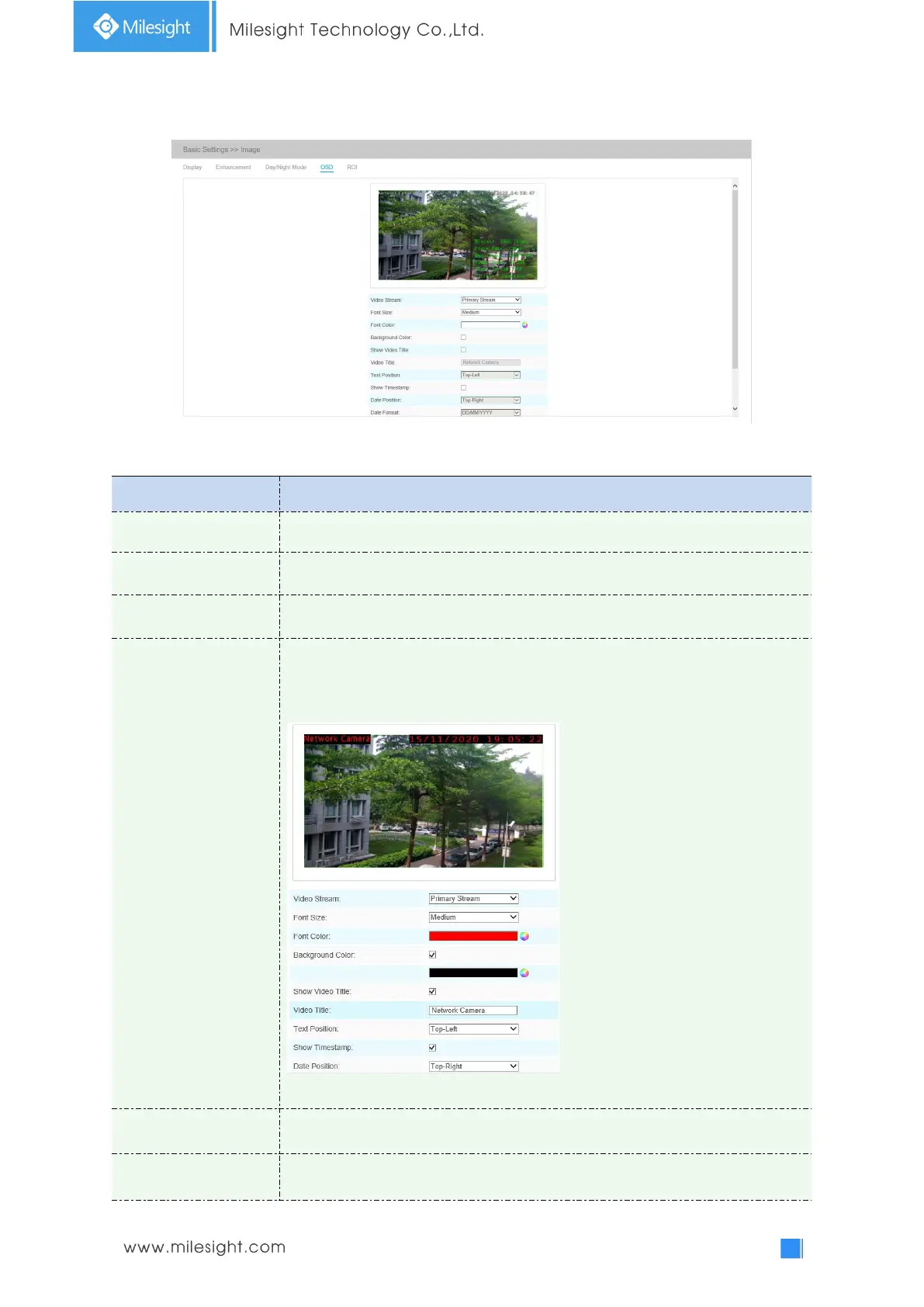
OSD(On Screen Display)
Table 4-4-5 Description of the buttons
Parameters
Function Introduction
Video Stream
Enable to set OSD for primary stream and secondary stream
Font Size
Smallest/Small/Medium/Large/Largest/Auto are available for title and date
Font Color
Enable to set different color for title and date
Background Color
Enable to set different colors for display information background on screen
You can set different colors for font and background of image , then the image
OSD will show as below:
Note: Background color can not be the same with font color
Show Video Title
Check the checkbox to show video title
Video Title
Customize the OSD content

Related product manuals