OSD display position on the image
Check the checkbox to display date on the image
Date display position on the image
Copy the settings to other streams
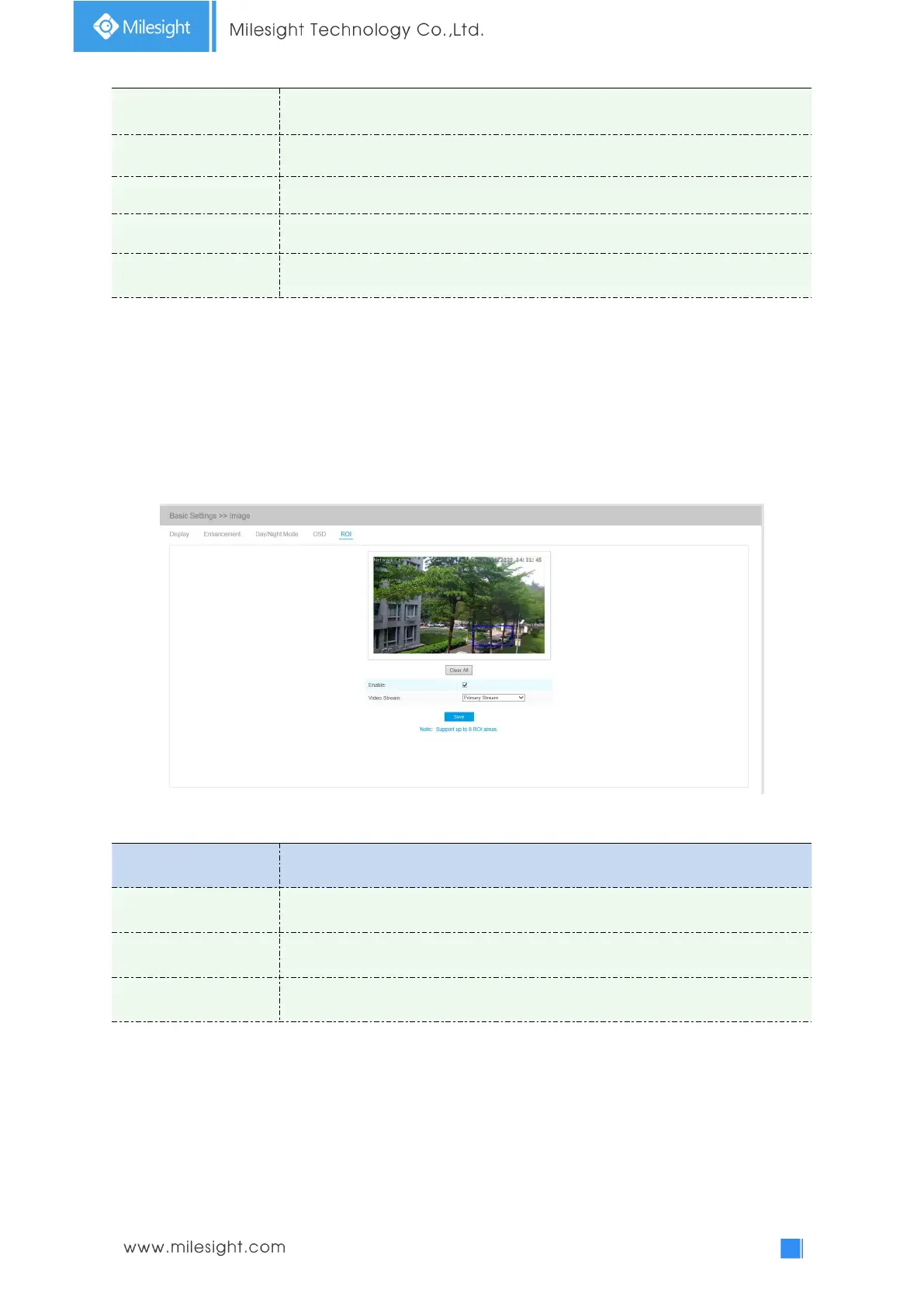
ROI
Region of interest(often abbreviate ROI), is a selected subset of samples within a dataset identified
for a particular purpose. Users can select up to 8 key regions of a scene to transmit through
separate streams for targeted preview and recording.
By using Milesight ROI technology, more than 50% of bit rate can be saved and therefore less
bandwidth demanded and the storage usage reduced. So according to this, you can set a small bit
rate for high resolution.
Table 4-4-6 Description of the buttons
Check the checkbox to enable the ROI function
Clear all areas you drew before
Note:
You can set a low bit rate. For example, you can set a bit rate of 512Kbps and a resolution of
1080P, then you can see the image quality of ROI is more clear and fluent than the other region.











 To Next Page