Click “Add” button, it will display Account Management page. You can add an
account to the camera by entering Admin Password, User Level, User Name, New
Password, Confirm, and edit user privilege by clicking . The added account will
be displayed in the account list.
Admin Password: You can add an account only after you enter the correct admin
password.
User Level: Set the privilege for the account.
User Name: Input user name for creating an account.
Password: Input password for the account.
Confirm: Confirm the password.
You can edit and delete the account in the account list under the admin account.
For the default admin account, you can only change the password, and it cannot
be deleted.
Note:
1) You can only add 20 users.
2) The operator privilege is all checked by default.
3) For camera firmware version 4X.7.0.69 or above, it removes the default admin password
and allows to set a password when logging in for the first time. It also supports set-up of the
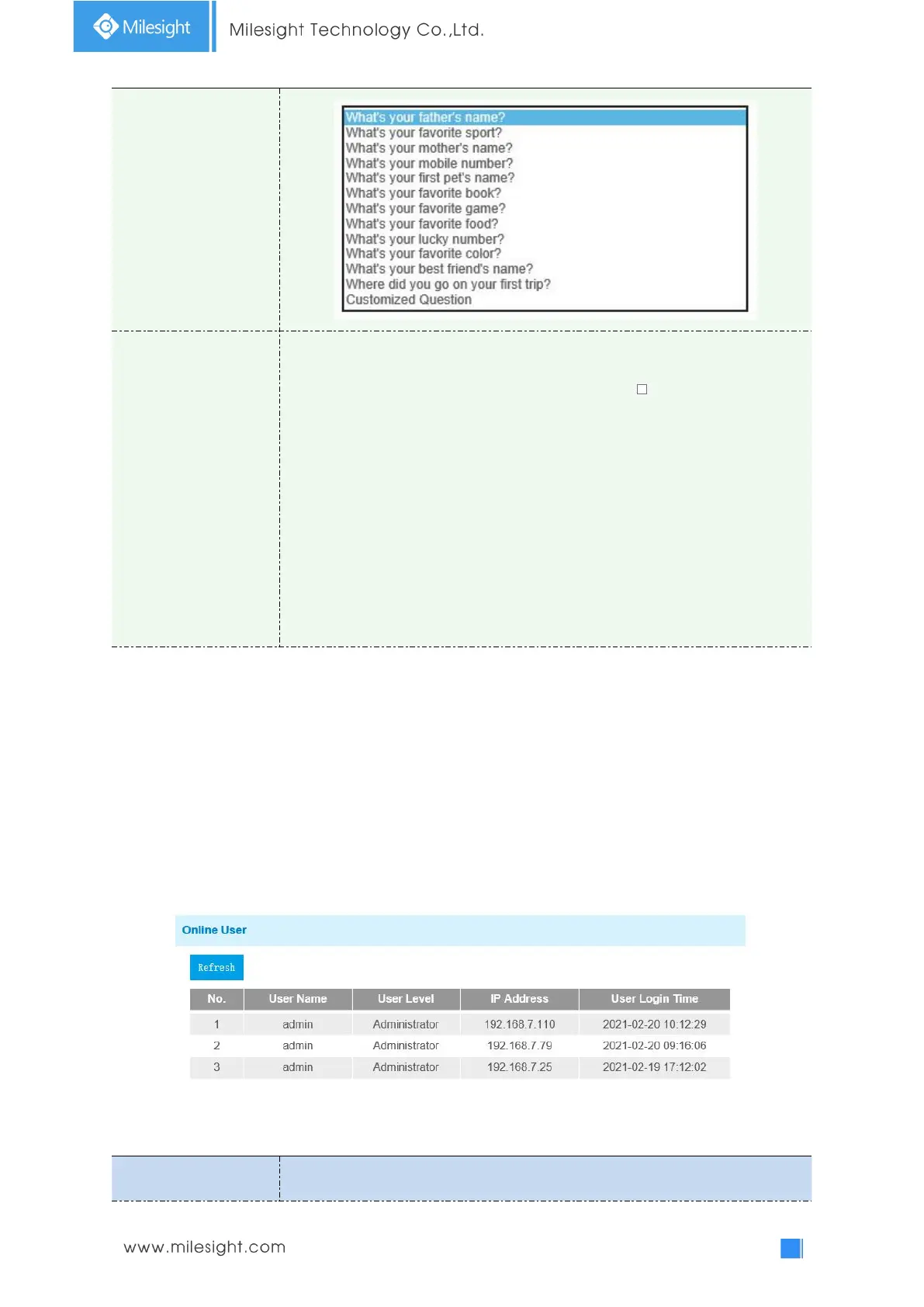
security questions for the devices. Users can reset the password by answering the correct security
questions in case of forgetting the password, which is more convenient for users.
Online User
Here real-time status of user logging in camera will be shown.
Table 4-5-6 Description of the buttons











 To Next Page