Configure the OSD parameter, you can set the Zoom status OSD, Pan&Tilt Status,
Preset Status with Always Close/Always Open/2s/5s/10s, and Patrol Status,
Pattern Status, Auto Scan Status with Always Open/ Always Close.
If you enabled Preset Freezing, the live view of preset position will be showed
directly instead of showing both the moving path to the position and the live
view. It can also reduce the use of bandwidth in the digital network system.
Preset Speed: It determines the speed of calling presets. Level 1~10 are available.
Manual Speed: it only for Speed Dome, and it determines the PTZ speed of
Manually control. Low/ Medium/ High are available.
Scan Speed: it is only for Speed Dome, and it determines the speed of Auto Scan.
Level 1~10 are available.
Patrol Recovering: Click to enable Patrol Recovering.
Patrol Recovery Time: Set time for Patrol Recovering, which is between 5 to 720
seconds.
Focus Mode: Three focus modes are available: Auto/ Semi-Auto/ Manual.
Minimum focus Distance: Set the minimum focus distance to adjust the step
length of each focus. 1 meter, 1.5 meters, 3 meters, 6 meters, 10 meters and 20
meters are available. The default minimum focus distance is 1 meter.
If the camera stop working for a longer time than predefined,
the position of it will be recorded. And it will resume to the position after going
back to the normal work from power off. You can set the resume time to
30 seconds, 60 seconds, 300 seconds or 600 seconds to record its position.
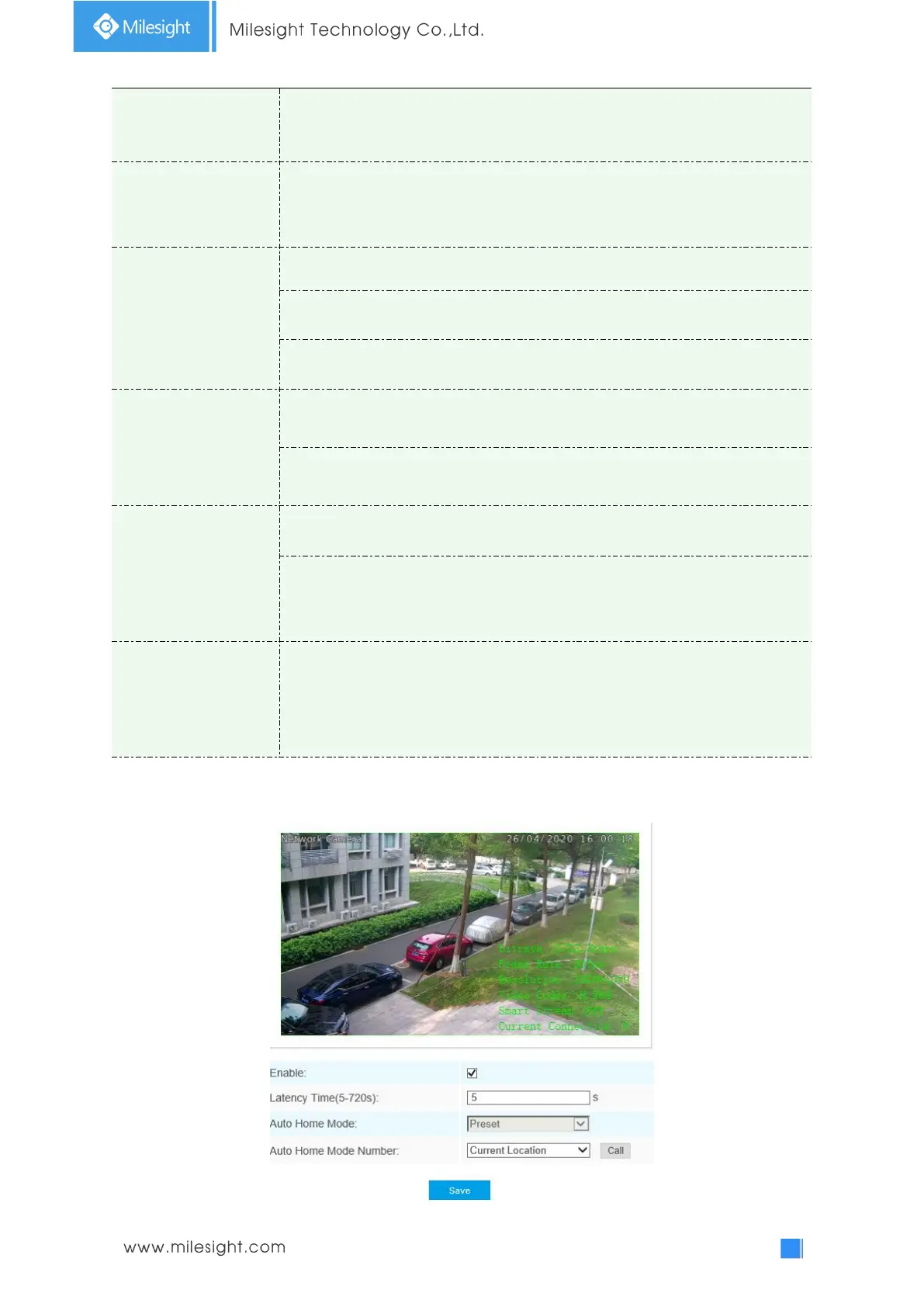
Auto Home











 To Next Page