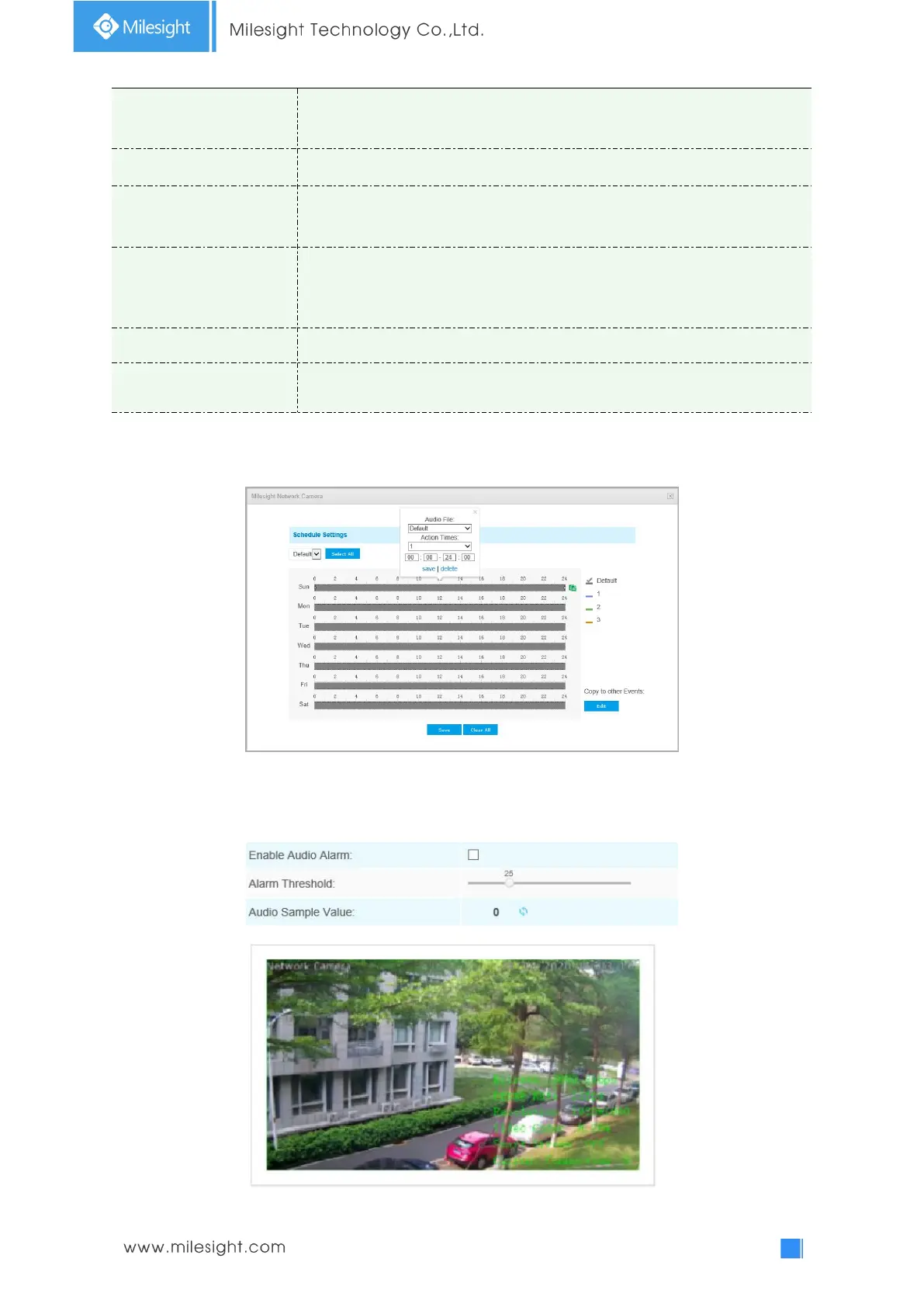
Set the audio schedule to trigger different audio files and action times in
different time, which is corresponded to alarm action.
Auto/ 10 seconds/ 30 seconds/ 1 minute/ 5 minutes/ 10 minutes are available.
Twinkle: The White LED will continuous flashing before recovered;
Always: The White LED will always open before recovered.
The duration of flash.
Twinkle from 1 second to 10 seconds;
Always from 1 second to 60 seconds.
Support to zoom proportionally when PTZ Motion is triggered.
The duration of one alarm. It must be longer than flash time.
Note:
1) Recovery time should not be less than flash time.
2) You can customize the schedule of Audio Action.
Audio Alarm
Enable the Audio before using Audio Alarm function.











 To Next Page