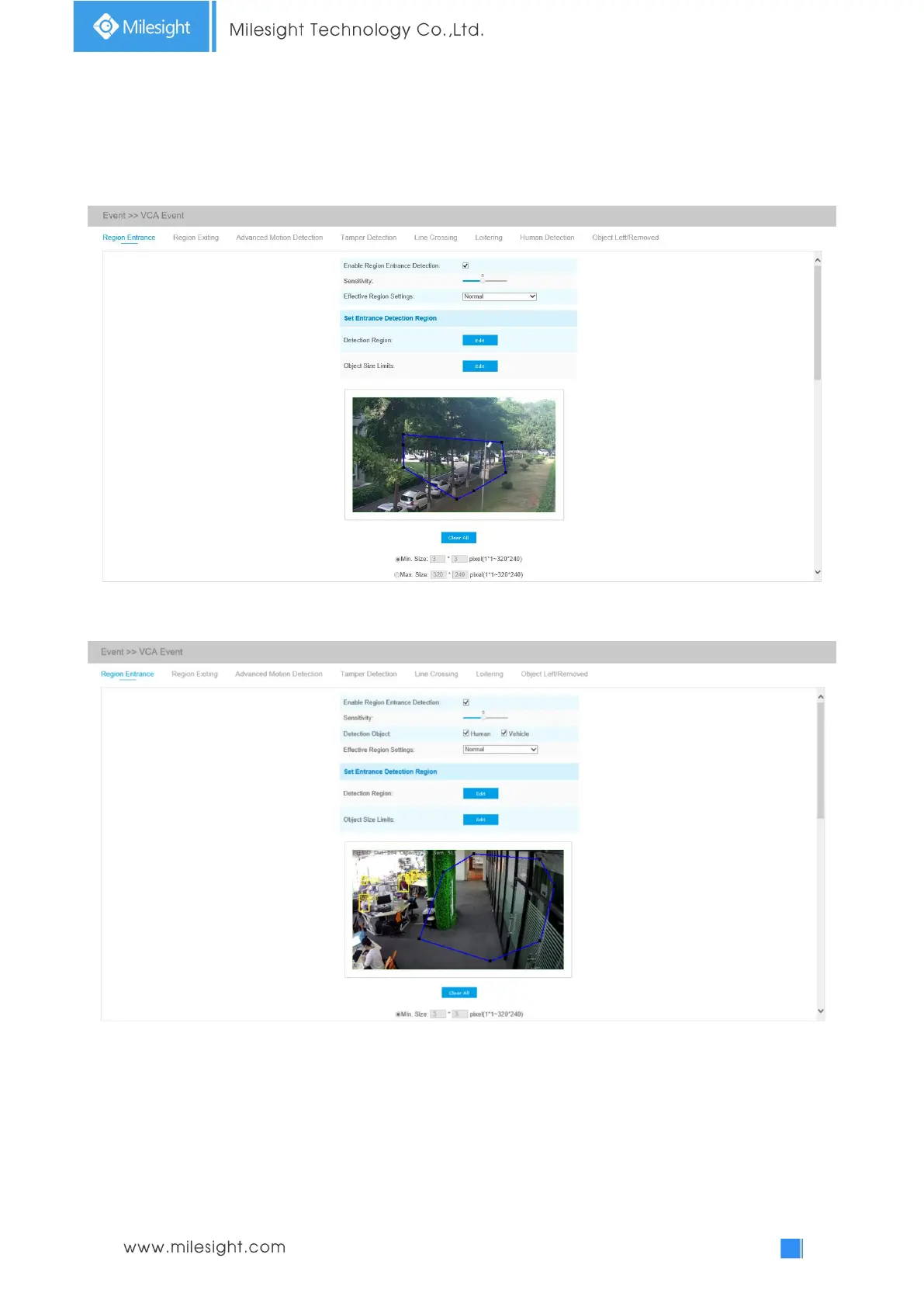
Region Entrance
Region entrance helps to protect a special area from potential threat of suspicious person’s or
object’s entrance. An alarm will be triggered when objects enter the selected regions by enabling
region entrance.
Region Entrance Interface (for non-AI cameras)
Region Entrance Interface (for AI cameras)
Step1: Enable Region Entrance detection and set detecting sensitivity;
Step2: Choose detection object. Check Human or Vehicle attribute, and the camera will alarm once
detecting people or vehicle and triggering related events;
Note: All AI Cameras support this function.











 To Next Page