Line Crossing
Line Crossing detection is designed to work in most indoor and outdoor environment. An event will
be triggered every time when the camera detects objects crossing a defined virtual line.
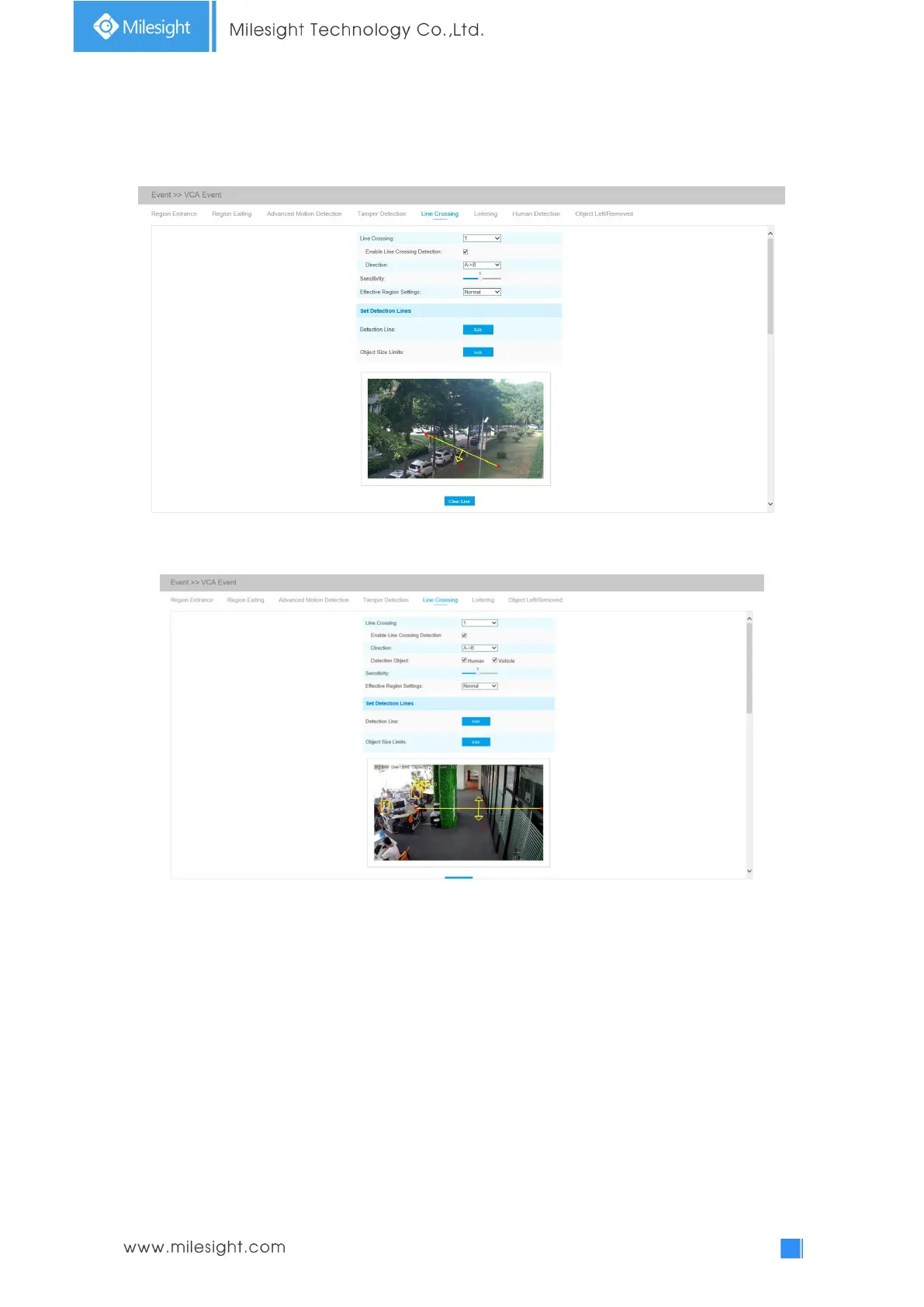
Line Crossing Interface(for non-AI cameras)
Line Crossing Interface(for AI cameras)
Settings steps are shown as follows:
Step1: Choose a line number;
Step2: Enable Line Crossing Detection and define its direction;
Step2: Choose detection object. Check Human or Vehicle attribute, and the camera will alarm once
detecting people or vehicle and triggering related events;
Note: All AI Cameras support this function.
Step4: Set detecting sensitivity;
Step5: Draw detection lines. If you choose Normal Mode, it supports configuring the detection
lines for the current area. If you choose Advanced Mode (Only for PTZ series), it supports
configuring different detection lines for different PTZ presets (Only support Preset 1~4 so far).
Step6: set object size limits. The object size limits can refer to Table 4-6-5;











 To Next Page