Set lockout time: after the lockout time, UC100 will check if the value still
reaches the threshold and matches the condition. 0 means this condition will
only be detected once.
The time interval of value change: the change value should last for some time.
Note: The parameter will be hidden if you enable Two-way Pass-through
feature.
Received a
Milesight D2D
control
command
This only works with the Milesight D2D feature is enabled.
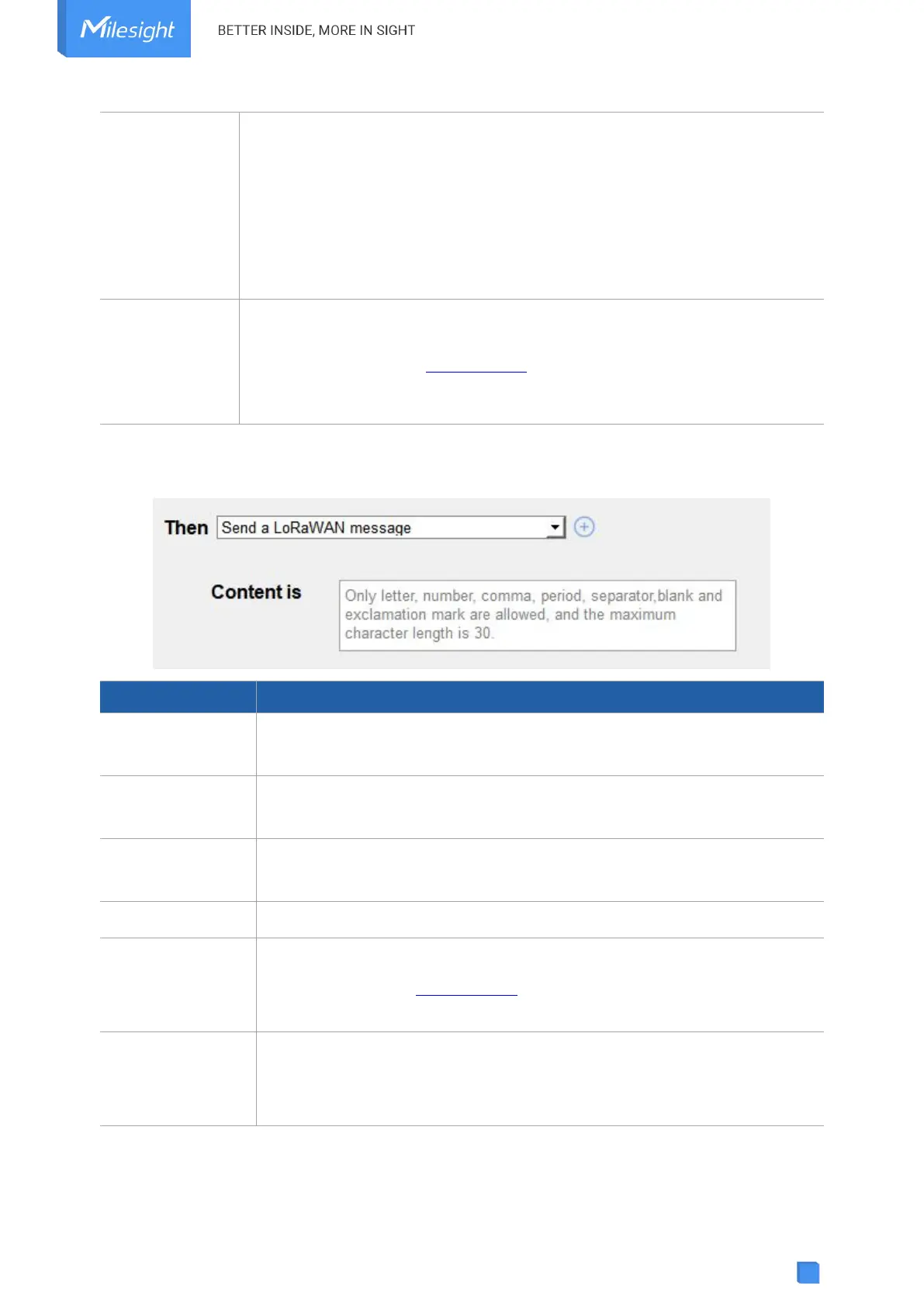
3. Set THEN action according to your request. You can add at most 3 actions in one command.
Report as threshold alarm packet to network server when the value of
selected Modbus channel value reaches the threshold.
Report a packet on
shift change
Report as change alarm packet to network server when the value of
selected Modbus channel value changes a specific range.
Send a custom message to the network server.
Send a Milesight
D2D control
command
This only works with Milesight D2D feature is enabled.
Send a Modbus
command via the
RS485 interface
Send a Modbus RTU command to the RS485 device.



 To Next Page