2. Reboot the device
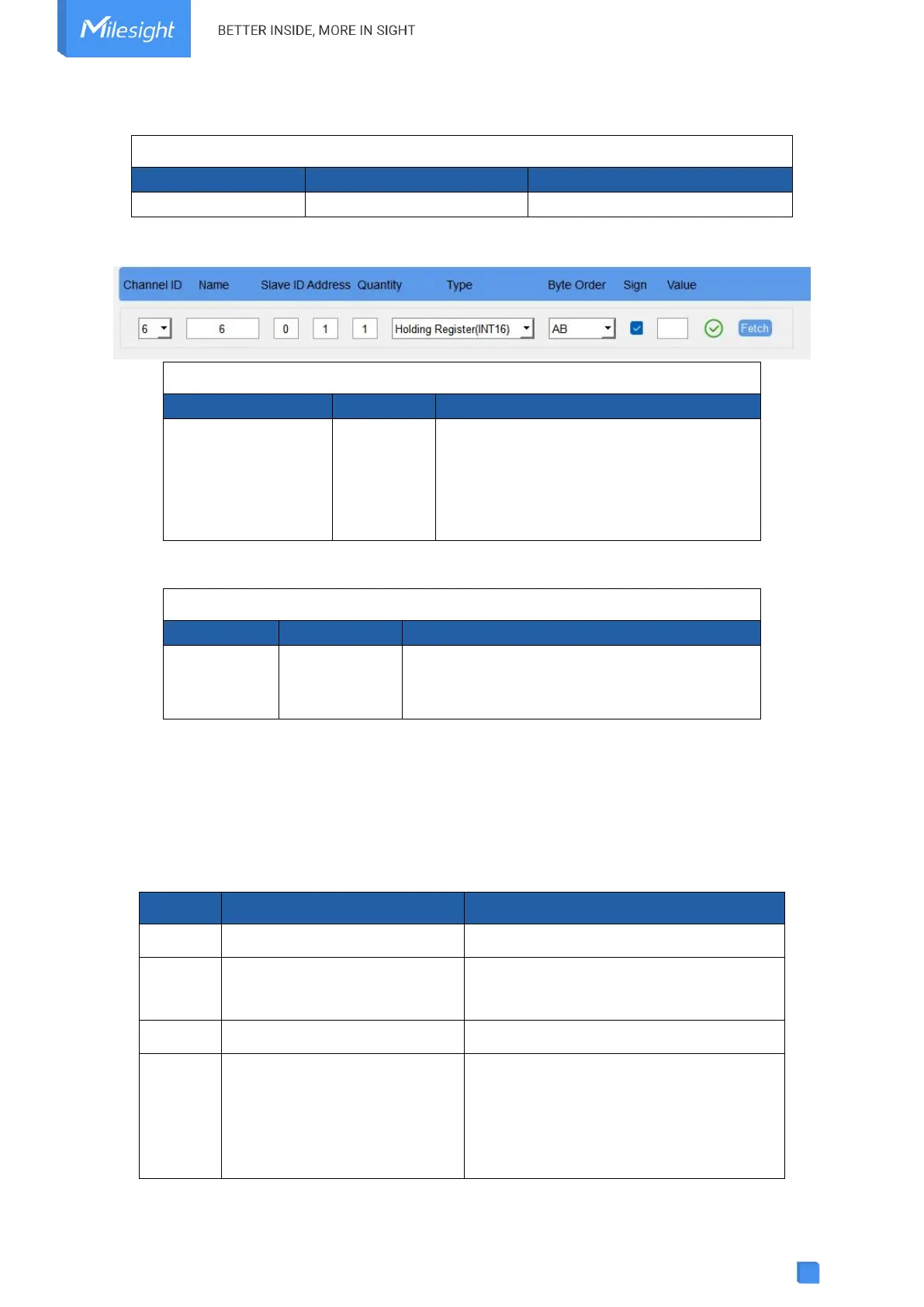
3. Add a Modbus channel as below:
ff ef 01 06 00 0100 0e 11
Channel: 06=Channel 6
Slave ID: 00=Slave ID
Address: 01 00=>00 01=1
Type: 0e=Hold16_AB
Sign: 11=signed
4. Set name of Modbus channel6 as “test6”.
ff ef 02 06 05 7465737436
Channel: 06=Channel 6
Name length: 05=5 Bytes
Hex to ASCii: 74 65 73 74 36 => t e s t 6
5.5 Historical Data Enquiry
UC100 supports sending downlink commands to enquire historical data for specified time point
or time range. Before that, ensure the device time is correct and data storage feature was
enabled to store the data.
Command format:
6b (Enquire data in time point)
6c (Enquire data in time range)
Start time (4 bytes) + End time (4 bytes),
Unix timestamp
6d (Stop query data report)
3 Bytes
Byte 1: 01
Byte 2-3: interval time, unit:s
range: 30~1200s (60s by default)



 To Next Page