Reply format:
00: data enquiry success
01: time point or time range invalid
02: no data in this time or time range
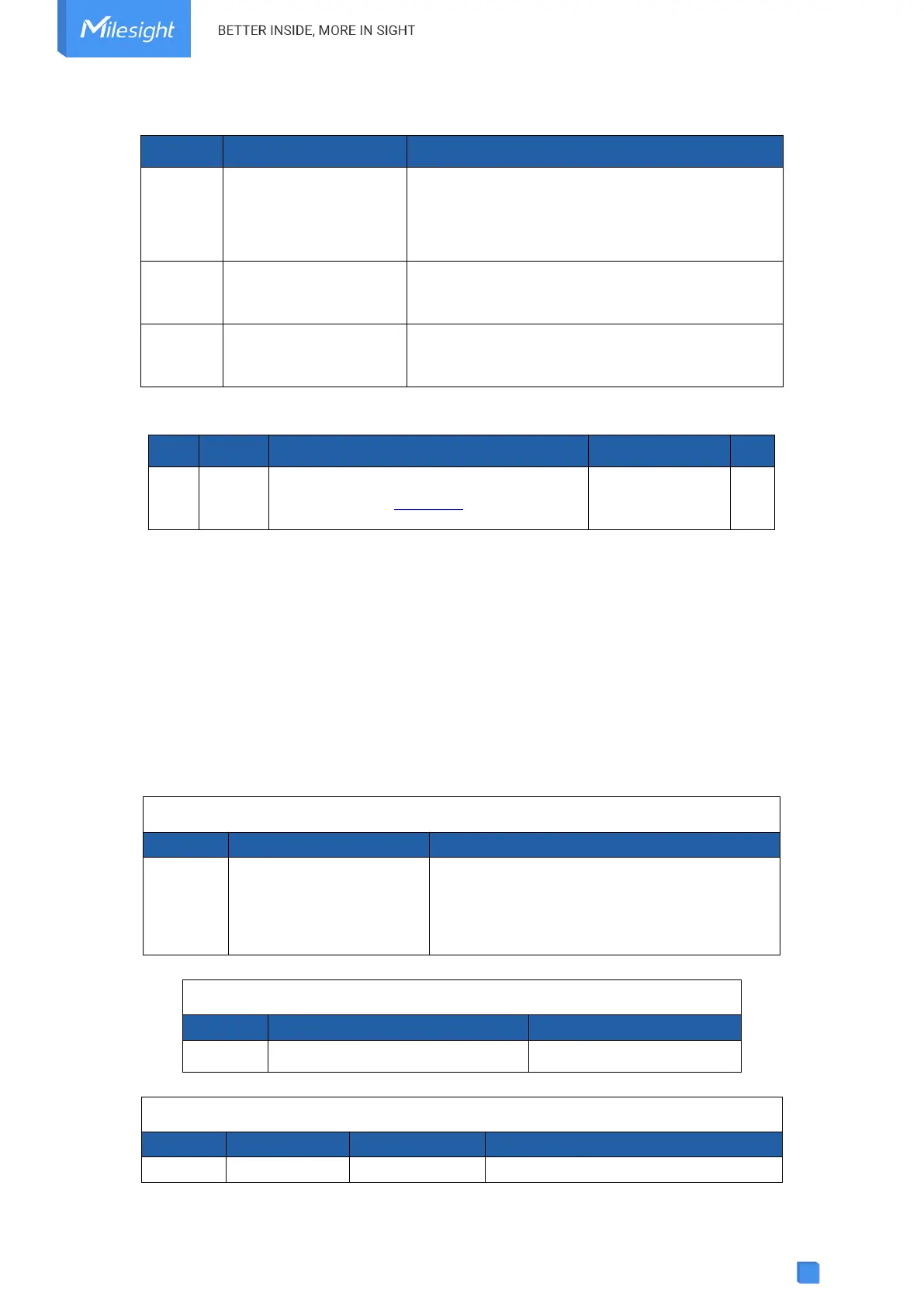
Data time stamp (4B) + Channel ID (1B) + Ctrl
(1B) + Data (4B)
Data time stamp (4B) + Data Length (1B) + Data
(Mutable)
Ctrl Format:
0: fetch failure
1: fetch success
Note:
1. The device only uploads no more than 300 data records per range enquiry.
2. When enquiring the data in time point, it will upload the data which is closest to the search
point within the reporting interval range. For example, if the device reporting interval is 10
minutes and users send command to search for 17:00’s data, if the device find there is data
stored in 17:00, it will upload this data; if not, it will search for data between 16:50 to 17:10 and
upload the data which is closest to 17:00.
Example:
1. Enquire historical data between 2024/01/18 15:45:00 to 2024/01/18 15:50:00.
6c (Enquire data in time
range)
Start time: fcd6a865 => 65a8d6fc =
1705563900 =2024/01/18 15:45:00
End time: 28d8a865 => 65a8d828 =
1705564200 =2024/01/18 15:50:00
Reply:
6c (Enquire data in time range)
20ce 93d7a865 00 3a 15000000



 To Next Page