EasyManua.ls Logo

Milesight UC100 - Downlink Command

Milesight UC100
31 pages
Print Icon
To Next Page IconTo Next Page
To Previous Page IconTo Previous Page
Loading...
27
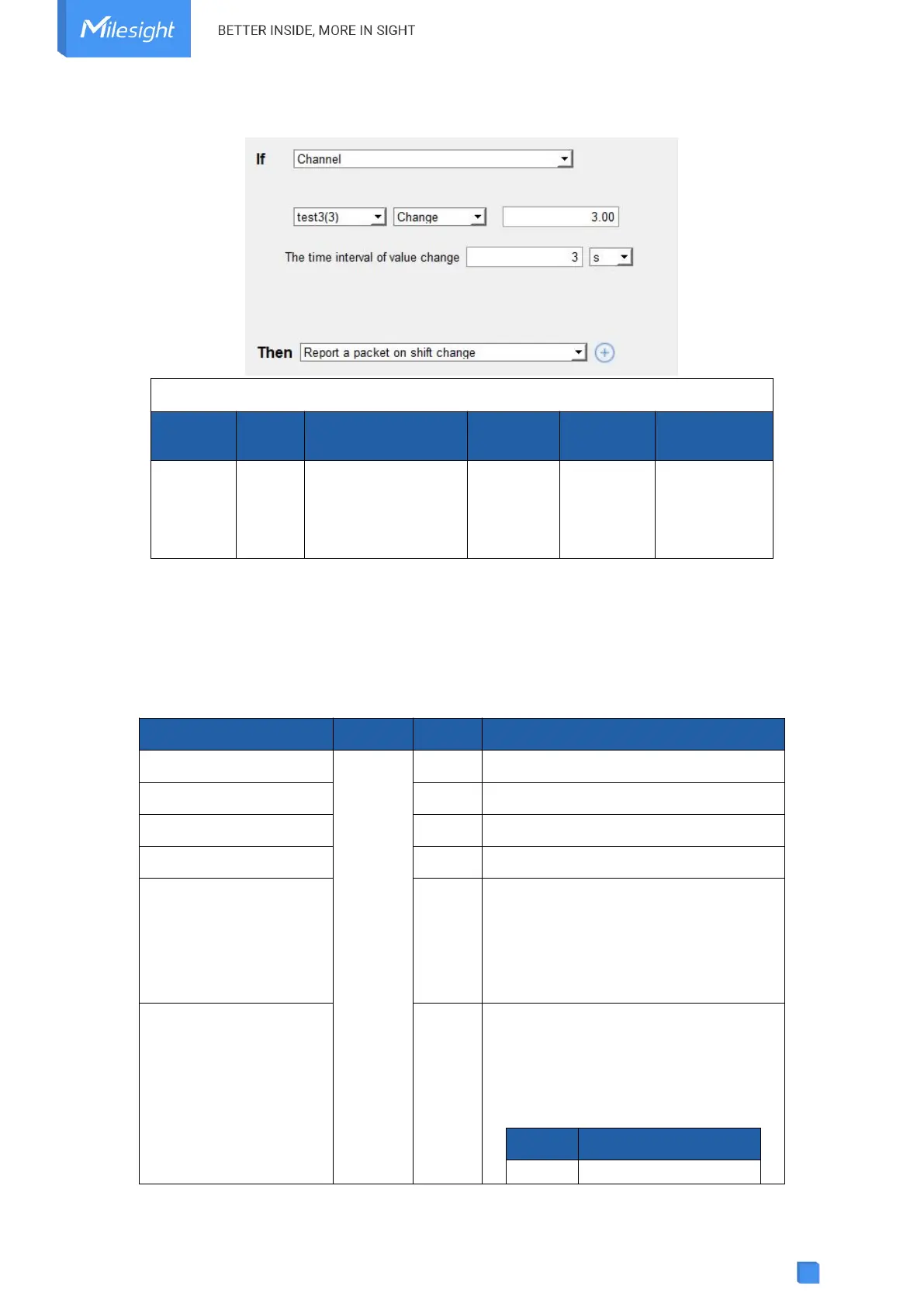
2. Channel 3 data changes more than 3.
ff ee c2 02 03 05 00
Channel
Type
Channel ID & Alarm
Type
Data Size
Data Type
Value
ff
ee
C2 => 1100 0010
11=Change alarm
000010=
02 => Channel 3
02 =>
2 bytes
03 => Hold
16
05 00 =>
00 5 = 5
5.4 Downlink Command
UC100 supports downlink commands to configure the device. The application port is 85 by
default.
Item
Channel
Type
Description
Reporting Interval
ff
03
2 Bytes, unit: s
Reboot
10
ff
Data Storage
68
00: disable, 01: enable
Data Retransmission
69
00: disable, 01: enable
Data Retransmission
Interval
6a
3 Bytes
Byte 1: 00
Byte 2-3: interval time, unit:s
range: 30~1200s (600s by default)
Modbus Channel
Setting
ef
01+Channel ID (1B)+Slave ID (1B) +
Address (2B) + Type (1B) + Sign (1B)
Sign: 11=signed, 01=unsigned
Type:
Code
Data Type
00
Coil

Related product manuals