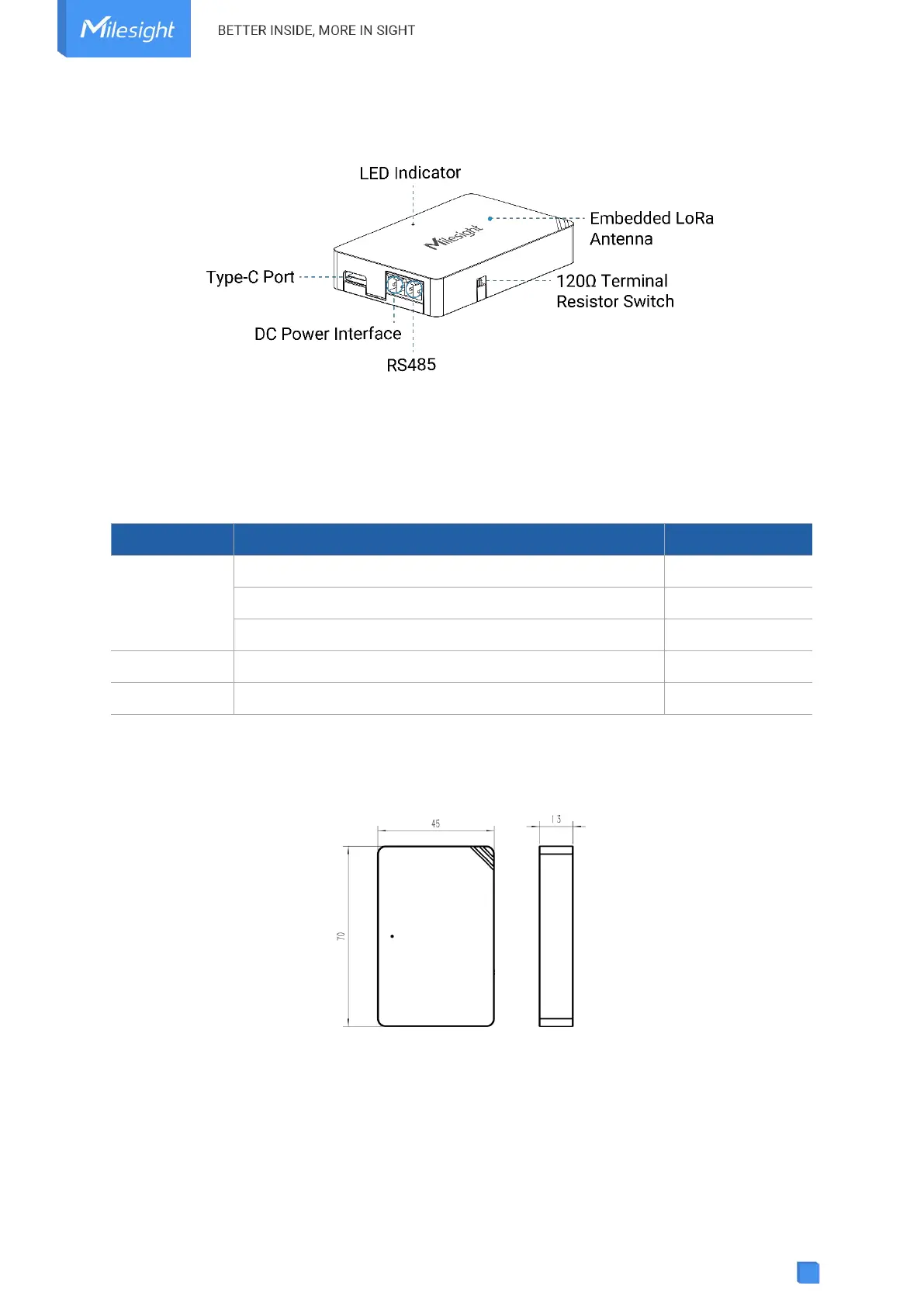
2.2 Hardware Overview
120Ω Terminal Resistor Switch: the device will add a 120Ω termination resistor to avoid
data-corrupting reflections if RS485 data rate is high or cable length is long.
2.3 LED and Reset Button
The reset button is inside the device.
System is functioning properly
Fail to acquire data from data interfaces
Device upgrade or system error
Press and hold the button for more than 3 seconds.
Press and hold the button for more than 10 seconds.
2.4 Dimensions (mm)
3. Device Installation
UC100 device can be placed on a desktop or mounted to a wall.
1. Take off the back cover of UC100 device, and fix the wall plugs into the wall according to the
drilling position as referred.



 To Next Page