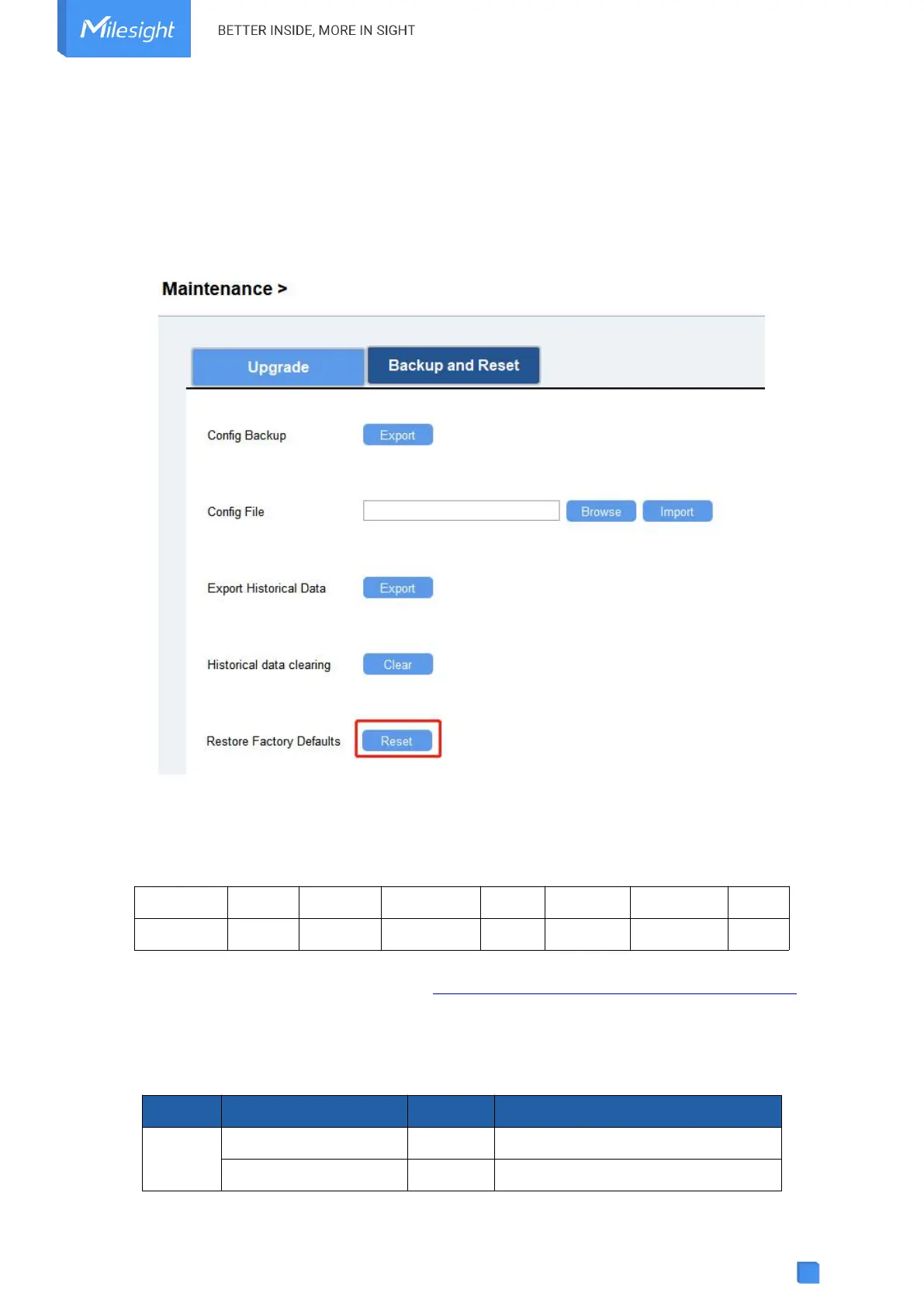
4.9.3 Reset to Factory Default
Please select one of following methods to reset device:
Via Hardware: Open the case of UC100, and hold the reset button for more than 10s until the
LED blinks.
Via ToolBox Software: Go to Maintenance > Backup and Reset to click Reset.
5. Device Payload
All data are based on the following format (HEX), the Data field should follow little-endian:
For decoder examples, you can find them at https://github.com/Milesight-IoT/SensorDecoders.
5.1 Device Information
UC100 reports basic device information of device every time joining the network.



 To Next Page