4.7 Data Storage
UC100 supports storing 1000 pieces of data locally and export data via ToolBox. The device will
record the data according to reporting interval even not joining to network.
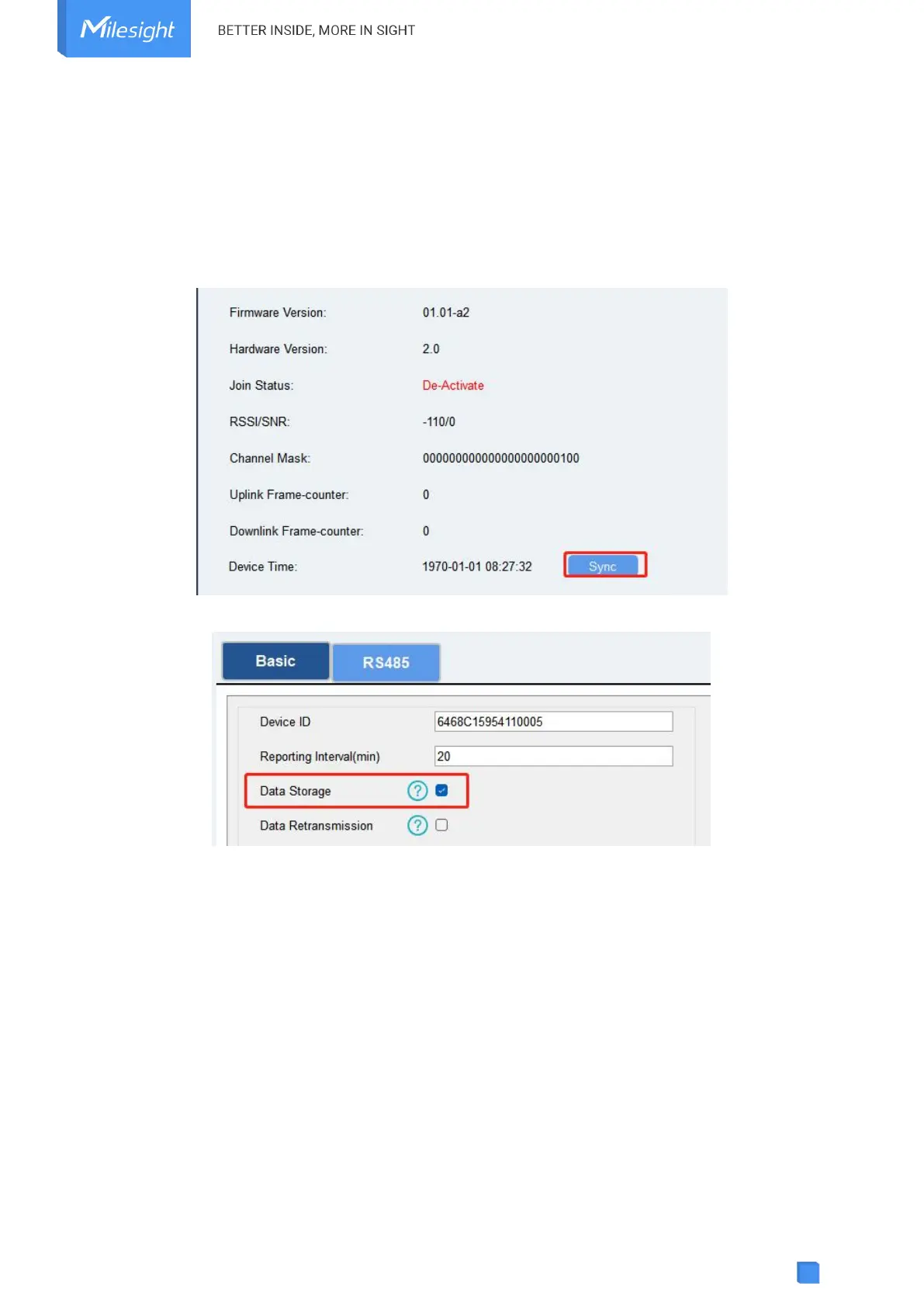
1. Go to Status page to click Sync to sync the device time or select LoRaWAN
®
version as 1.0.3
to enquire the time from network server when joining network.
2. Go to General > Basic to enable data storage feature.
3. Go to Maintenance > Backup and Reset , click Export to select the data time period and click
Save to export data.



 To Next Page