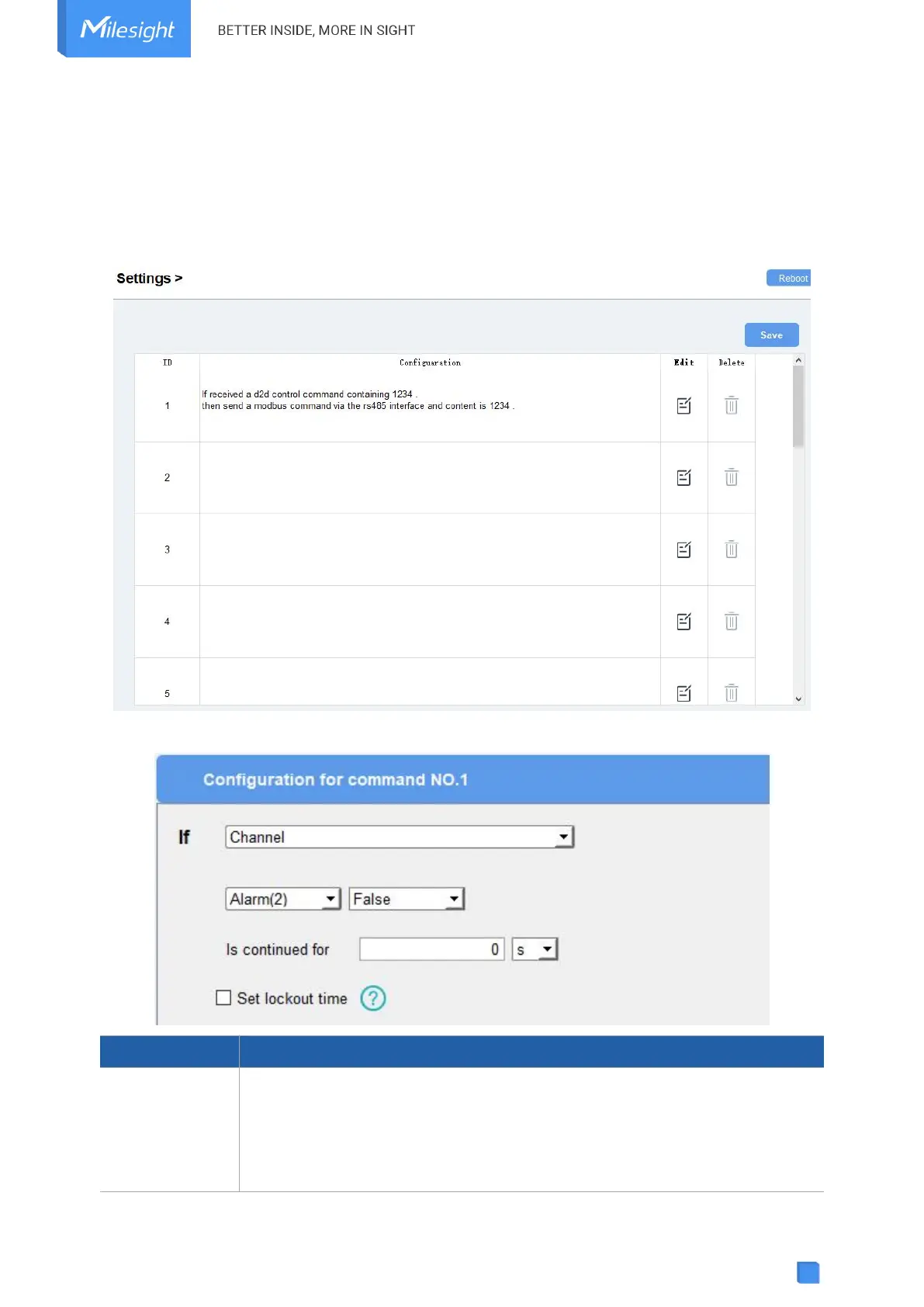
4.5 IF-THEN Command
UC100 supports configuring locally IF-THEN commands to do some actions automatically even
without a network connection. One device can be added 16 commands at most.
1. Go to the Command page, and click “Edit” to add commands.
2. Set an IF condition based on the terminal device data or UC100 device status.
When the value of a Modbus channel, reaches the condition.
For coil/discrete type, the condition is False/True;
For other types, the condition is Above/Below/Within/Change.
Is continued for: the threshold value should last for some time.



 To Next Page