MI104 Weighing Indicator User Manual
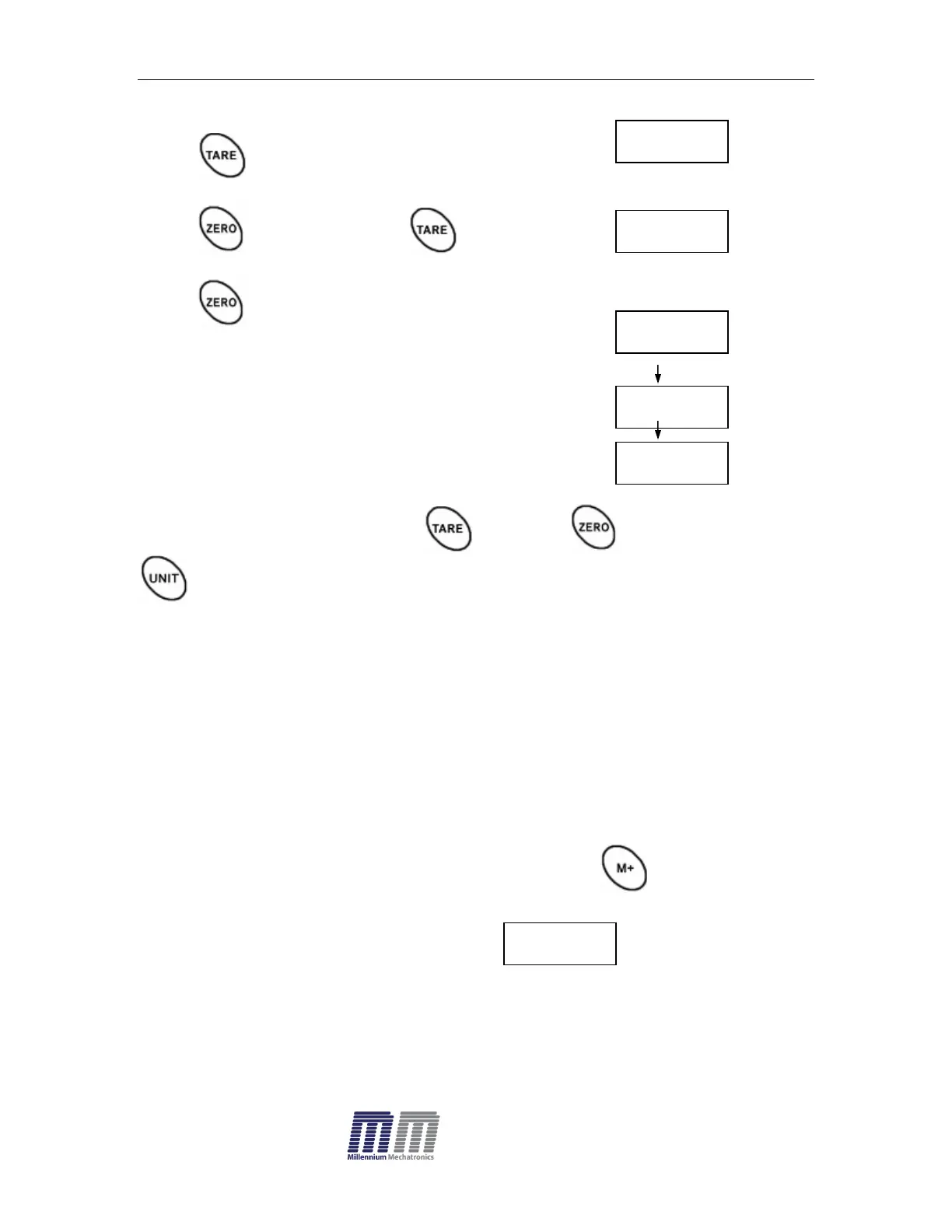
After entering the settings mode,
Press until display will be appear
Press key to enter, press until display show
Press key to enter, press
Check mode 1
Check mode 2
Check mode 3
Select desired setting by pressing and press key to confirm, press
to escape.
Note: The load weight must greater than 20 scale divisions for the check
weighing operations.
To disable the check weighing function, enter zero into both limits.
5.9. Accumulation
Accumulation
Place the goods on the platform to be weigh
Wait few seconds for display stable, then press . The value will be
saved and printed (if the printer is connected).
Display will be appear this display will
appear two seconds only.
Remove the load and wait few seconds for display return to zero.
Place the second goods on the platform.


 To Next Page