MI104 Weighing Indicator User Manual
After the calibration the display will start a self test. Remove the load from
platform during the self test. Display will come to weighing mode automatically.
If display shows any error or incorrect value, repeat the procedure again.
8. RS-232 OUTPUT
MI104 Indicator can send data through RS 232 output.
Specifications:
RS-232 output of weighing data
Code : ASCII
Data bits : 8 data bits
Parity : No Parity
Baud rate : 600bps to 9600bps selectable
RS-232 (9pin Round connector suppled with MI104)
9pin Round Connector (MI104) and 9 pin DB9 Connecter for PC/Printer:
Indicator (9 Pin Round) Computer / Printer (DB9)
Pin 2: Pin 3
Pin 3: Pin 2
Pin 5: Pin 5
Note: If data not getting in to PC, inter-change the Pin 2 and Pin 3 connections from
one of the connecter. (9 pin round connector is supplied with MI104 Indicator.)
Continuously output protocol
Weighing Mode;
-14-
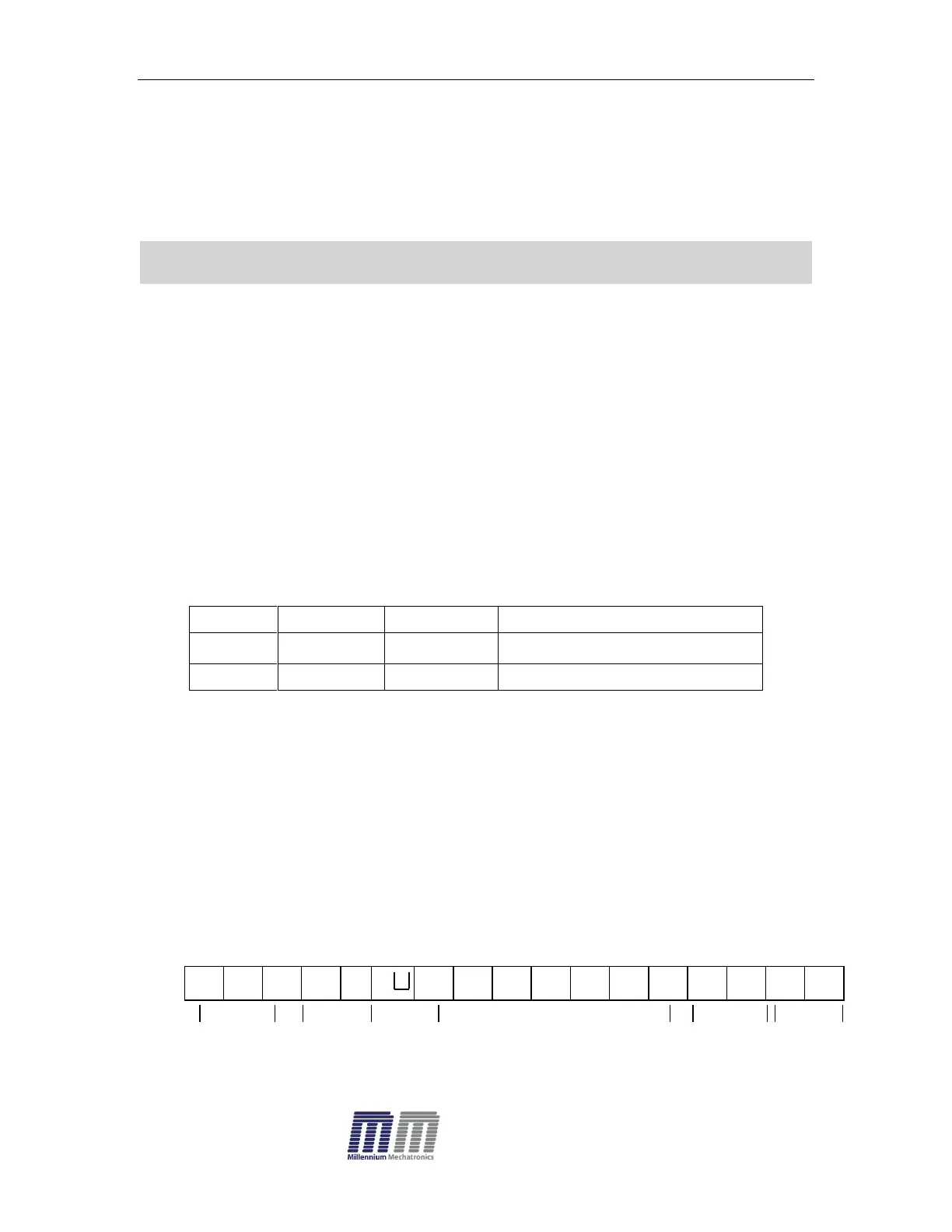
HEADER1 HEADER2 WEIGHT DATA
HEADER1: ST=STABLE, US=UNSTABLE
HEADER2: NT=NET, GS=GROSS


 To Next Page