Need help?
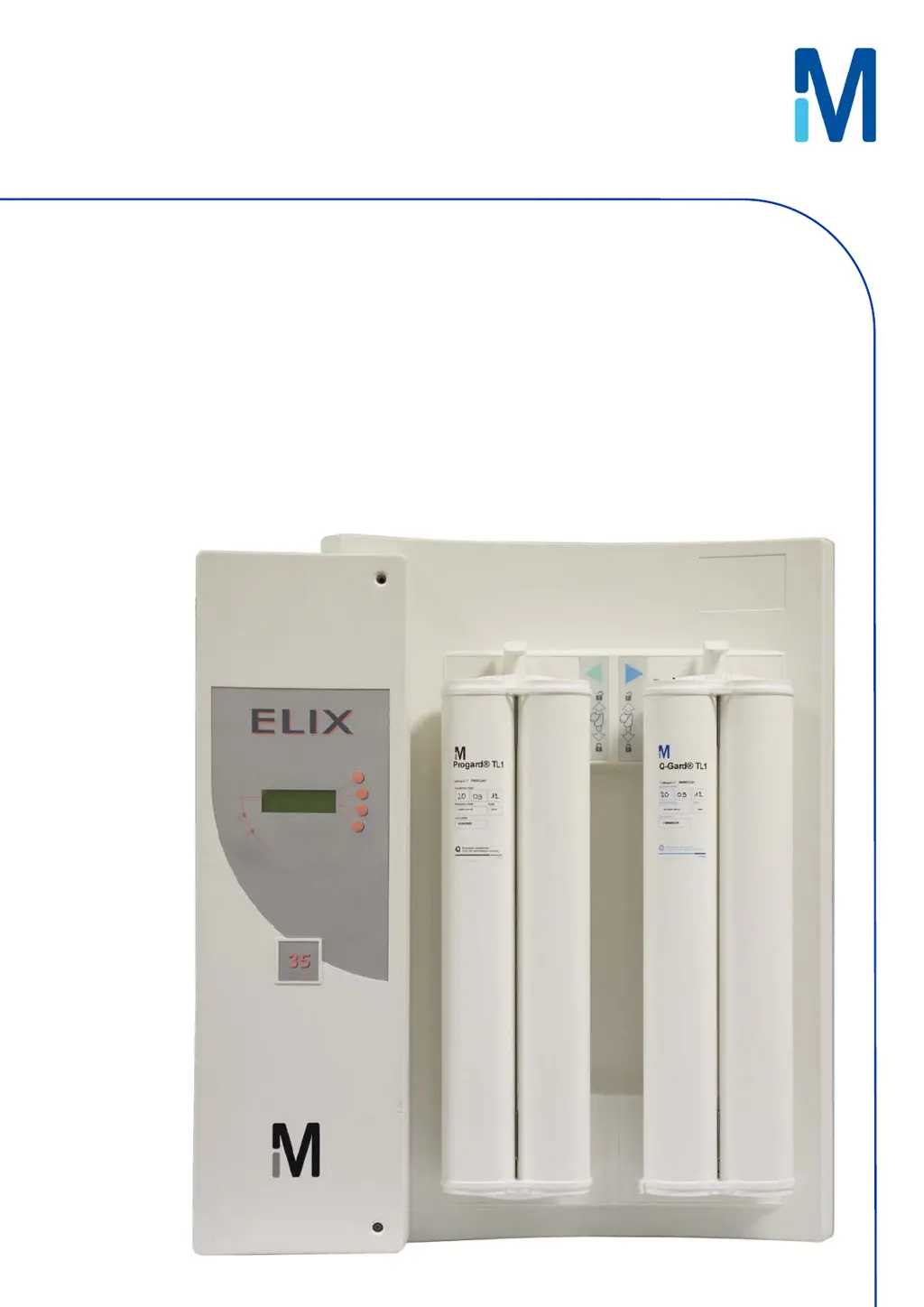
Do you have a question about the Millipore Elix 70 and is the answer not in the manual?
Details important safety statements, warnings, and symbols for operating the system.
Provides a table outlining typical maintenance tasks, their frequency, and how to perform them.
Step-by-step instructions for removing the old and installing a new Progard TL pretreatment pack.
Instructions for replacing the UV lamp, noting it is often recommended to be done by a service representative.
Explains both automatic and manual methods for sanitizing the RO cartridges.
Details the process for cleaning RO cartridges, including necessary kits and cleaners.
Step-by-step instructions for replacing the QGard TL1 Polisher Pack.
Classifies and explains the different types of messages displayed by the Elix system.
Lists specific LCD messages, their meanings, and recommended actions for alarms and maintenance.
 General
| Brand | Millipore |
|---|---|
| Model | Elix 70 |
| Category | Water Filtration Systems |
| Language | English |





 To Next Page