00108103w REV 0421 2 of 10
Symbols Used in this User Guide
The following symbols are used throughout this user
guide and/or on product labels, and the user shall
abide by indicated requirements:
Symbol Definition
Y
Warning alerts you to actions that may
cause personal injury or pose a physical
i
Read the documentation
h
Catalogue number
f
Serial number
M
Manufacturer
C
CE conformity marking. Reference
Declaration of Conformity for specific
Do not discard with common solid
waste at end of life. Segregate
with other waste electrical and
electronic equipment (WEEE) and
send to an appropriate facility for
recycling. For information on recycling
electrical and electronic products
in the European Union, please visit
Installation
At least 24 hours before intended use, unpack the
system, install the supplied power cord, and plug cord
into AC wall outlet. Charge the battery overnight.
DO NOT try to use the system while the battery
is charging. When not in use, the meter should be
powered off and disconnected from the charger, as
continuous charging may shorten battery life.
NOTE: The Millicell
®
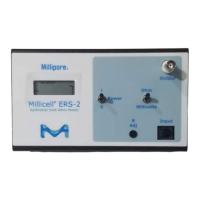
ERS-2 meter is designed to
operate on battery power only, and should hold a
charge for 8–10 hours. ALWAYS disconnect the meter
from the AC wall charger before using it. Leaving
the meter plugged in during use causes undesirable
electrical noise, and may result in unstable readings.
Testing the System
The Millicell
®
ERS-2 meter and electrode should be
tested periodically to ensure proper operation. Test
the system when you first receive it, at the beginning
of a series of measurements, and as needed during
the course of the measurements to confirm stability.
Prior to each use, the following functionality
checks should be performed:
• Meter functionality check (for resistance
and voltage measurements)
• Electrode functionality check (for voltage
measurements only)
Meter Functionality Check
1. Disconnect the Millicell
®
ERS-2 meter from the
charger.
2. Connect the STX04 test electrode (electrode with
the short wire) to the meter by inserting the plug
at the end of the flexible electrode cable into the
INPUT port on the meter.
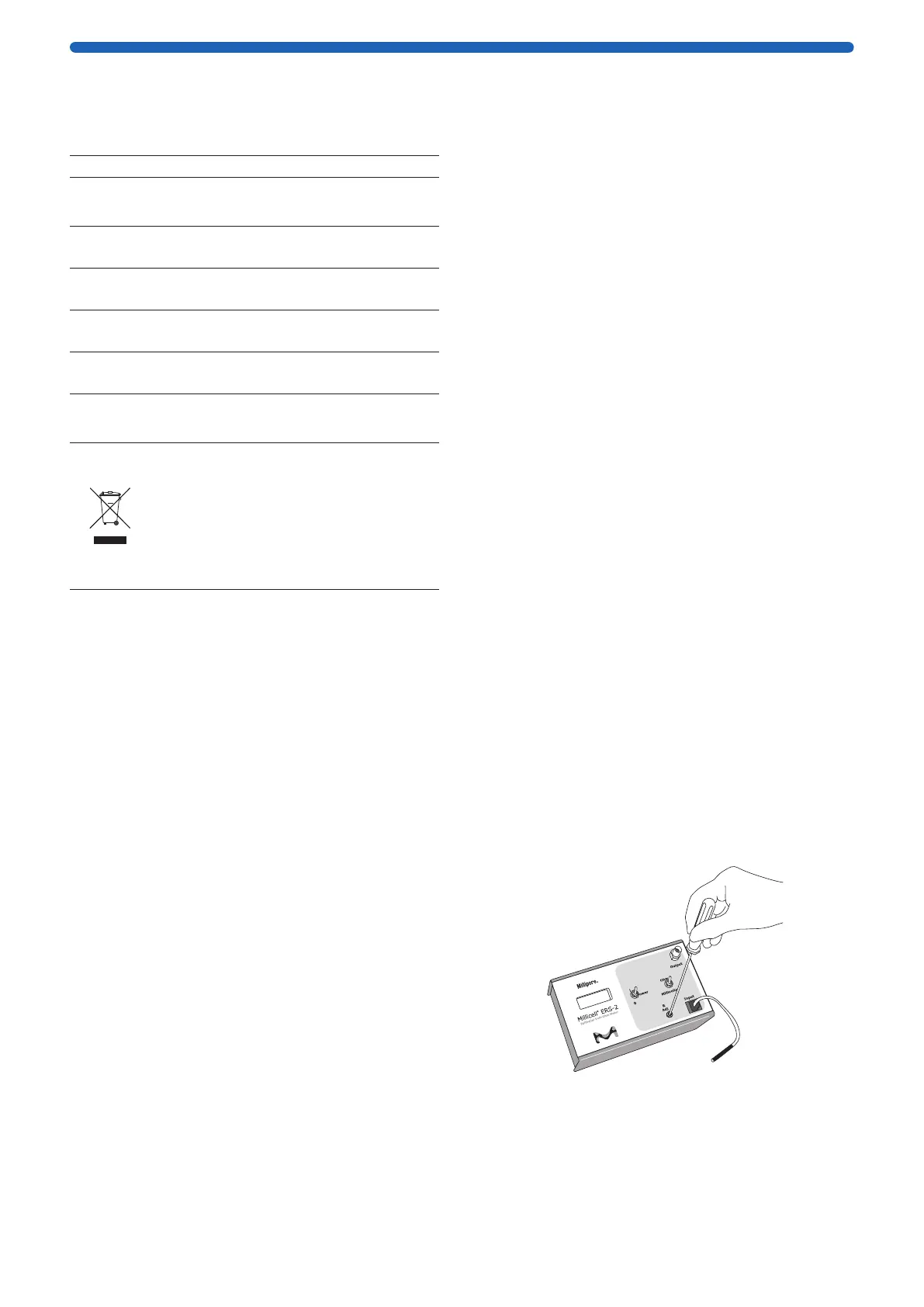
3. Turn the POWER switch On and set the MODE switch
to Ohms (Ω).
4. The meter should display 1000 Ω. If not, adjust
the R Adj screw with a small flathead screwdriver
(not included) until the meter shows a reading of
1000 Ω.
I
0 0 0




 To Next Page