Pellerin Milnor Corporation 47
Press the Terminate button to exit this procedure without changing any formulas.
2. Return to 8.: step 8, Part A., page 46
2.3.5.4 Restoring the Standard Formulas on Models Employing the
Milnor
®
E-P Plus
®
and E-P Express
®
Controller
BNCJUP02.T03 0000191347 C.2 D.2 B.3 1/2/20 1:16 PM Released
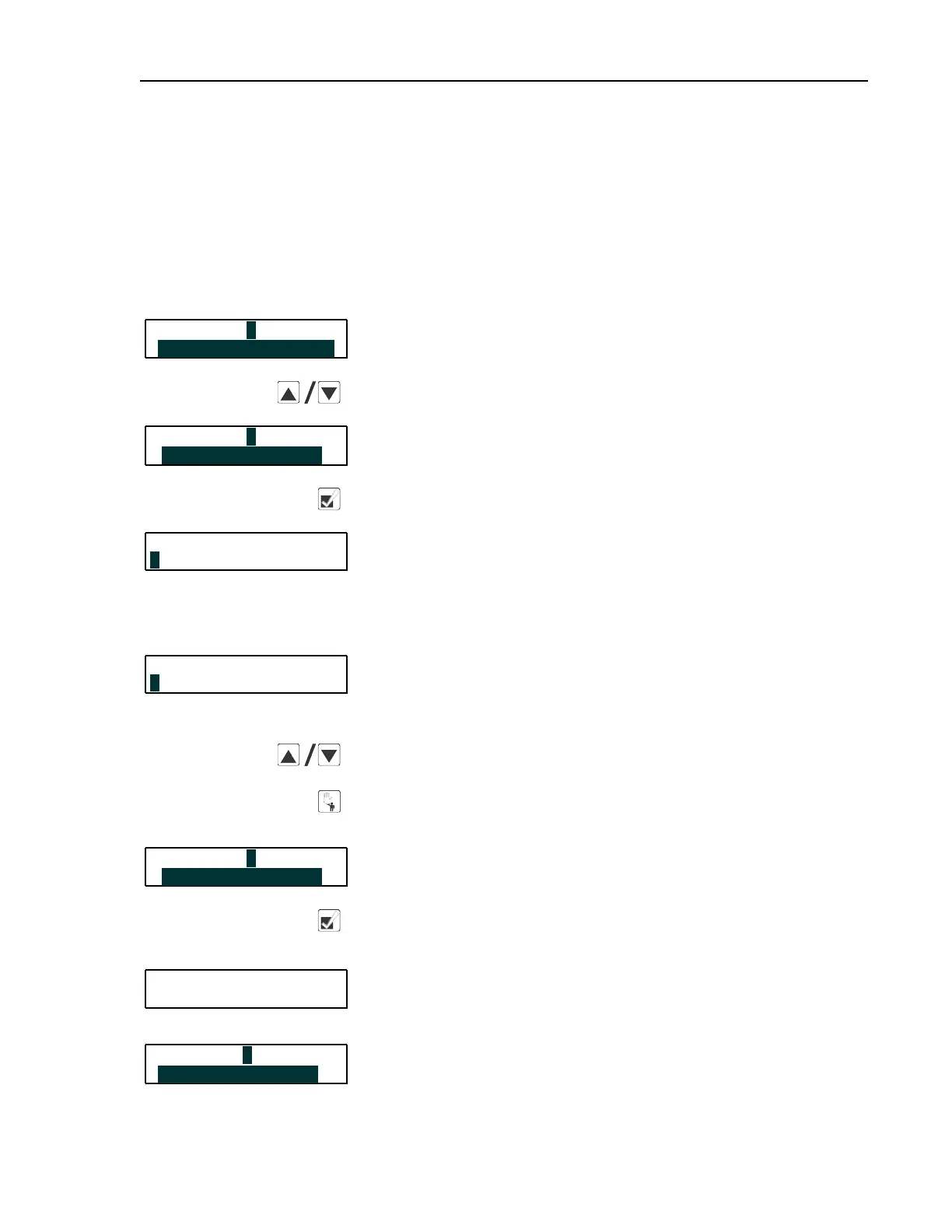
Display or Action Explanation
PROGRAM 0 MENU
This is Option 0 of the Program menu. From this display, either
return to Run mode or select another menu item.
OK TURN KEY TO RUN
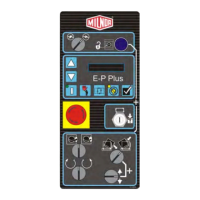
Scrolls available choices (0 through 3) in the Program menu.
PROGRAM 3 MENU
This is Option 3 of the Program menu.
STANDARD FORMULAS
Accesses the Standard Formulas option of the Program menu.
CORRECTIONAL LAUNDRY
Option 0 (Default 30 Formulas) of the Standard Formula menu
effectively deletes all 30 formulas, then replaces formulas 1
through 10 with the factory-supplied standard formulas for the
configured industry. Formulas 11 through 30 are replaced with
blank formulas.
0 DEFAULT 30 FORMULA
CORRECTIONAL LAUNDRY
Option 1 (Default 10 Formulas) deletes only formulas 1 through
10 and replaces them with the factory-supplied standard formulas
for the configured industry. Formulas 11 through 30 are not modi-
fied with this selection.
1 DEFAULT 10 FORMULA
Scrolls the available choices (0 Default 30 Formulas or 1 De-
fault 10 Formulas).
Cancels this procedure without changing or deleting any
formulas.
PROGRAM 3 MENU
If the procedure is cancelled, the display returns to Option 3 of
the Program menu.
STANDARD FORMULAS
From either option 0 or option 1, defaults the selected set of for-
mulas: 1 through 30, or 1 through 10.
CORRECTIONAL LAUNDRY
Appears for approximately five seconds as the standard formulas
are written to memory.
** PLEASE WAIT **
PROGRAM 3 MENU
Replaces the previous display when the process is completed.
STANDARD FORMULAS
Programming


 To Next Page