50
Pellerin Milnor Corporation
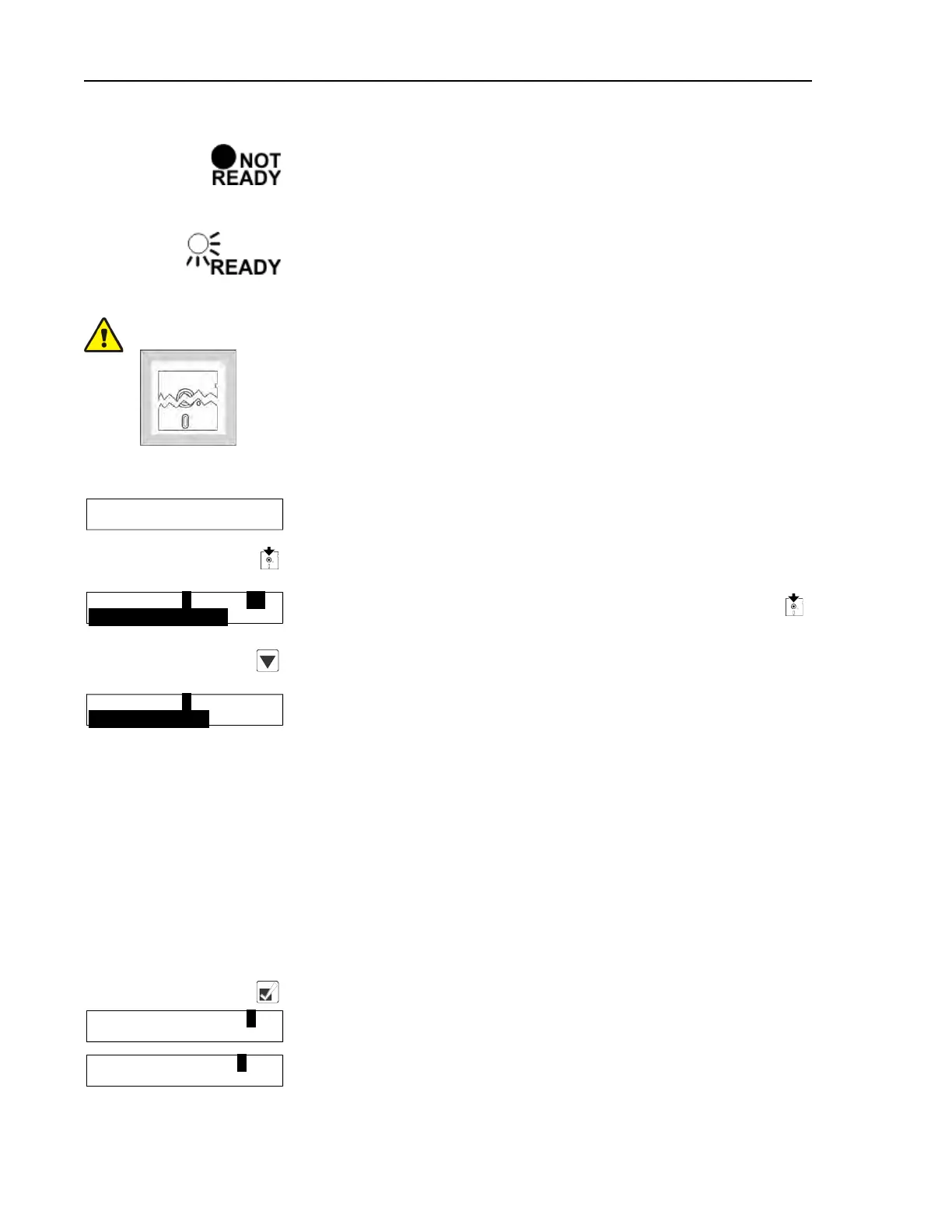
The Ready light on the storage device will remain off until the
clearing process is complete. The clearing process is fully auto-
matic and requires no user action beyond turning the key to Clear
Memory and returning it to the normal position.
When the Ready light comes on again (after about 45 seconds),
the storage device is ready to accept data from the machine
controller.
CAUTION: Ensure Data Integrity — Clear the memory storage device before saving
data to it.
� The memory storage device will hold all programming and configura-
tion data for one machine, and can be re-used many times. However, this
device will only accept new data when it's empty.
� Attempts to save data to a storage device that has not been cleared will
fail, even if the procedure appears successful.
Display or Action Explanation
RUN PROGRAM00 OK TO
POWER OFF
When the Run Program display appears, switch from Run mode
to Program mode.
Turn the Run/Program keyswitch on the machine controller(s)
from the Run position to the Program position.
PROGRAM 0 MENU OK
TURN KEY TO RUN
Controller display when the Run/Program keyswitch is set to
(Program position).
Scroll down in the Program menu to Data Transfer. If two ma-
chines are connected together, this is required at both machines.
PROGRAM 4 MENU
DATA TRANSFER
This is the Data Transfer menu selection. Follow the procedure
in 2.3.6.2: Saving Data from the Machine to the Storage Device
or a Second Machine, page 50 for making a copy of good data
from the machine controller. Refer to 2.3.6.3: Restoring Saved
Data to the Machine from the Storage Device or Another Ma-
chine, page 52 for instructions on restoring previously saved data
from the storage device (or another machine) to the machine con-
troller, as might be required after changing the processor board.
2.3.6.2 Saving Data from the Machine to the Storage Device or a
Second Machine
BNCJUP05.R02 0000195354 C.2 D.2 A.6 1/2/20 1:16 PM Released
Display or Action Explanation
Confirms selection and advances to the Data Transfer menu.
DOWN LOAD DEVICES0
MACHINE<==>MACHINE
This is the Data Download sub-menu. Select the desired type of
data transfer here.
DATA TRANSFER0
SLAVE
There are two selections available in the Data Transfer menu: 0=
Slave and 1=Master.
Programming


 To Next Page