Pellerin Milnor Corporation 41
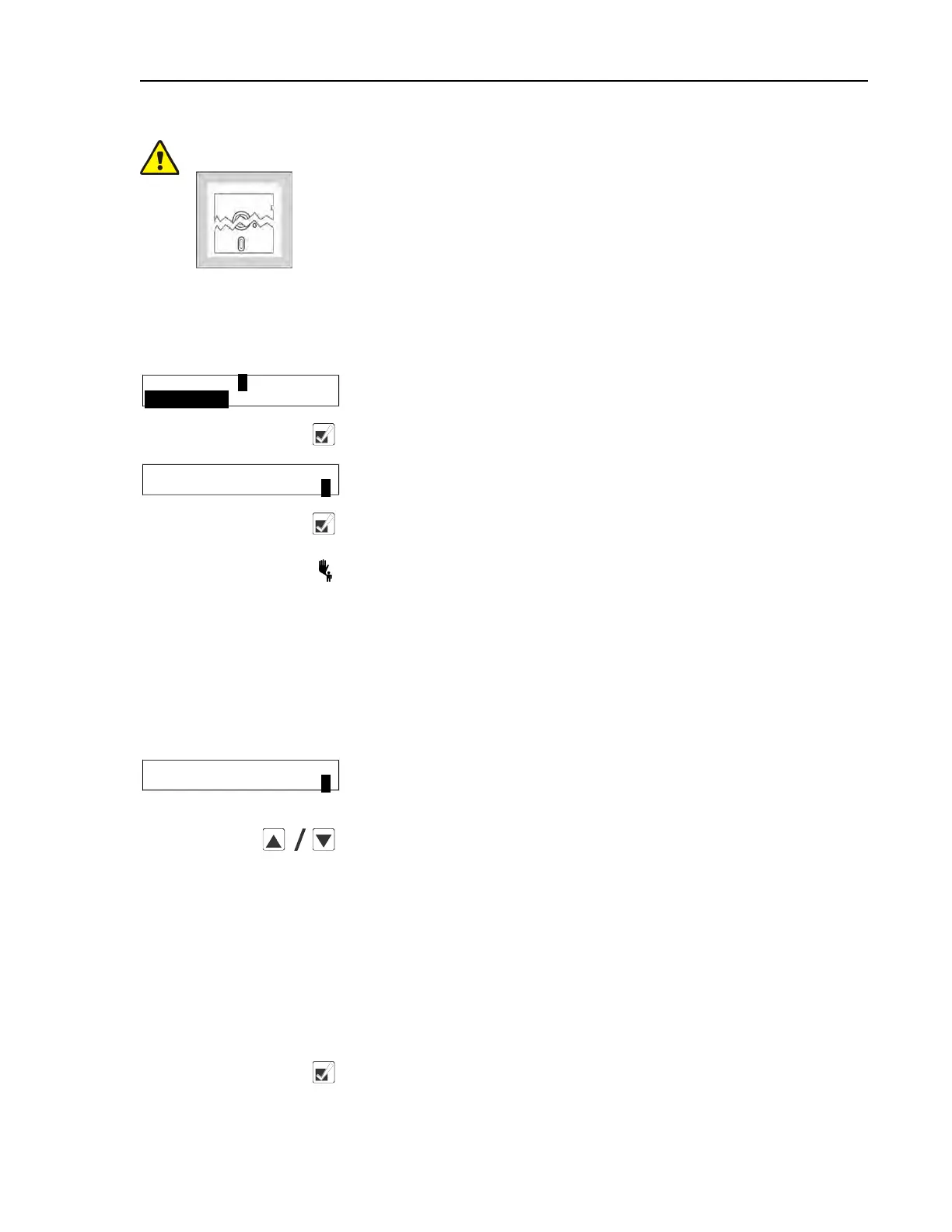
CAUTION:
Configure Data may be Lost — If the controller loses power either acci-
dentally or intentionally while in the Configure mode, all configuration
data may be corrupted. Reconfigure the controller at installation and any
time a memory error is detected. Although certain codes are discretionary
and are so indicated below, most configure codes must match those shown
on the metal configuration nameplate unless optional equipment has been
added to or removed from the machine.
2.3.4.1 Moving Forward and Backward in Configure
BNCJUP04.R01 0000192241 C.2 D.2 B.3 1/2/20 1:16 PM Released
Display or Action Explanation
PROGRAM 2 MENU
CONFIGURE
This display indicates that the controller is in Program mode
with the Configure menu selected for access.
Access the Configure menu and displays the first configuration
decision.
LANGUAGE ?
0=ENGLISH 0
The language option that appears here may vary according to how
the controller was last configured.
Accepts the displayed selection and automatically advances to the
next configure decision.
Accepts the displayed selection and reverts to the previous config-
ure decision. In certain cases earlier decisions will affect later
ones. For example, configuring for no temperature control will au-
tomatically configure the controller for no steam, even if temper-
ature control is later configured.
2.3.4.2 The Configure Decisions
BNCJUP04.R02 0000192240 C.2 D.2 D.4 10/21/20 3:30 PM Released
Display or Action Explanation
LANGUAGE ?
0=ENGLISH 0
Display of Language configuration decision. The language chos-
en here controls all programming and operational prompts on the
machine display.
Scrolls the available languages, listed below.
0 = English
1 = Spanish
2 = French
3 = German
4 = Dutch
5 = Italian
6 = Portuguese
Accepts the selected value for the current decision and advances
the cursor to the next decision, regardless of the status of the help
screen. This action is required for each configuration decision.
Programming


 To Next Page