62
Pellerin Milnor Corporation
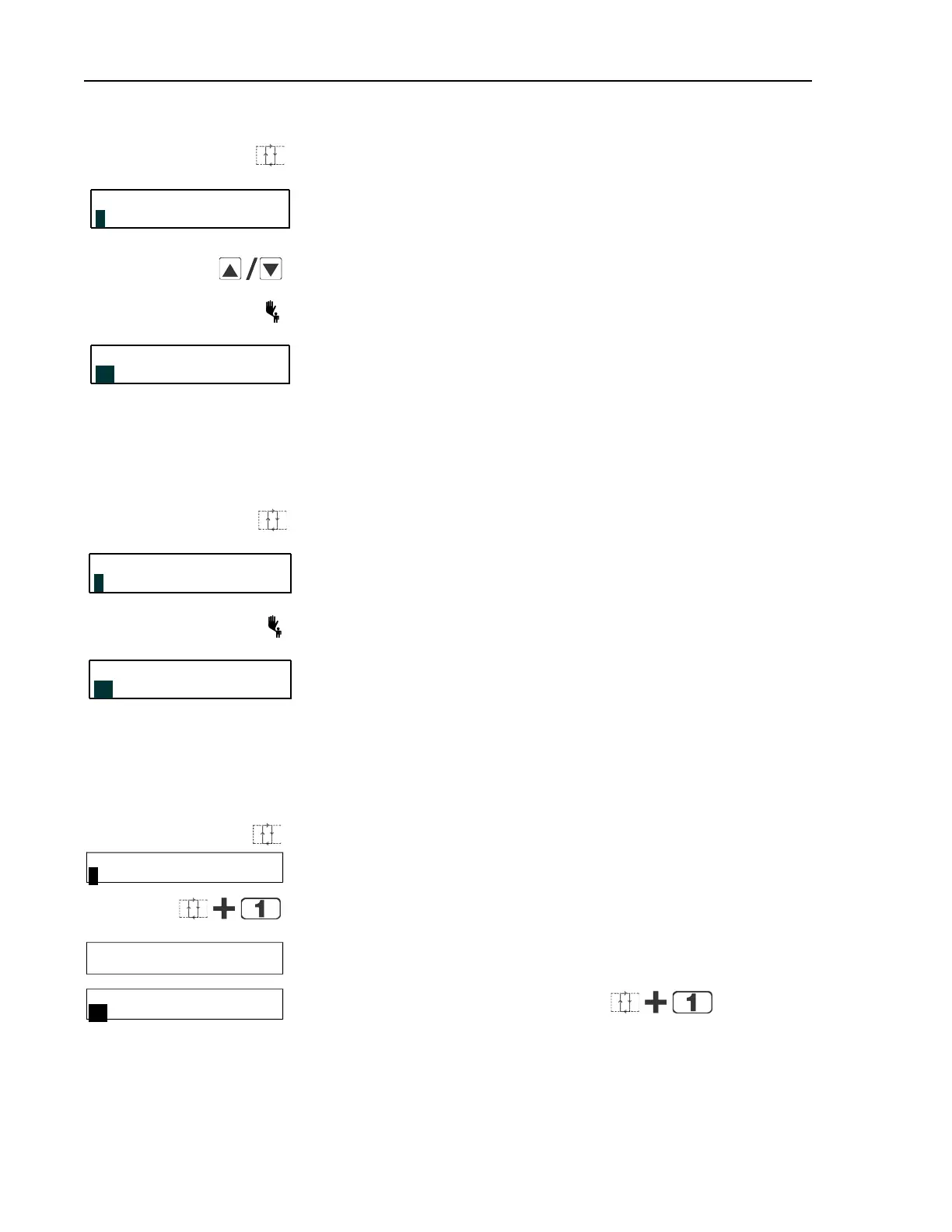
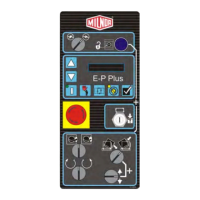
Accesses the Manual menu.
MANUAL MENU
Reverse type indicates blinking cursor position. Select one of the
Manual menu modes or return to the Run mode, as described
below.
1 SOFTWARE DATE CODE
Scrolls forward/backward through the available modes of the
Manual menu.
Returns to the Run mode.
RUN FORMULA
Run mode selected; control is awaiting selection of a valid for-
mula number. The formula number that was selected when the
Manual menu was accessed appears on the display.
00 OK TO POWER OFF
4.1.1.3 How to Return to the Run Mode from the Manual Menu
BNCJHT01.R02 0000190749 C.2 F.3 A.9 1/2/20 1:16 PM Released
Display or Action Explanation
Enters the Manual menu from Run mode.
MANUAL MENU
This is the Manual menu display.
1 SOFTWARE DATE CODE
Exits the Manual menu to the Run mode.
RUN FORMULA
This is the Run mode display. Select a formula to run, or turn off
machine power.
00 OK TO POWER OFF
4.1.2 Determining the Software Version
BNCJHT01.R03 0000190748 C.2 F.3 B.3 1/2/20 1:16 PM Released
Display or Action Explanation
Accesses the Manual menu.
MANUAL MENU
1 SOFTWARE DATE CODE
Manual menu accessed and Software date code mode selected.
Hold both buttons depressed to view the software date code and
machine configuration information, as shown below.
EP-PLUS/H7J 97005
RESTAURANTS LAUNDRY
Machine style (H7J), software date code (97005) and configura-
tion (Restaurants Laundry).
RUN FORMULA
xx FORMULA NUMBER xx
Run mode display is restored when the button com-
bination is released.
Troubleshooting


 To Next Page