4. Press the key “Recipes” or the key “Machine Data”, depending on which parameters’ list one needs to import.
The machine scans the file and, if it is correct, start the import procedure, overwriting the contents of the
machine memory. If any mistake is detected in the selected file, the procedure is interrupted and an error
signal will appear.
5. Exit the page and remove the USB flash drive.
Restoring the programs from the flash drive returns the Programs list to when the data on the
flash drive was last saved.
All modifications made after this will be lost and will not be recoverable.
6.9. WARNINGS ON PROGRAMMING
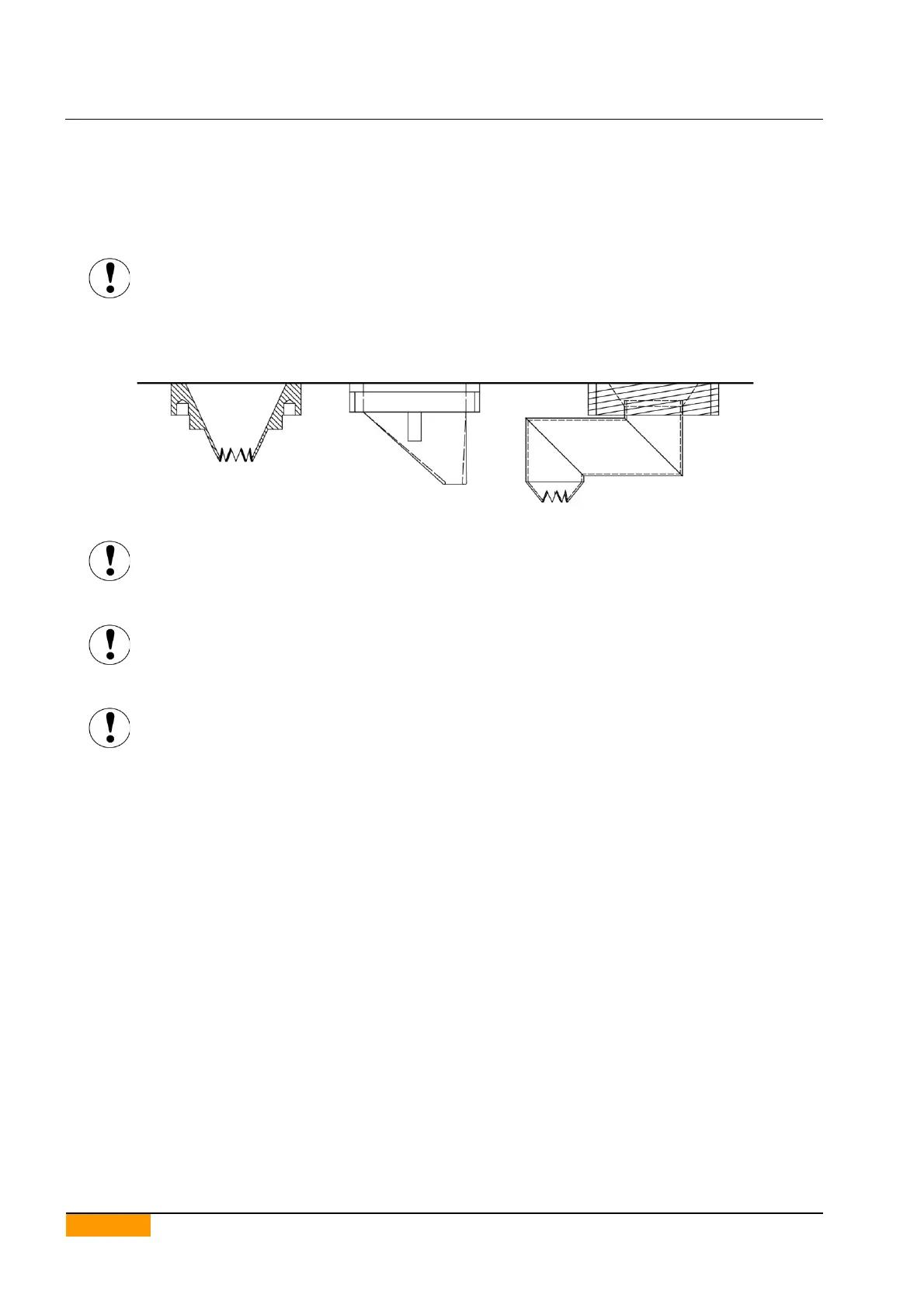
The Conveyor distance parameter may not represent the real distance between the nozzles
and the tray because of the type of nozzles used.
Before starting production, make sure that the set value does not cause the nozzles and the
tray to collide.
Before starting production, make sure that the Initial Space parameter makes it possible to
have the correct distance between the nozzles and the tray edge, above all if the nozzles used
are of the off-centre type.
MIMAC ITALIA is not liable for any damage caused by incorrect machine programming.


 To Next Page