25
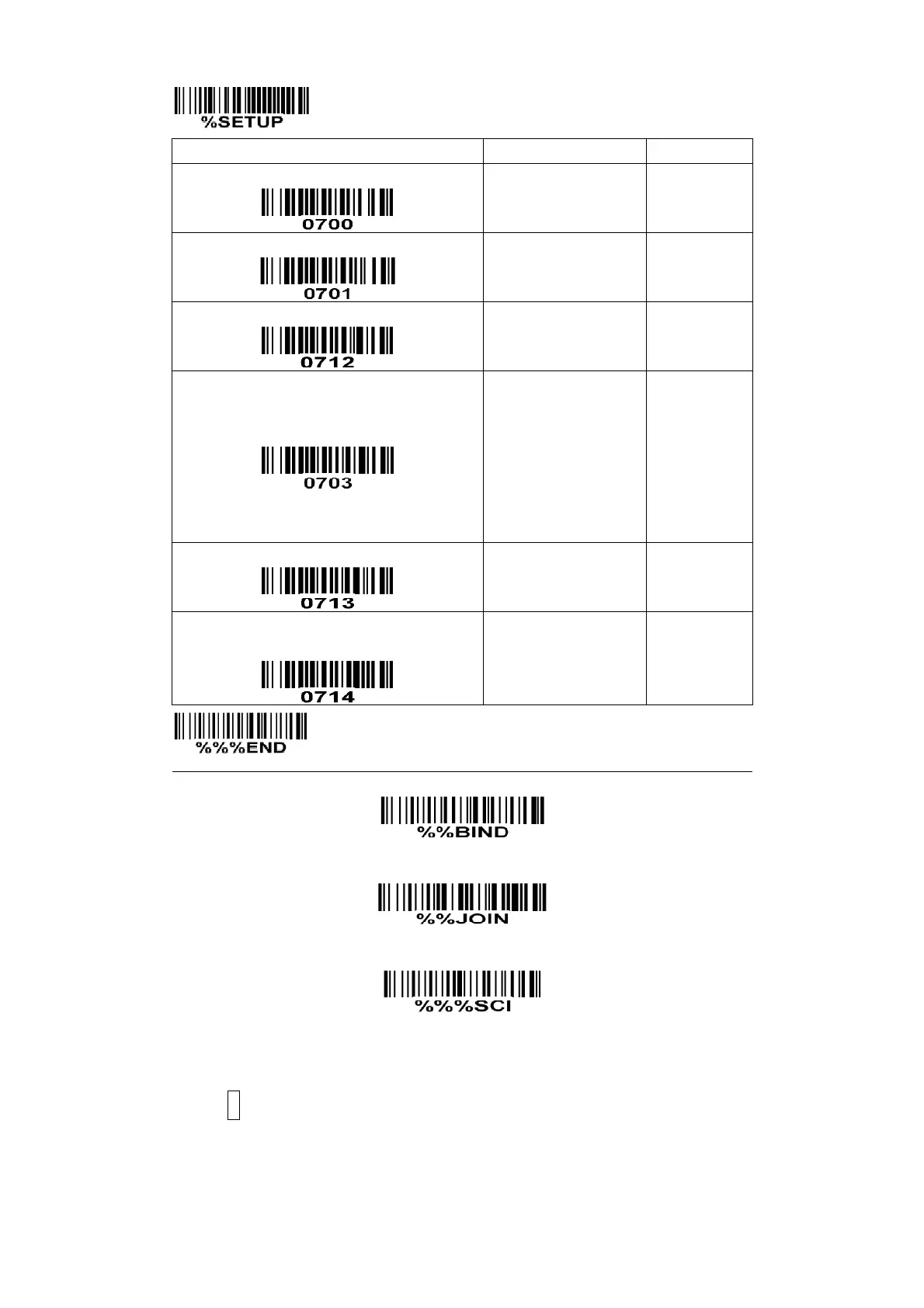
Wireless network topology for handheld unit
Handheld unit RF channel No.
Radio power level for handheld unit
7dbm
5dbm
0dbm
-5dbm
-10dbm
-15dbm
Interval for radio communication
Inform the result of wired transmission for
handheld unit
Show channel information of handheld unit※
Note: The settings indicated with (※) are valid only when the cradle is in upgrade ready mode.
Cradle entering upgrade ready mode
Keep pressing the S button on the cradle, until the blue LED is flashing. Then three LEDs will all be
turned ON, this indicates the cradle being upgrade ready mode.



 To Next Page