82
16 Display firmware version & radio communication setting
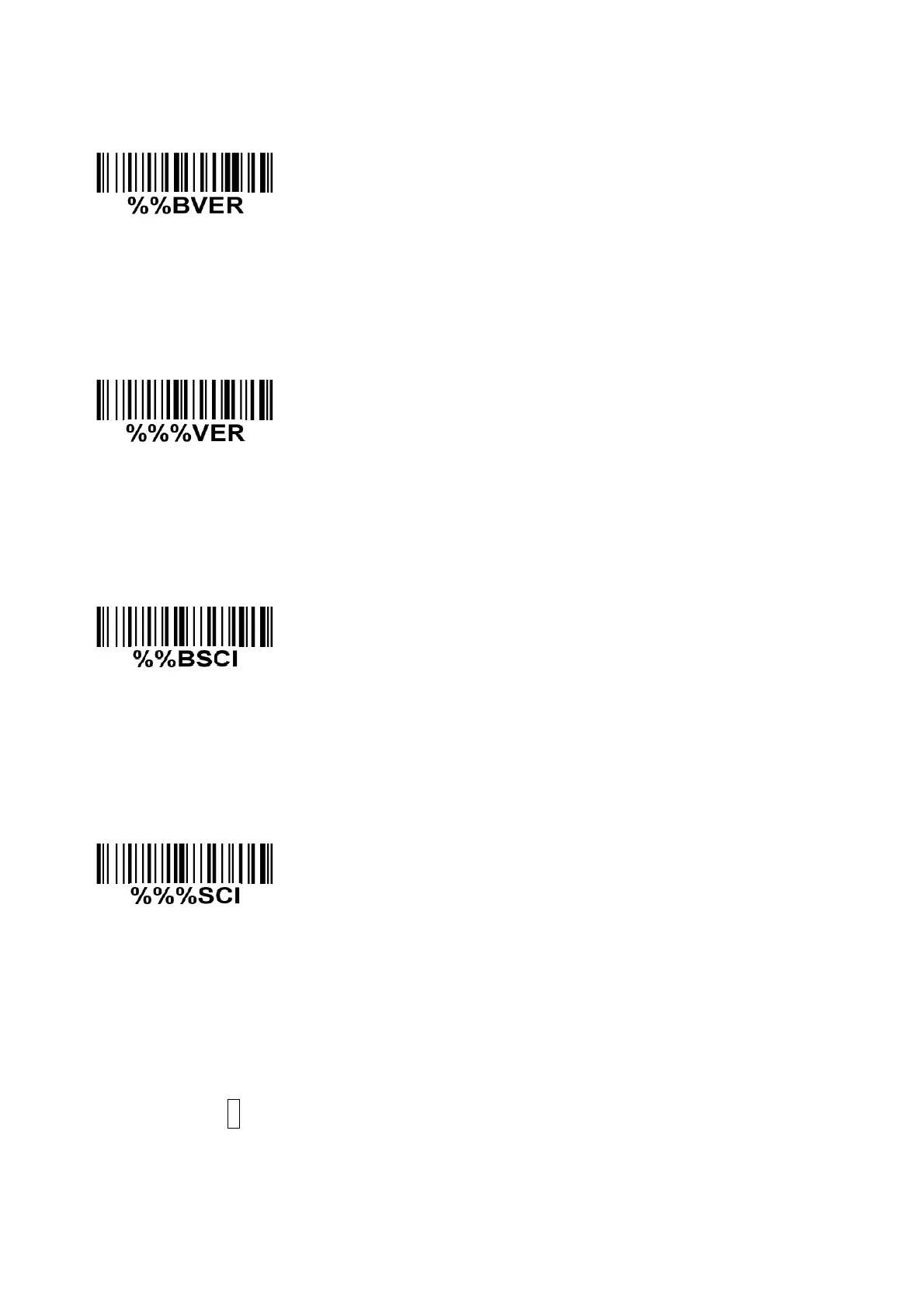
Cradle firmware version display
If you wish to display the firmware version of the cradle, please scan
the barcode above.
Handheld unit firmware version display
If you wish to display the firmware version of the handheld unit, please
scan the barcode above.
Cradle radio communication setting display※
If you wish to display the radio communication setting of the cradle,
please scan the barcode above.
Handheld unit radio communication setting display※
If you wish to display the radio communication setting of the handheld
unit, please scan the barcode above.
Note: The settings indicated with (※) are valid only when the cradle is in upgrade ready mode.
Cradle entering upgrade ready mode
Keep pressing the S button on the cradle, until the blue LED is flashing. Then three LEDs will all be
turned ON, this indicates the cradle being upgrade ready mode.



 To Next Page