EasyManua.ls Logo

Mindeo CS3290 - 11 Troubleshooting Guide

Mindeo CS3290
96 pages
Print Icon
To Next Page IconTo Next Page
To Previous Page IconTo Previous Page
Loading...
65
SETUP
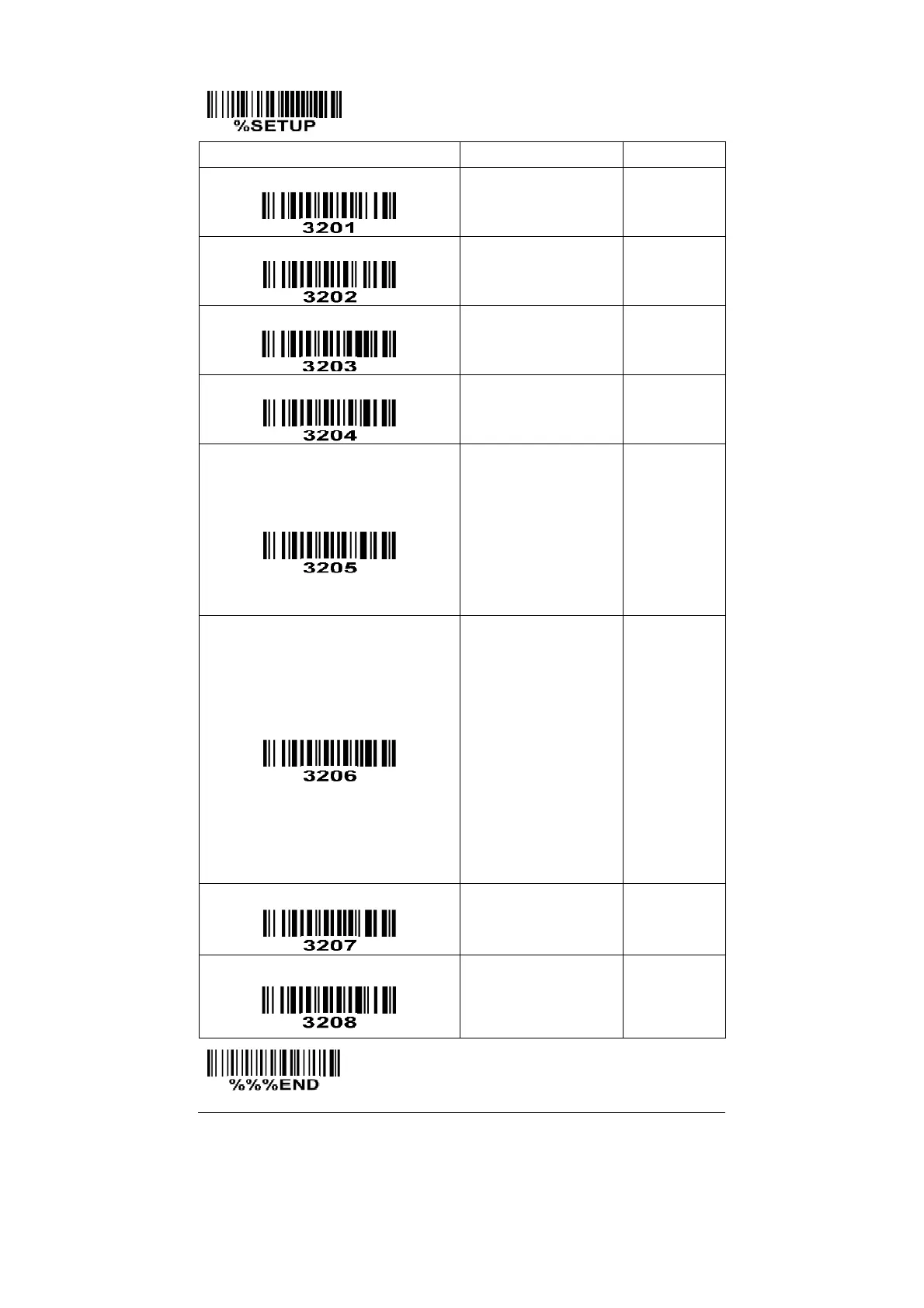
Option bar code
Option
Alpha. entry
Read
Disable
Enable
00
01*
Max. code length
00-99
00-99
10*
Min. code length
00-99
00-99
10*
Check digit verification
Disable
Reserved
00*
01
Leading character 5/6/7/8/9
converted to A/B/C/D/E
Disable
Enable
Only 5 converted to A
Only 6 converted to B
Only 7 converted to C
Only 8 converted to D
Only 9 converted to E
00
01*
02
03
04
05
06
Leading character assignment
Disable
Assigned to 0
Assigned to 5(A)
Assigned to 6(B)
Assigned to 7(C)
Assigned to 8(D)
Assigned to 9(E)
Assigned to 1
Assigned to 2
Assigned to 3
Assigned to 4
00
01*
02
03
04
05
06
07
08
09
10
Code ID setting
00-FF
16
(ASCII)
00-FF
16
<Y>*
Insert group selection
00-66
00-66
00*
END

Table of Contents

Other manuals for Mindeo CS3290

Related product manuals