12
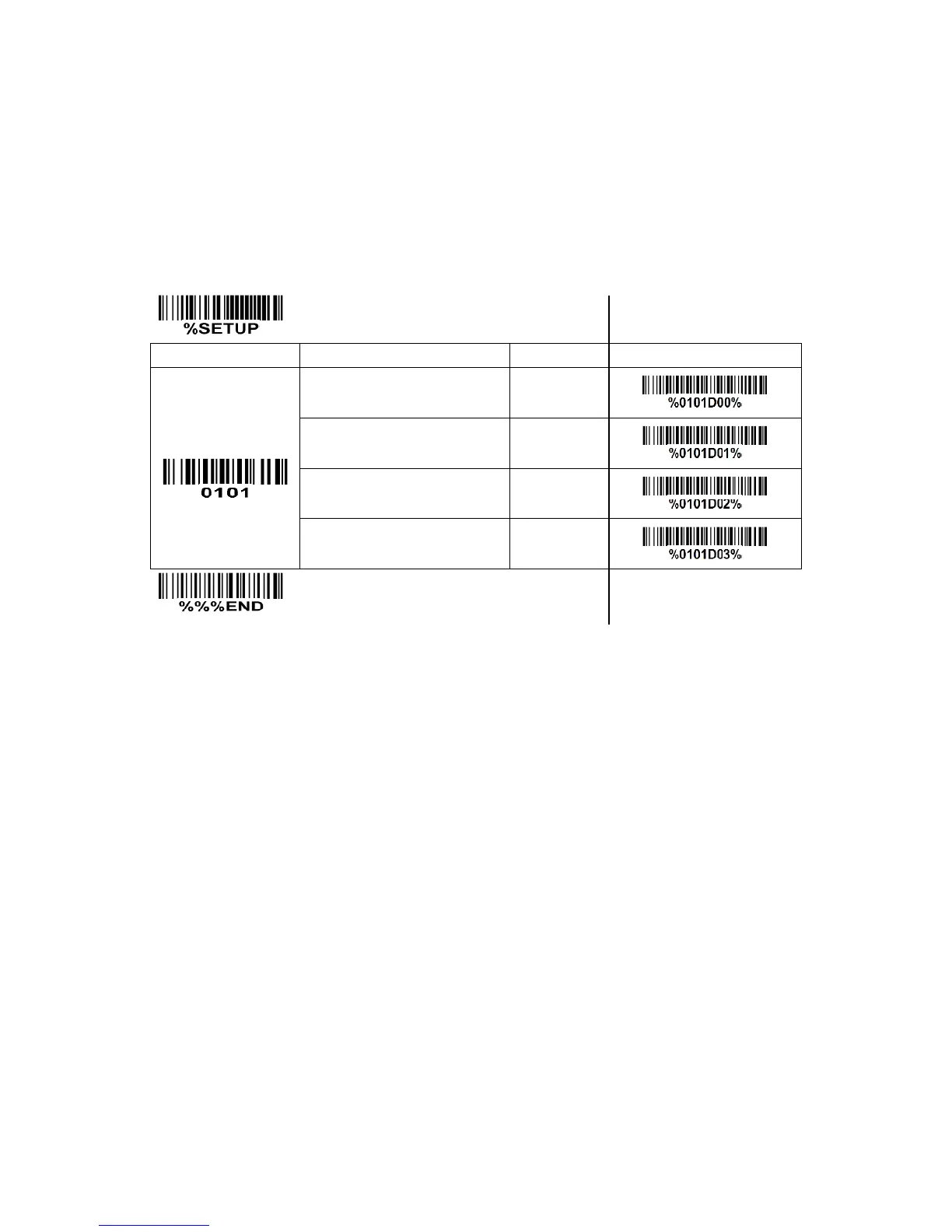
3-3 Interface selection
This scanner supports interfaces such as keyboard wedge, RS-232 serial wedge, and USB interface. In
most of the cases, simply selecting an appropriate cable provided by the manufacturer will work for a
specific interface.
Interface selection:
Auto detection-By setting this function, the scanner will automatically detect the keyboard wedge,
RS-232 or USB interface for user.



 To Next Page